
Contact information templates help collect and confirm communication details for a specific person or business relationship. Choose fields for the actual purpose, record preferred contact routes and identify when information was last checked. A concise current record is more useful than an extensive form nobody maintains.
A company introduction email can establish a business contact, a business introduction letter can explain the relationship and a while-you-were-out message can preserve an individual contact event. Update standing details only after confirmation rather than copying every unverified message into the directory.
This page now includes two original downloads: Personal Contact Information Record and Business Contact Handover Sheet. Choose the Personal Contact Information Record for one person’s routes and preferences. Choose the Business Contact Handover Sheet to transfer an account contact, responsibilities, and open context between colleagues.
The new files appear first with previews and clearly labeled download buttons. The original gallery and its resource examples follow the practical guide; descriptions of the older collection refer to that original gallery. The new PDFs have fillable fields; save a local copy, open it in a compatible PDF viewer, and review the saved result before printing or sharing.
Use this page to define and update an individual contact record. A contact list is more suitable for a directory of several people. When a particular call needs follow-up, a phone message form records the event rather than changing the person’s standing contact details based on an unconfirmed message.
Two new templates to download
Choose the Personal Contact Information Record for one person’s routes and preferences. Choose the Business Contact Handover Sheet to transfer an account contact, responsibilities, and open context between colleagues.
Personal Contact Information Record
Keep one person’s contact details and permitted communication preferences.
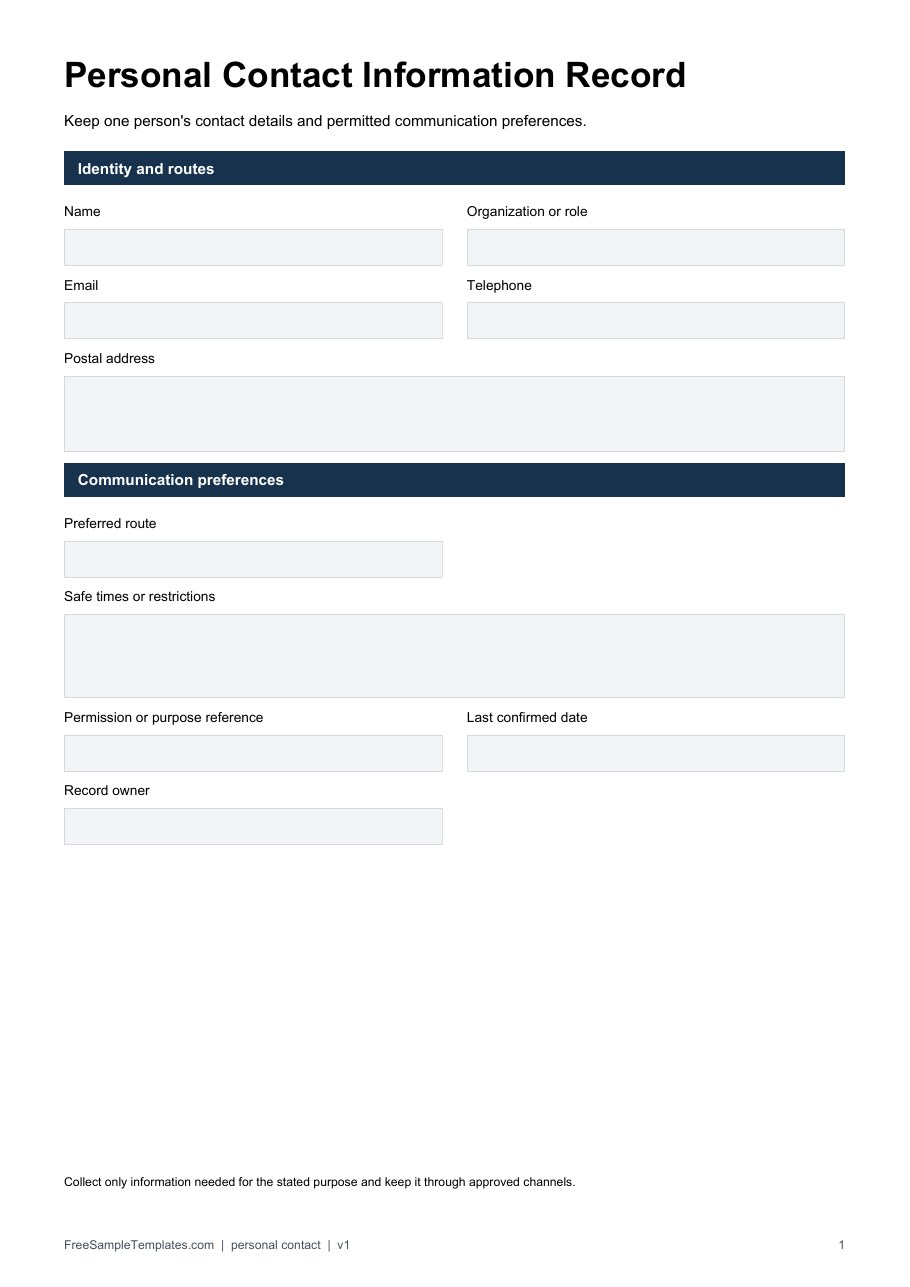
Download Personal Contact Information Record (PDF)
Business Contact Handover Sheet
Transfer an account contact and responsibilities between colleagues.
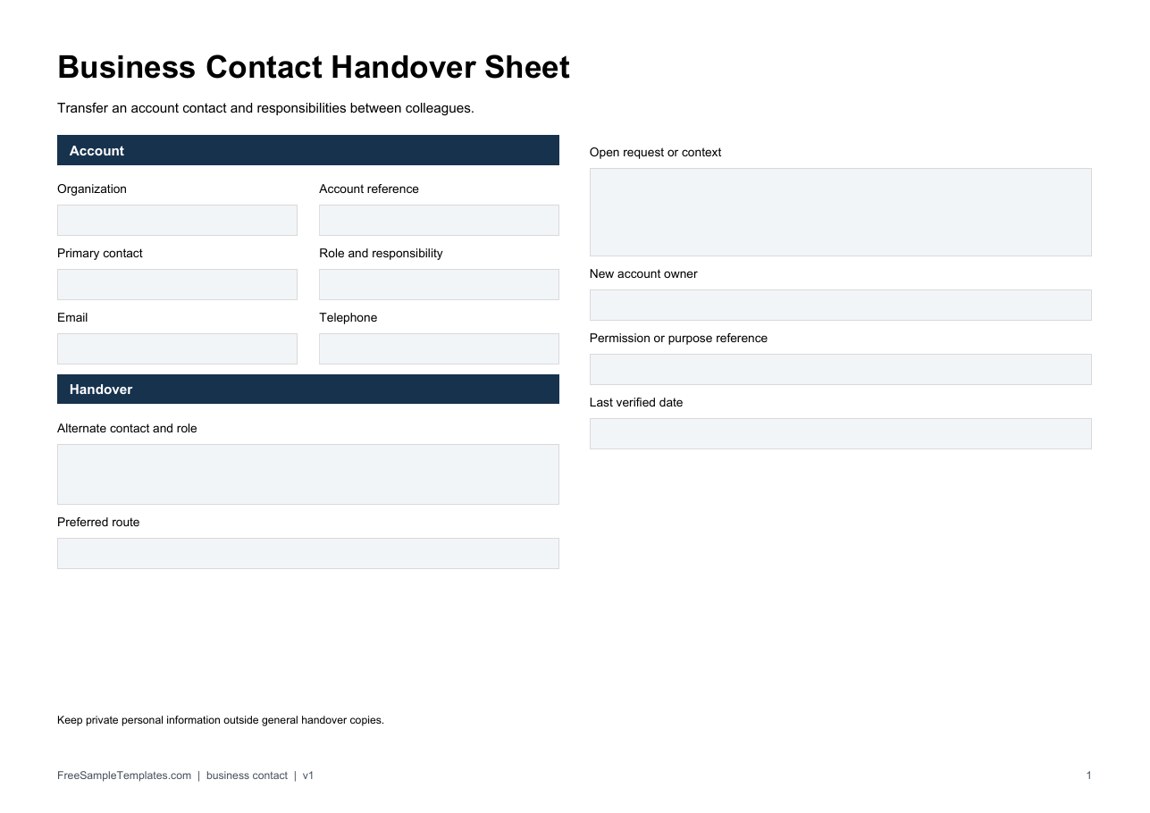
Download Business Contact Handover Sheet (PDF)
How to use the new downloads
Complete only the fields needed for the record’s purpose. The personal form includes preferred routes, safe times, a purpose or permission reference, and a last-confirmed date. The handover form identifies the contact’s business role, alternate route, new account owner, and open request so a colleague understands why the contact matters.
For a fictional account handover, the billing contact and technical contact may be different people. State those roles rather than placing two unlabeled addresses in one box. Confirm changes through the organization’s approved process and replace outdated working copies. A filled PDF is a record, not a synchronized directory or an automatic contact-update system.
What Is a Contact Information Template?
A contact information template is a reusable document for recording essential details about individuals or organizations. Depending on its purpose, it can include names, telephone numbers, email addresses, physical addresses, company information, emergency contacts, and other relevant details.
A contact information sheet is particularly useful when several contacts need to be recorded in one place. Rather than keeping information scattered across notebooks, emails, or separate documents, a structured contact list makes important information easier to find.
Free Contact Info Templates
These free contact info templates include several formats, including an emergency contact information form, contact information form sample, contact info sheet, contact info sample, and blank contact information sheet. This variety makes the collection useful for both everyday contact management and specific situations where quick access to contact details is important.
A blank contact information sheet can be customized with the fields you need, while an existing contact information sample can provide ideas for organizing names and contact details.
Emergency Contact Information Form
An emergency contact form is one of the most useful types of contact information documents. It can be used to record the names and telephone numbers of family members, relatives, guardians, medical contacts, or other people who should be contacted during an emergency.
Businesses, schools, childcare providers, organizations, and households may all benefit from maintaining an updated emergency contact list. Review the information periodically because telephone numbers and addresses can change.
Employee and Business Contact Information
Businesses can use an employee contact information template to maintain essential contact details for staff members. Depending on company requirements, the document may include an employee’s name, phone number, email address, department, position, and emergency contact information.
A centralized business contact list can make internal communication easier and provide a quick reference when employees need to contact colleagues, customers, suppliers, or other professional contacts.
Editable and Printable Contact Information Sheet
An editable contact information template can be customized in Microsoft Word or another compatible application. You can add your organization name, logo, headings, and fields that are specific to your needs.
A printable contact information sheet is useful for offices, schools, households, reception areas, and emergency files. Keep printed copies in a location appropriate for authorized users and replace them when contact details change.
Using a standardized contact information form provides a simple way to keep important information organized without relying on memory or searching through multiple sources.
Choose fields for the actual purpose
A supplier contact record might need the organization name, person’s role, work telephone number, work email address, and the reason to contact them. A household emergency contact record has a different purpose and may need the chosen contact’s name, relationship, telephone number, and an alternate route. Do not combine those two purposes into one broad form just because both involve a phone number.
Identify the record owner and the person supplying the information. For an employee contact form, the employee can provide their details through the organization’s approved process, while an administrator reviews and updates the maintained record. A note supplied by another person should not automatically replace a confirmed number. Record the source and ask for clarification where the change is uncertain.
Label each telephone field by its intended use, such as work number or preferred callback number, and include a country code when needed for the actual contact route. Distinguish an extension from the main number. A sequence of digits without those labels can be difficult to use when someone outside the office needs to call.
For email, use a field label that tells the person whether a work address or another contact address is required. Avoid asking for extra addresses without a defined purpose. A physical address should likewise be requested only when it is relevant to the process, rather than included automatically because another sample contains the field.
Keep contact preferences clear
A preferred route helps staff choose an appropriate first attempt, but does not guarantee that the person is available. Record any relevant contact hours or time zone only when they matter to the process. Separate a preference from a promise: “email preferred” is not the same as an agreement to respond within a set time.
An alternate contact needs its own identity and purpose. If a department uses a shared service address, label it as a team route rather than presenting it as an individual’s mailbox. If a named person leaves the role, a team contact may remain useful, but it should not be treated as confirmation that the former person still works there.
For emergency contacts, follow the organization’s established collection and review process. A contact sheet does not replace emergency procedures, establish someone’s availability, or grant permission to make decisions on another person’s behalf. Keep the form focused on reaching the relevant person, and avoid expanding it into medical or legal instructions that the layout cannot support.
Fictional example: updating a supplier contact
Imagine a fictional office purchasing team maintaining a record for Meadow Supply. The named contact is the account coordinator, the route is the supplier’s shared ordering mailbox, and the record includes a last-confirmed date and the staff member who maintains it. The directory also records that billing questions go to a different department. This separation prevents a routine ordering question from being sent to the wrong team.
The coordinator later reports a new direct telephone number through the team’s approved update route. Staff check the update, replace the current number in the maintained record, and record the confirmation date. They identify any printed copies that need replacement. A note in a single inbox is not enough if reception continues using an old paper sheet.
If a colleague reports that the person has left but no replacement is confirmed, staff label the contact as awaiting review and use the established organization route. They do not invent a new person’s name or copy a number from an unrelated message. The purpose of the status is to show the uncertainty clearly while someone resolves it.
The details here are fictional; no real contact addresses or telephone numbers are supplied. For a real record, enter verified information from the appropriate source and keep the scope narrow. A record that is smaller but current is often more useful than a long directory containing several unconfirmed routes.
Maintain one current record and controlled copies
Give the maintained sheet a review date or version where your process needs one. Identify who can update it and how a person requests a correction. If staff keep working copies, tell them where the current version is located and when printed copies should be replaced. Multiple copies without ownership can leave an old number in use long after the main record changes.
Keep personal contact information accessible to authorized users for its intended purpose. A shared workplace directory and a restricted emergency contact record do not necessarily have the same audience. Avoid displaying private information on a public reception desk or including unrelated personal details in a general team sheet.
When a change affects a recurring meeting, service call, or follow-up task, update the related communication plan as needed. A to-do list can assign the review or replacement of a printed contact sheet, but should refer to the record rather than duplicate private details into another broad document. The task can state what needs updating and who owns it.
Before reusing a blank master, remove prior names, signatures, telephone numbers, and other completed information. Keep field instructions and labels. If you adapt an organization-specific PDF, remove unrelated instructions from your own new master rather than implying affiliation with the original organization. Preserve the source file separately as the reference resource.
Get Contact Info Templates Here
Emergency Contact Info Form
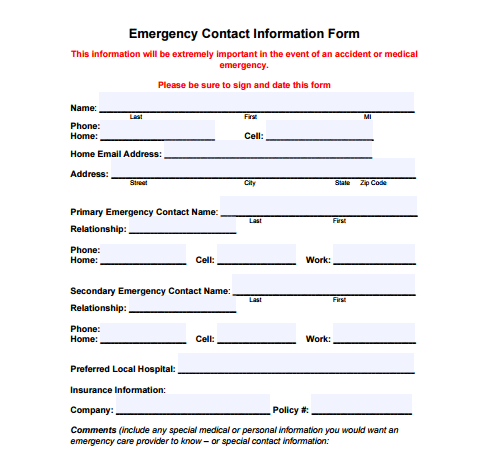

Contact Information Form Sample
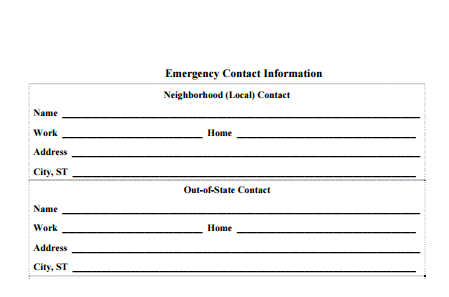
Contact Info Sheet
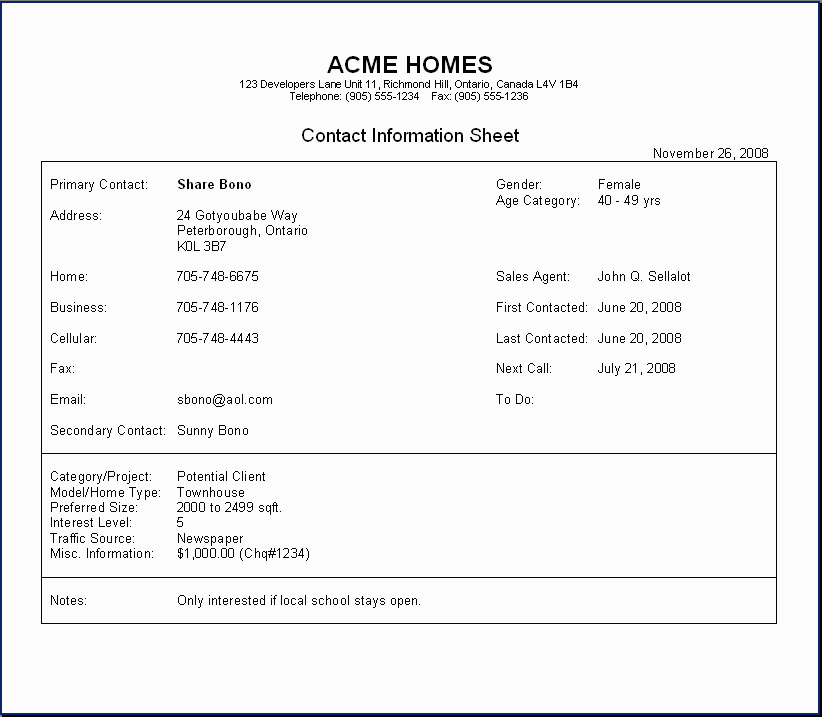
Contact Info Sample
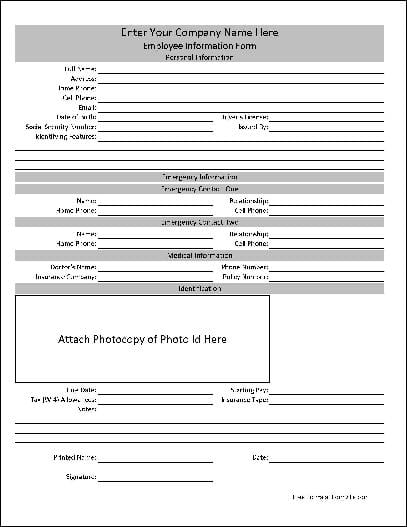
Blank Contact Information Sheet
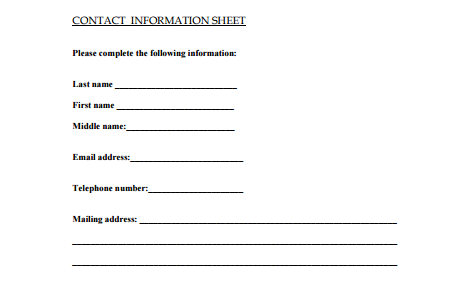
Frequently Asked Questions
What formats are the two new downloads?
The two new files are fillable PDFs with different purposes and matching previews. Open them in a compatible PDF viewer, complete the fields and save your copy. They are not DOCX files, and numerical PDF fields do not calculate totals automatically. The original gallery has its own mixed resources and formats.
How is a contact form different from a contact list?
A form collects or updates details for a particular person or organization. A list presents several maintained contacts as a directory. Choose the structure that fits the task.
Should I include every field from a sample?
Include only fields needed for the actual purpose. Work contact details, emergency contacts, and private addresses should not automatically be combined into one broadly shared record.
Can I replace a number after someone mentions a change?
Use the approved confirmation and update process. Record uncertain information for review rather than treating an unverified message as a confirmed replacement.
What does the last-confirmed date mean?
It records when the details were checked through the intended process. It does not guarantee the person will remain available or that a number can never change.
Where should printed sheets be kept?
Choose a location accessible to the authorized people who need the information. A private emergency contact record may need a different audience from a general workplace directory.
Does an emergency contact sheet replace emergency procedures?
No. It supplies contact details for use within the established process. It does not grant decision-making authority, establish availability, or provide medical instructions.
What should I do with old printed copies?
Identify and replace them according to the organization’s process when details change. Keep the maintained record and its owner clear so users know which information is current.

