
A work order template is a practical document used by businesses, contractors, technicians, maintenance teams, and service providers to organize and authorize work that needs to be completed. It provides a clear record of the requested job, customer information, materials, labor, costs, deadlines, and completion details. Instead of creating a new work order from scratch for every job, you can use a ready-made work order form template and customize it according to your business requirements.
A work order may also be called a job order, service order, work ticket, service ticket, or work request form. Although the terminology can vary between industries, the purpose is generally similar: to communicate what work needs to be performed, who requested it, where it should be completed, and what resources may be required.
The five free work order templates provided on this page can help businesses create organized records for different types of jobs. You can use these templates as a starting point, add your company information, enter customer and job details, and customize the document before printing or sending it electronically.
What Is a Work Order?
A work order is a written instruction or authorization for a particular job or service. It connects the customer or person requesting the work with the employee, technician, contractor, or service provider responsible for completing it.
For example, a property manager may create a maintenance work order when a tenant reports a plumbing problem. A construction company may use a work order to document a specific task at a job site. An appliance repair business can use a service work order to record the customer’s complaint, required repair, parts used, technician hours, and final charges.
A well-organized work order form helps ensure that important job information is recorded before work begins.
What Information Should a Work Order Include?
The exact information depends on the type of business and the job, but a useful work order commonly contains:
- Work order or job number
- Date the order was created
- Customer or client name
- Customer contact information
- Company or service provider information
- Job location
- Description of work requested
- Assigned employee or technician
- Start date and expected completion date
- Materials or parts required
- Quantity of materials
- Labor hours
- Labor rate
- Material and service costs
- Taxes and additional charges
- Total estimated or actual cost
- Customer instructions
- Special notes or comments
- Approval or authorization
- Completion information
- Customer or technician signature
Including these details makes the document more useful as both a job tracking form and a record of completed work.
Free Work Order Templates for Business Use
These templates can be adapted for many industries. A contractor can use one for a construction job, while a maintenance company can modify it for repair requests. A cleaning company, electrician, plumber, HVAC technician, mechanic, IT service provider, or property management company can also use a work order to organize service requests.
The templates are particularly useful for small businesses that want a professional work order form without spending time designing one from the beginning.
Sample Work Order Template
The sample work order provides a straightforward starting point for documenting a service or job request. You can enter the customer’s information, describe the requested work, list materials or services, and record associated costs.
A sample is also useful when you are creating a work order system for the first time because it gives you an idea of the information that should be recorded for each job.
Work Order Example
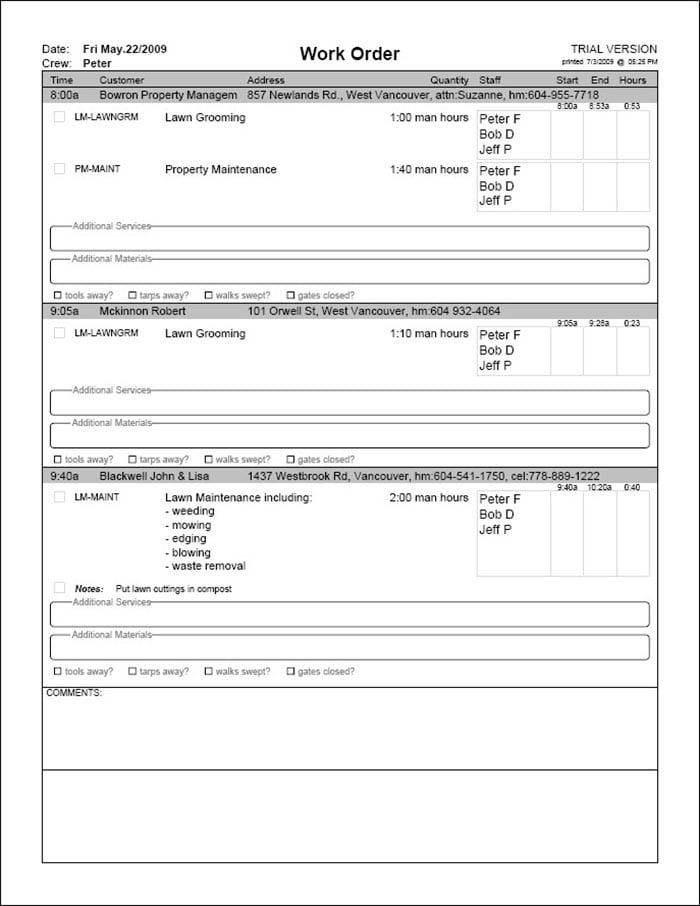
A work order example can help you understand how a professional work order is structured. It can be customized with your own business name, contact information, job details, pricing information, and terms.
Businesses can use an example as a reference when developing a consistent process for receiving, assigning, completing, and closing work requests.
Editable Work Order Template
An editable work order template gives you flexibility to modify the document for your particular business. You can add your company logo, change headings, insert additional fields, modify pricing sections, and remove information that does not apply to your work.
This is particularly useful when your business handles different types of service jobs and needs a reusable document rather than a generic form that must be recreated every time.
Work Order Form
A standard work order form can be used to record a customer’s request and communicate the job requirements to the person responsible for completing the work.
Keeping work requests in a consistent format makes it easier to review pending jobs, assign responsibilities, track progress, and maintain records after a job has been completed.
Printable Work Order Template
A printable work order template is useful for businesses that still rely on paper forms at offices, workshops, warehouses, construction sites, or service locations. You can print blank copies and complete them manually when receiving or assigning jobs.
Printed work orders can also be used for customer signatures, technician notes, material records, and job completion confirmation.
Work Order Template for Excel
Businesses that need automatic calculations may prefer an Excel work order template. Excel is particularly useful when a work order contains multiple materials, parts, labor charges, taxes, discounts, or other costs.
A spreadsheet-based work order can calculate quantities multiplied by unit prices and provide subtotals and totals. This reduces manual calculation and makes it easier to update the document when quantities or prices change.
For example, a repair company could list replacement parts in one section and technician labor in another. The resulting costs can then be combined to calculate the total amount associated with the job.
Work Order Template for Word
A Word work order template is another convenient option when the primary purpose is documenting job information rather than performing complex calculations.
Microsoft Word makes it easy to customize headings, add your company logo, modify descriptions, insert signatures, and print professional-looking work orders. A Word document can also be saved as a PDF before being emailed to a customer or contractor.
Work Order vs. Invoice
A work order and an invoice serve different purposes.
A work order primarily describes and authorizes the work to be performed. It can be created before the job starts and updated as the job progresses.
An invoice is generally used to request payment for products or services that have been provided.
For many businesses, both documents can be useful. A work order records the job, while the invoice records the amount owed.
Benefits of Using a Work Order Form
Using a standardized work order form template can improve organization and reduce communication problems. Instead of relying on emails, phone calls, handwritten notes, or verbal instructions, employees and contractors can refer to one document containing the important job information.
A work order can help you:
- Organize customer service requests
- Assign jobs to employees or technicians
- Track pending and completed work
- Record labor and material usage
- Estimate job costs
- Document customer instructions
- Maintain service history
- Obtain approvals and signatures
- Reduce misunderstandings
- Keep business records organized
For companies handling many service requests, consistent work order documentation can become an important part of their overall workflow.
How to Create a Professional Work Order
Start by adding your business name, address, phone number, email address, and logo. Give each work order a unique identification number so that the job can easily be found later.
Next, enter the customer information and job location. Describe the requested work as clearly as possible and include relevant dates, deadlines, equipment information, or special instructions.
If the job involves materials or labor charges, use separate sections to record quantities, rates, and amounts. After the work has been completed, update the document with actual labor, materials, completion notes, and approval information.
Finally, save the completed work order with your other business records. Maintaining consistent records can make it easier to review previous jobs and respond to customer questions.
Note: These templates are general business documents. Adapt them to your industry, workflow, contractual requirements, and applicable laws or regulations.
Sample Work Order
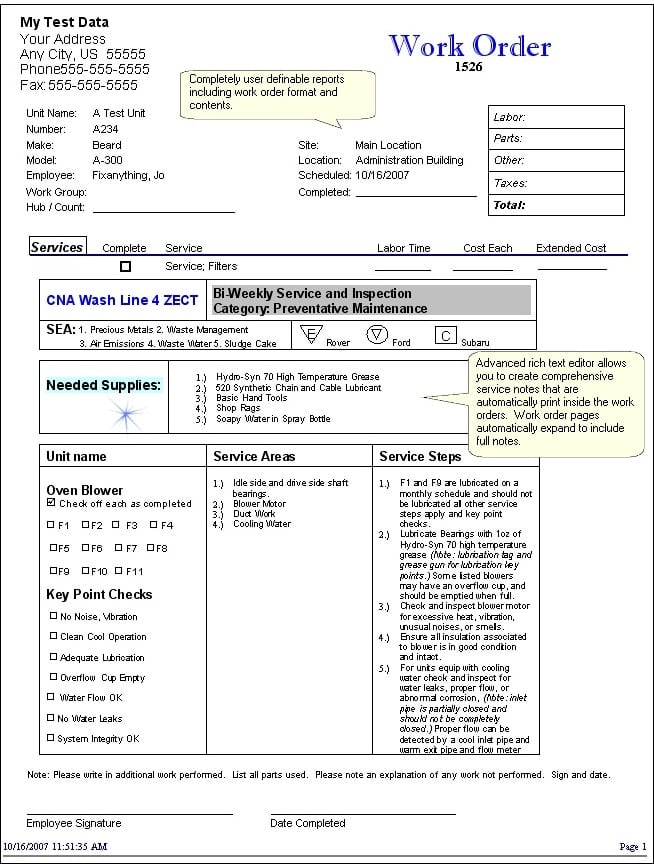

Work Order Example
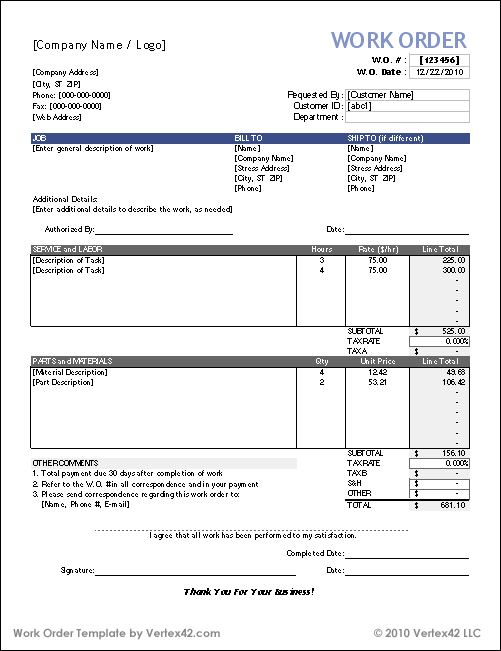
Work Order Editable Template
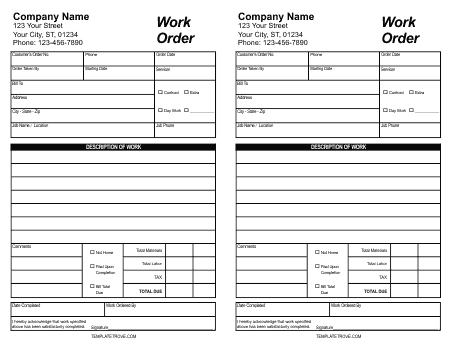
Work Order
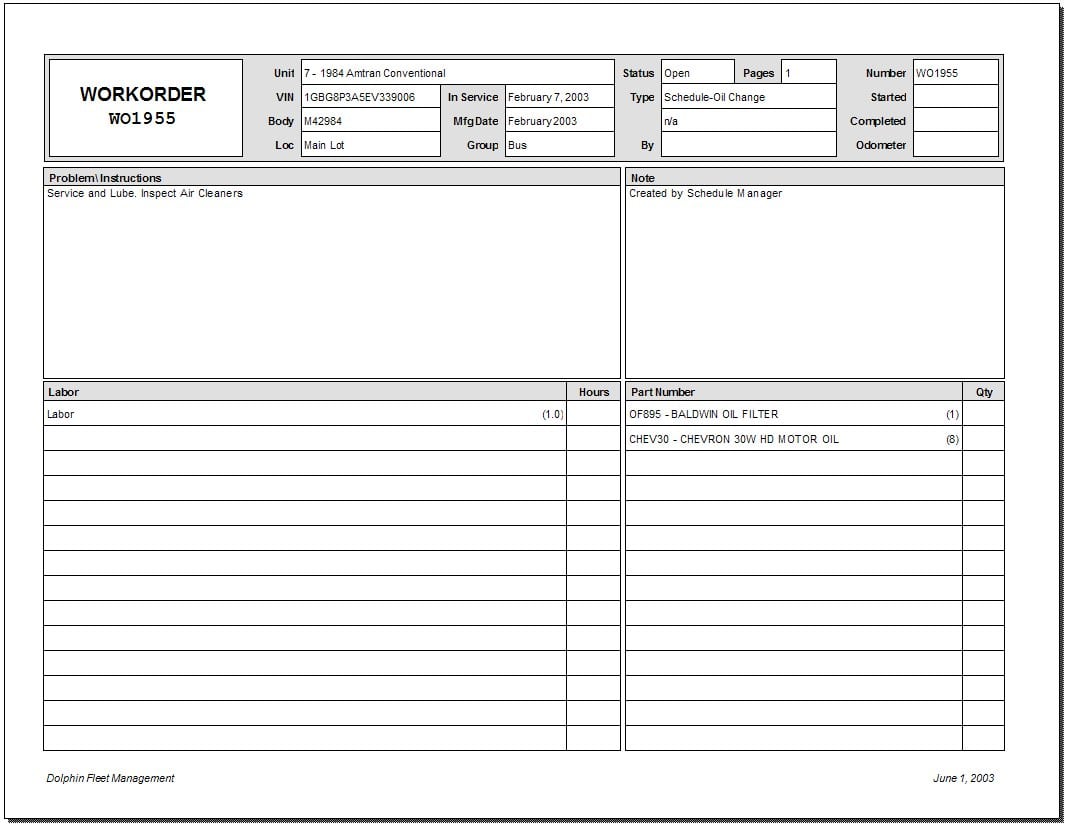
Work Order Printable
Frequently Asked Questions
1. What is a work order template?
A work order template is a reusable document for recording and organizing information about a job or service request. It can include customer details, work descriptions, labor, materials, costs, dates, and approval information.
2. What is another name for a work order?
Depending on the industry, a work order may also be called a job order, work ticket, service ticket, service order, or work request.
3. Can I use a work order template for a small business?
Yes. Work order templates are useful for small businesses such as contractors, repair companies, maintenance providers, electricians, plumbers, mechanics, cleaners, and other service businesses.
4. What is the difference between a work order and an invoice?
A work order documents the work that needs to be performed or has been authorized. An invoice generally requests payment for completed products or services. Some businesses use both documents as part of their workflow.
5. Can I create a work order in Excel?
Yes. An Excel work order template can be especially useful when your jobs involve multiple materials, quantities, labor hours, unit prices, taxes, or other calculations.
6. Can I edit these work order templates?
Yes. An editable template can be customized with your business name, logo, customer information, job descriptions, pricing fields, terms, and other information relevant to your work.
7. Can a work order be used for maintenance jobs?
Yes. A maintenance work order template can be used to document repair requests, preventive maintenance, equipment problems, required materials, technician assignments, and completion details.
8. Should every work order have a unique number?
Using a unique work order number is highly recommended for businesses that handle multiple jobs. It makes individual work requests easier to locate, track, reference, and archive.

