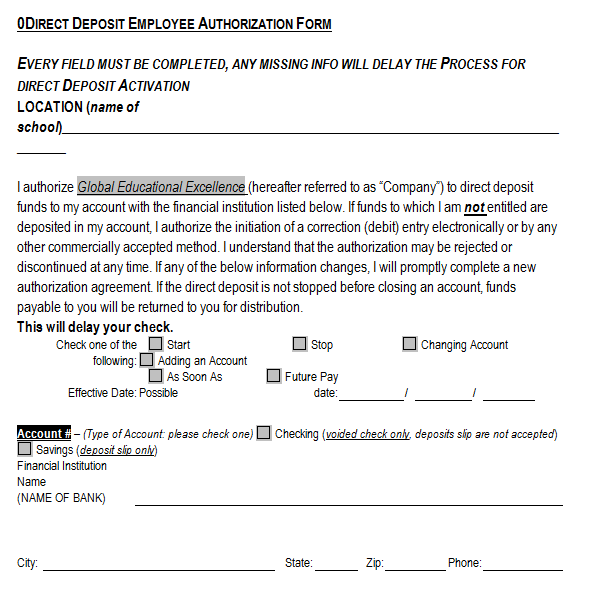
A generic direct deposit form template provides a starting layout for an organization’s payment-enrollment process. Its fields need to match the actual payer, payment type, financial institution requirements, authorization, and handling procedures. A generic design is not automatically an accepted bank or payroll form.
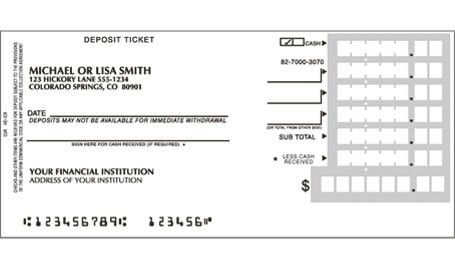
The sixteen original previews below include eleven ZIP destinations and five previews without associated download links. Nine previews are deposit-slip examples, a different document type from direct deposit authorization. Inspect each resource’s actual contents rather than treating all sixteen as interchangeable enrollment forms.
The direct deposit enrollment guide explains the recipient’s submission and activation process. A checklist can organize a layout review, while a contact information form keeps ordinary contact intake distinct from bank details. This guide focuses on adapting a reusable master and connecting its fields to a real workflow.
Define the payer and payment context
Identify who will receive and process the form. An employer’s payroll team, government payer, and supplier-payment team can have different requirements. The master should name the actual process instead of implying that one form is valid for every organization.
State the payment context clearly. A form for payroll enrollment should not silently become authorization for unrelated transactions. The document needs the purpose and scope the actual process supports, with appropriate review of its wording.
Use the payer’s current accepted form or system where required. A generic template can help organize design questions, but it cannot override an organization’s mandatory enrollment route. Copying familiar fields does not establish acceptance.
Separate contact and banking information
Use a recipient identifier appropriate to the actual payer’s record. Ordinary contact information helps resolve administrative questions, while banking information routes payments. Keep the categories distinguishable so that a routine directory does not become a broadly shared bank-data record.
Collect only the information the process requires. A master does not need every field seen in an unrelated sample. Extra fields can create confusion and unnecessary private information without improving enrollment accuracy.
Do not request passwords, PINs, or online banking access credentials. Account identification serves a different function from access to the account. A payment-enrollment layout should reflect the actual process rather than imply that such credentials are needed.
Design fields around the supported payment system
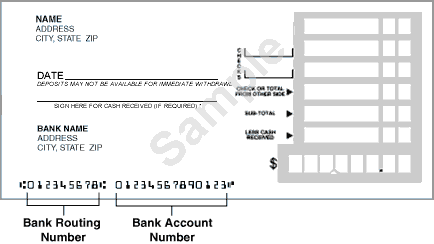
Bank identifiers and account formats differ by country and payment system. A United States routing-number field is not a universal substitute for every other identifier. Name the fields according to the actual system rather than copying labels mechanically.
Where the process asks for account type or account-holder details, explain the relevant choice using the payer’s instructions. A vague bank field can leave users unsure whether to enter a bank name, account number, or another reference.
Use the financial institution’s appropriate source to verify which information applies. The template does not supply operational account numbers. Demonstration copies should use explicit placeholders or invented non-operational data rather than another person’s real details.
Keep authorization appropriate to the process
Authorization wording needs review for its actual scope and applicable requirements. A signature line alone does not explain what the recipient is authorizing. The text should identify the intended arrangement and the appropriate change or cancellation route.
Distinguish the recipient’s authorization from the payer’s processing status. A signed or submitted form can still be awaiting review. Do not prefill activation or approval marks merely because the master would otherwise look unfinished.
If electronic submission is supported, the actual system determines how confirmation is captured and retained. Converting a paper layout to a digital form does not automatically establish a valid authentication or authorization process.
Use official examples within their own context
The United States Bureau of the Fiscal Service's direct deposit FAQ identifies different enrollment routes for federal employees and benefit payments. Its examples demonstrate that payment context matters. They do not establish that a private employer accepts the same form.
Use the appropriate actual instructions for the payer involved. A generic master should not imitate an official form’s identity or imply government approval. An example can inform layout review while its issuer and scope remain clear.
This article does not supply a universal banking authorization, retention rule, or legal disclosure. The applicable payment arrangement and requirements need appropriate review. A template’s professional appearance cannot supply that missing process.
Make account allocations unambiguous
If the payer supports multiple destinations, use fields that match its actual options. A percentage allocation, fixed amount, and remainder instruction describe different arrangements. Do not include unsupported choices because another template offers them.
Explain how the supported instructions work together through the approved process. Conflicting allocations need clarification before activation. The layout should help identify the question rather than silently choose an account or assume the total is correct.
Keep payment routing separate from payroll calculation. An allocation field describes where an approved payment goes; it does not establish the employee’s earnings or deductions. A master should preserve those distinctions.
Fictional example: adapting an internal master
Imagine an invented organization reviewing a generic payroll-enrollment layout. Its actual process uses one destination and an approved submission route. The designer removes unsupported split-allocation fields and adds the organization’s correct recipient reference and instructions.
The master distinguishes requested start information from processing confirmation. The recipient supplies relevant details through the approved controlled route. A public demonstration of the layout contains placeholders rather than real account identifiers.
The payroll team checks the actual requirements and approves the master through its process before issuing it. A later employee submission is recorded as received, then processed through the normal workflow. The blank design itself does not activate any enrollment.
This example illustrates field selection and workflow connection only. It is not a banking form or a promise about payment timing. A real organization needs its actual supported system, authorization wording, verification, and information-handling requirements.
Distinguish deposit slips in the gallery
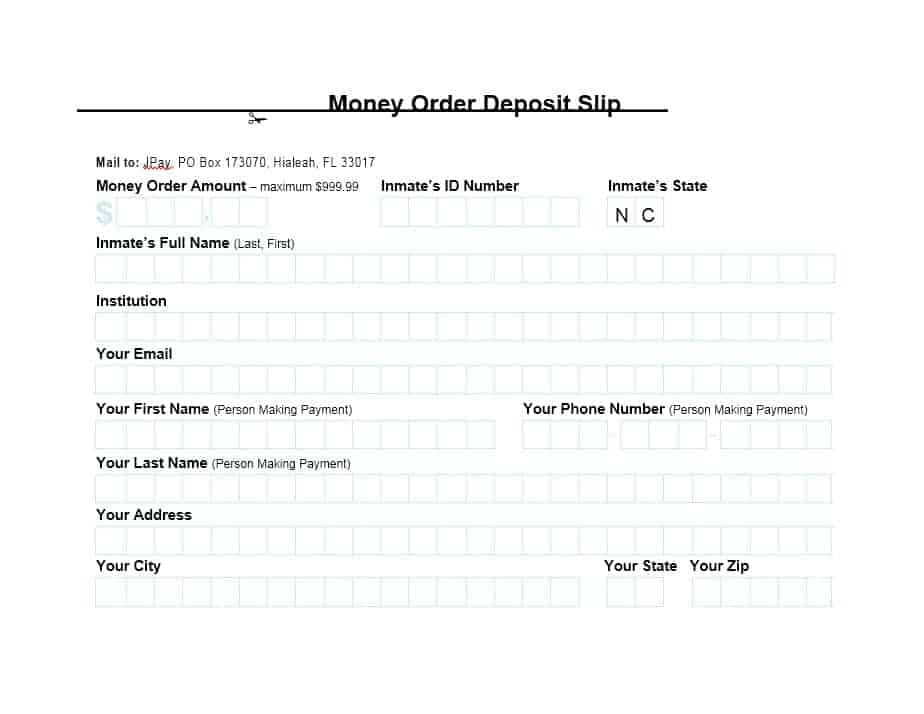
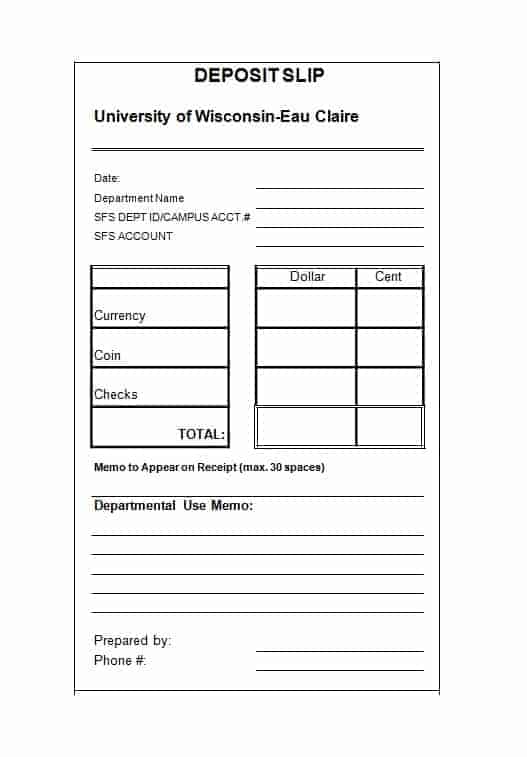
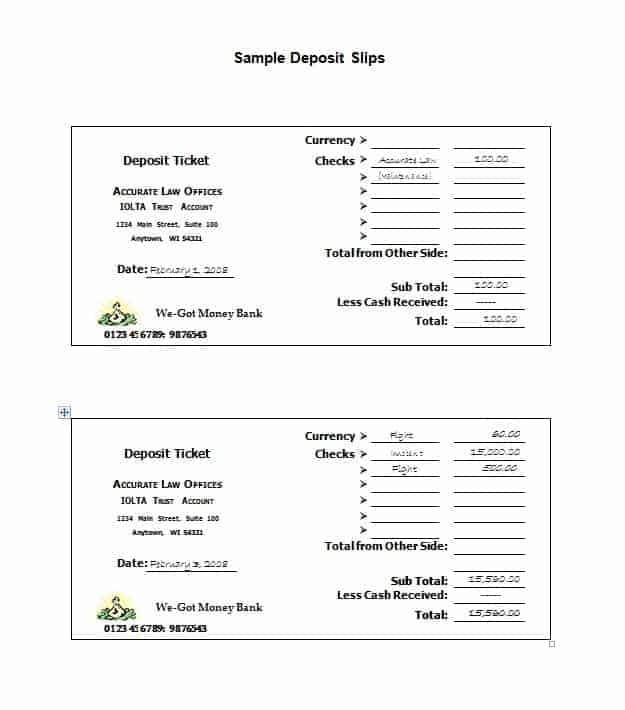
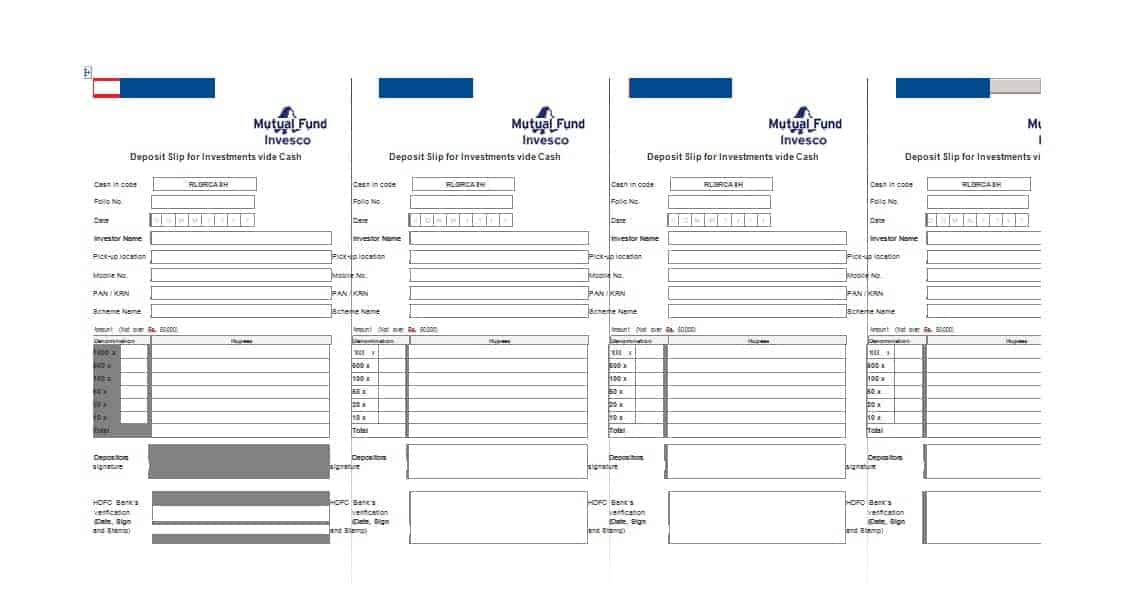
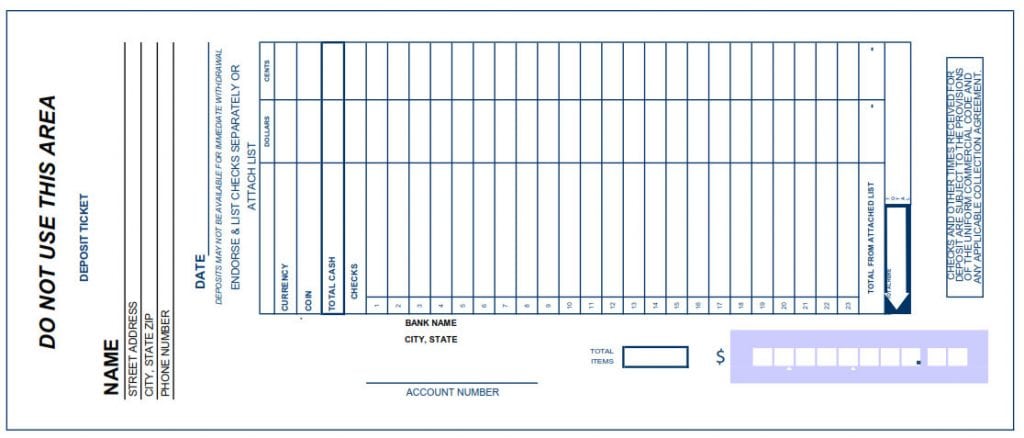
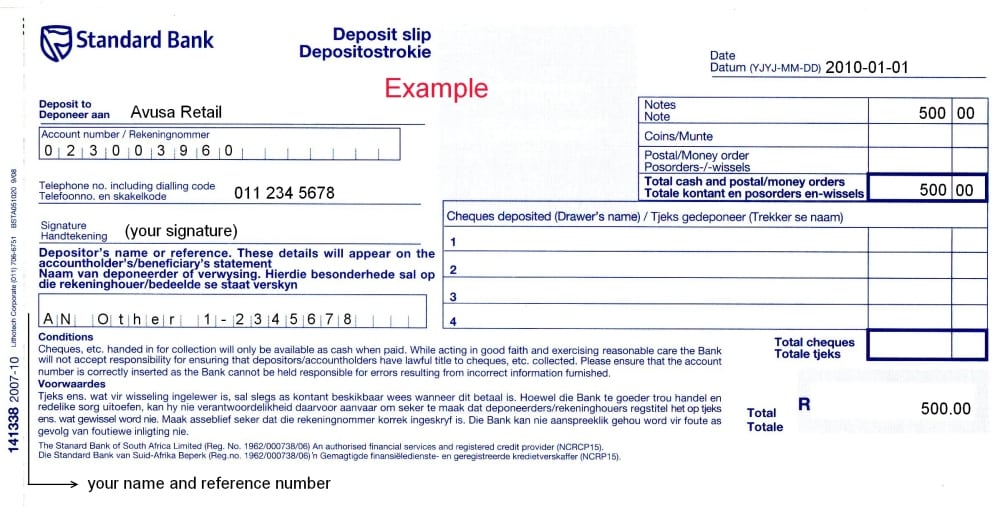
The deposit-slip-named resources relate to a different banking-document context. A slip for a particular deposit transaction is not automatically authorization for recurring payroll. The gallery’s mixed content should not determine the purpose of the form you create.
Inspect the actual resource before adopting its fields. A deposit-slip layout can contain components irrelevant to enrollment, while an authorization may require information absent from the slip. Similar appearances do not establish equivalent functions.
The collection shares several resources with the enrollment article. The two pages do not create new distinct files merely by presenting different titles. This guide’s separate purpose is master adaptation, not a claim of exclusive resource ownership.
Choose a working format deliberately
An archive can contain documents or other resources, but its extension does not identify every internal file. Review the actual contents, format, issuer references, and editing features. A caption naming Word or Excel is insufficient to establish them.
A spreadsheet can structure fields without providing a secure submission system. A Word document can present text without validating banking identifiers. Choose the format according to the actual workflow rather than assuming that editability supplies verification.
For a digital adaptation, review required fields, data flow, confirmation, access, and storage through the appropriate organizational process. A copied table is not a complete enrollment platform. The actual system needs to support the information and authorization being collected.
Review labels, space, and instructions
Use clear field labels and enough room for the information the process requires. A narrow box can cause users to omit or compress details. An attractive design should not make operational identifiers difficult to distinguish.
Keep example content distinguishable from entry instructions. A sample number can be mistaken for a value to reuse if it is not clearly labeled. Prefer explicit placeholders in a public master rather than realistic-looking banking data.
Check the final version at the intended print or display size. Important instructions should not disappear outside margins or behind a decorative element. The user’s next action should be recognizable without an informal explanation from the designer.
Keep processing and payment events separate
The master can provide a place for received, awaiting clarification, processed, or other defined statuses. Use only the labels the actual process needs and explain their meaning. Form completion is not proof of enrollment activation or funds receipt.
A later payment has its own transaction record and status. The enrollment document should connect to the relevant process without claiming that every payment will arrive immediately or without error. The earlier blanket guarantees were unsupported.
For changed information, use the payer’s actual verification and update route. A revised master is not a changed recipient record, and a submitted change is not automatically active. Clear versions help prevent obsolete instructions being used.
Maintain a clean reusable master
Remove actual recipient names, bank details, signatures, dates, and processing notes from the blank master. Keep completed records through the appropriate controlled route. A public template example should not reveal another person’s banking information.
Identify the current master version and review it when the payer’s process changes. An old layout can contain unsupported fields or outdated instructions. Reuse should preserve useful design work while keeping the actual requirements current.
A useful generic form supports a defined enrollment process. It cannot guarantee acceptance, lawful authorization, error-free routing, or successful payment. Its value comes from appropriate field selection, reviewed wording, clear status, verified instructions, and controlled handling of sensitive information.
Download Generic Direct Deposit Form Templates Below
Generic Direct Deposit Form Sample
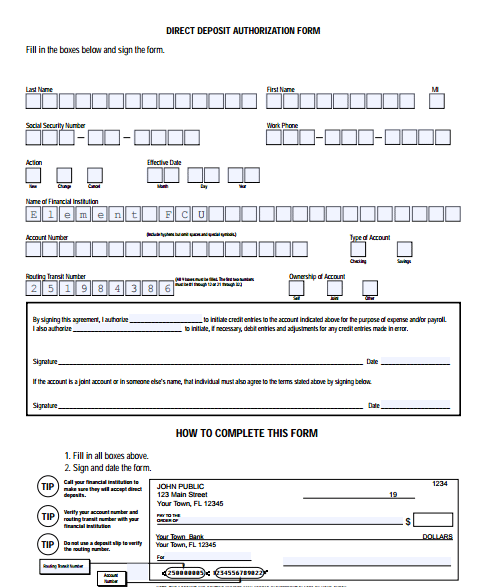

Generic Direct Deposit Authorization Form
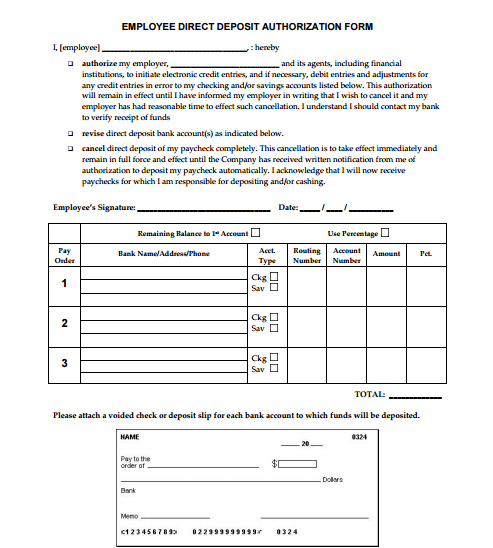
Printable Direct Deposit Form
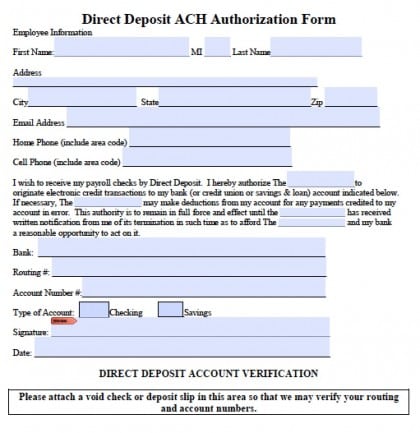
There Are Deposit Slip Templates Word

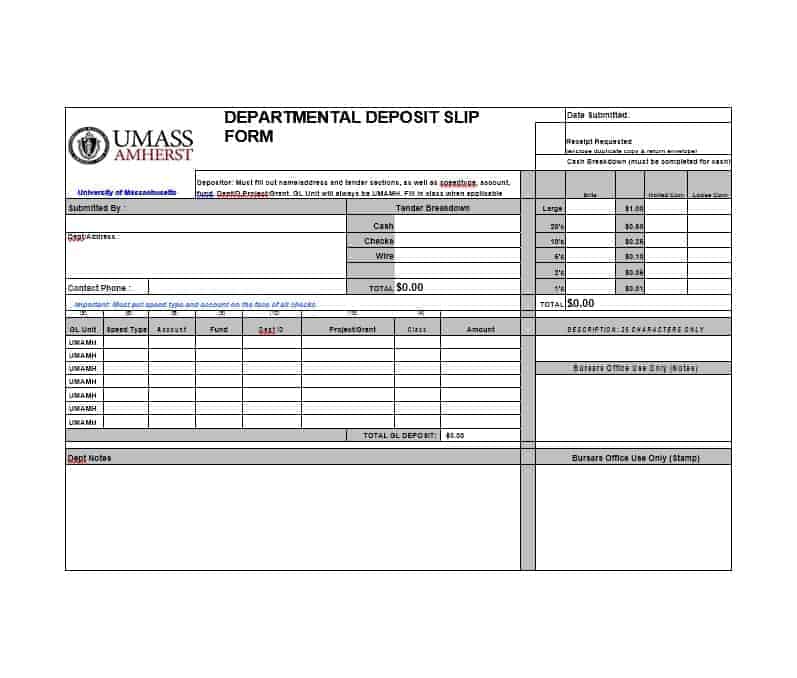
Direct Deposit Form Word Template
Payroll Direct Deposit Form
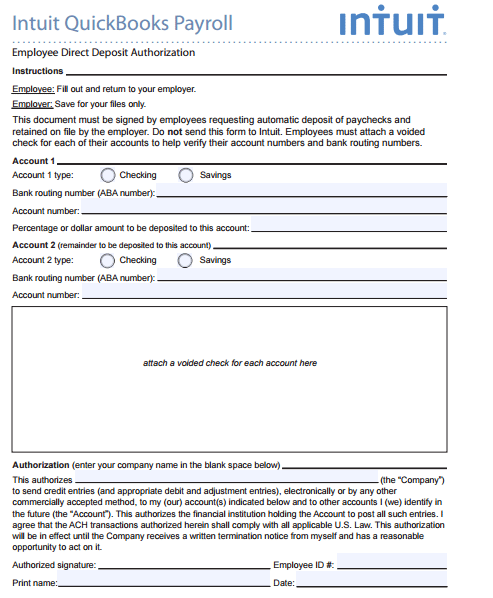
Employee Direct Deposit Form
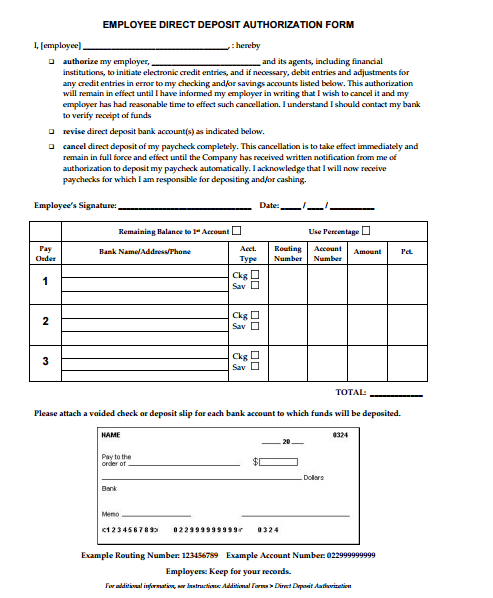
Direct Deposit Form PDF
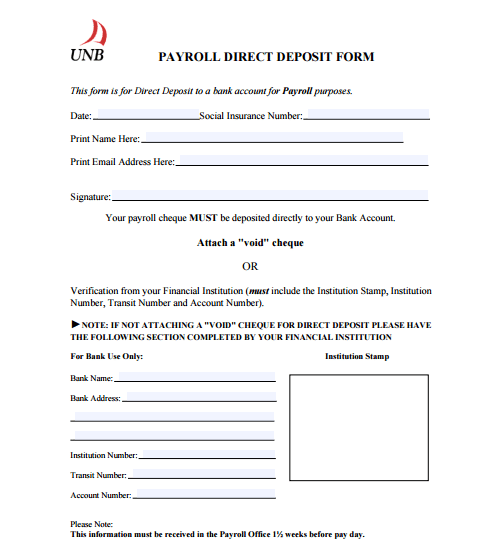
Frequently Asked Questions
Is a generic form accepted by every payer?
No. Use the actual payer’s accepted form or system and current instructions.
Are all sixteen previews direct deposit authorizations?
No. Nine are deposit-slip examples, and the gallery has eleven ZIP destinations and five unlinked previews.
Does an editable file validate account details?
Not automatically. Inspect its actual features and use the appropriate payer and institution verification process.
Can a master request online banking passwords?
A payment-enrollment layout should not collect access credentials. Account identification and account access have different purposes.
Must the master include multiple accounts?
Only if the actual payer supports that arrangement. Remove unsupported allocation fields.
Does a signed form prove payment was received?
No. Authorization, processing, activation, and individual payments are separate events.
Why does this collection overlap with the other direct deposit page?
They share resources. This guide focuses on adapting a master, while the other covers enrollment and submission.
What should be cleared from the blank master?
Remove actual recipient and bank details, signatures, dates, and processing notes while retaining reviewed fields and current instructions.