
A printable bookmark template helps you make a page marker with a consistent shape and room for your own text or design. It is useful for readers, classroom activities, book clubs, and small handmade gifts. Unlike a browser bookmark, this page’s resources concern physical markers placed inside a printed book.
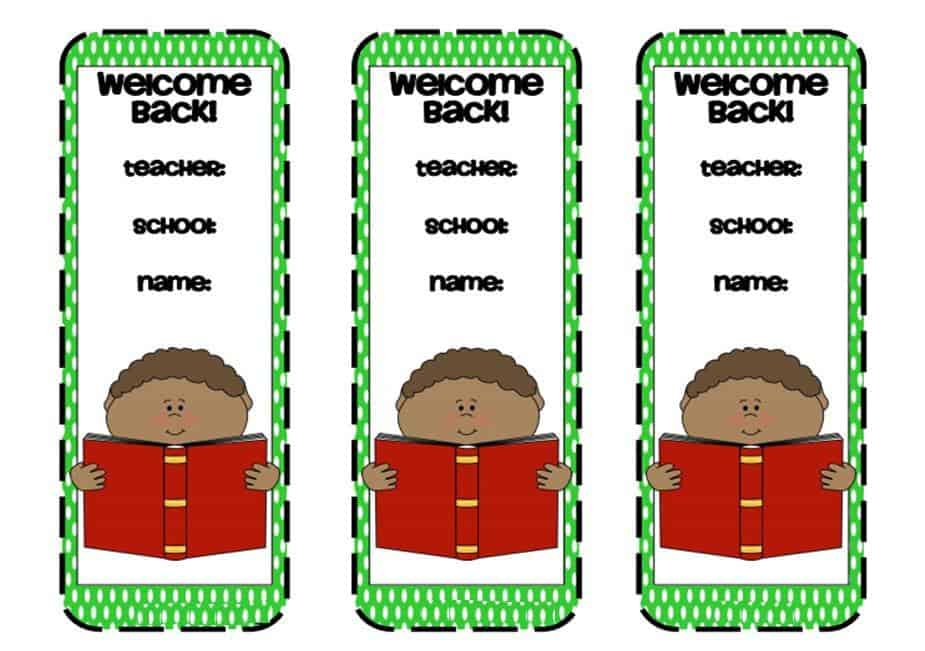
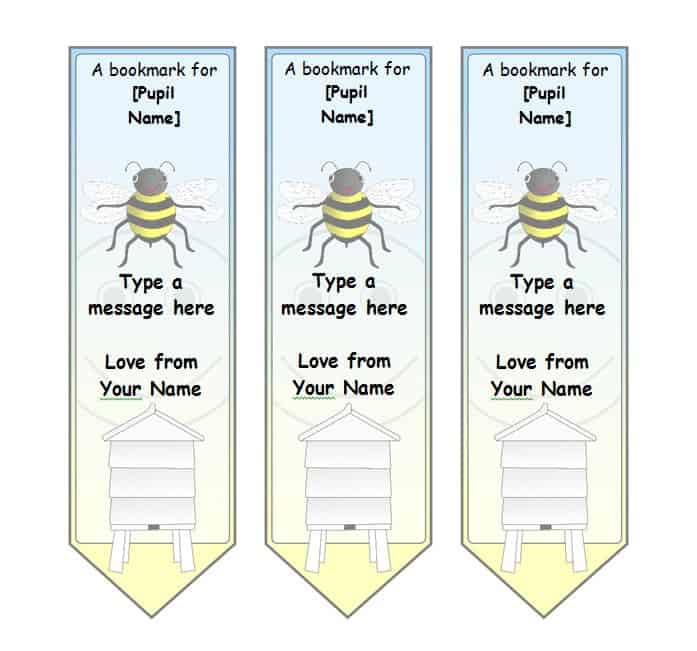
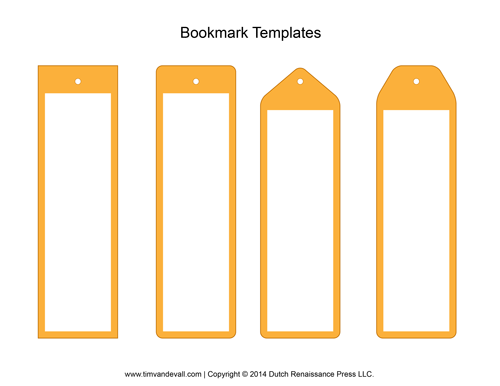
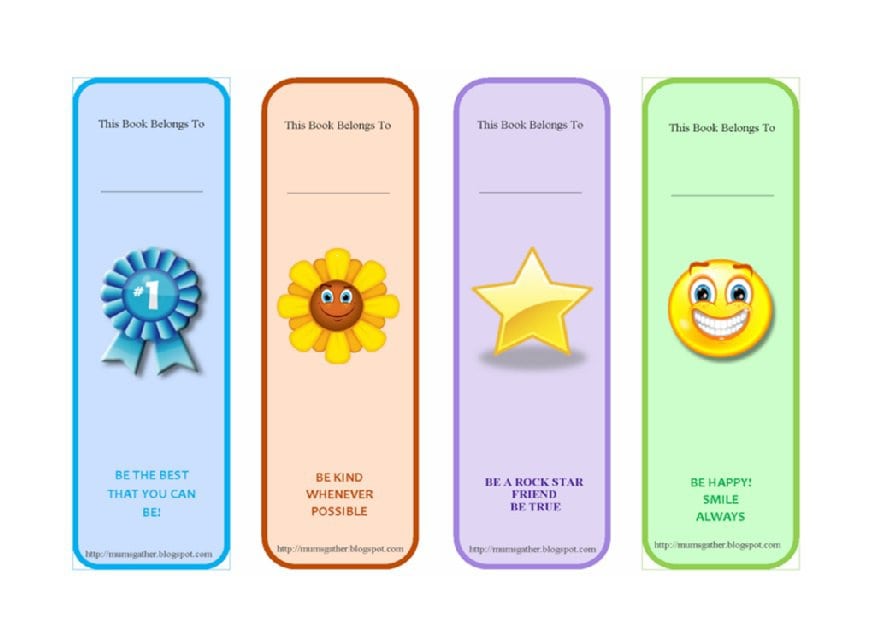
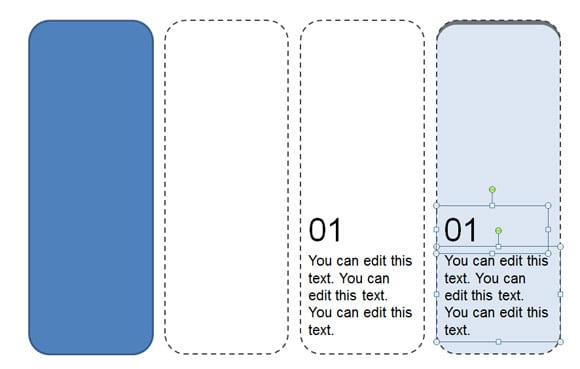
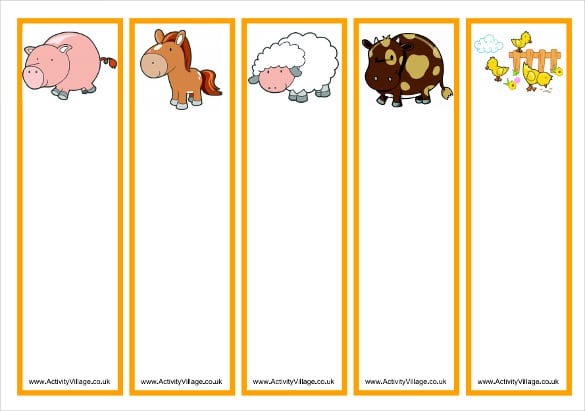
The collection below includes six preview images under the existing five-template title. Two previews have direct local Word links: one DOCX and one older DOC file. The remaining images are previews without attached download links. Compare the available designs, but check the actual file before choosing an editing method or assuming every pictured marker is downloadable.
A bookmark has a simple job: help you return to a page without folding its corner. Your design should fit the book, remain readable, and avoid making the pages awkward to close. Start with the practical size and content, then add decoration that suits the reader or occasion.
Pick a purpose for the design
For everyday reading, a name, short message, or simple pattern may be enough. A classroom bookmark might add a space for the student’s name or a brief reading reminder. A book-club version might identify the current title and meeting date.
A study bookmark can carry a few prompts, such as “What changed in this chapter?” or “Which passage supports this interpretation?” Keep those prompts short enough to read easily. The narrow shape is not suitable for a full set of notes.
For a gift, personalize the wording to the recipient rather than copying a lengthy quotation without considering its source or use rights. A message you write yourself can be more suitable than text borrowed from a popular book. Choose images and fonts you are permitted to use.
Decide whether the bookmark is disposable, a temporary classroom item, or intended for repeated use. That choice affects the paper, finish, and amount of work worth investing. A quick activity does not need the same construction as a durable gift.
Choose dimensions that fit the book
Measure the closed book before deciding on the marker’s width and length. A bookmark should sit comfortably between the pages. A long marker that extends far beyond a small paperback is easier to bend or catch on another object.
Use one unit of measurement throughout the design. If you are working in a document editor, check the actual page and object dimensions rather than judging size only from the screen. A large preview image does not necessarily show the intended printed size.
Leave a small margin around essential text. Cutting is rarely perfectly precise, especially when several markers share a page. Text placed directly against a border can disappear or look uneven after trimming.
If you plan to add a hole and ribbon, reserve space near the top. Keep the hole away from the edge and from important text. Choose a light, soft ribbon rather than an attachment that makes the book difficult to close.
Avoid rigid, thick embellishments inside a book you want to protect. For valuable, delicate, or borrowed books, follow the owner’s or library’s guidance about suitable markers. A handmade design should not leave adhesive, marks, or bulky pressure between pages.
Edit a Word file carefully
The two linked Word resources use different file extensions. DOCX is a newer document format, while DOC identifies an older format. Your chosen editor may handle them differently, so open the file and check its layout before changing it extensively.
Save a working copy with a new name before personalizing the resource. Keep the original file as a reference. Replace sample wording and check for text in separate boxes or repeated designs on the same page.
If a design is assembled from shapes or text boxes, moving one element can shift the arrangement. Work with small changes, check the page after each adjustment, and avoid assuming that pressing the space bar is a reliable way to align objects.
Choose a font that is readable at the final printed size. A decorative typeface may work for a short name, but longer instructions need a clearer style. Check letters with similar shapes and make sure the reader can distinguish the text without zooming in.
Do not describe a static image preview as a fully editable layout. If you are using an image as inspiration, create your own document arrangement rather than promising that every visual element in the image can be changed.
Plan the text before adding decoration
A narrow marker needs a short message. Start with the reader’s name or the activity title, then decide whether one additional line is useful. A bookmark filled with several paragraphs can become a miniature flyer that no longer works well as a page marker.
For a reading activity, try a prompt such as “Pause, summarize, then continue.” For a gift, a message such as “For your next favorite chapter” is simple and personal. These examples are original sample wording, not quotations attributed to an author.
Use contrast between the text and background. A patterned image behind small lettering can reduce readability even if the design looks attractive at a larger size. Give important wording a clear area rather than placing it over the busiest part of the artwork.
A name field should have room for the actual recipient’s name. Test a longer name if you are preparing a class set. Do not make some students’ names much smaller simply because the design was built around a short sample.
Printing several bookmarks on one page
Arrange identical sizes in a simple grid with space for cutting. Leave enough room for the printer’s non-printable margins, and check that the layout uses the paper size you intend to load.
Print one test page before making a larger set. Review the actual size, colors, alignment, and text. An automatic “fit to page” setting can change the dimensions, so compare the printed result with your intended measurement.
For a double-sided design, test front-to-back alignment using ordinary paper first. Printer feeding direction and duplex settings can affect the result. Mark a test sheet if needed to understand which side and edge your printer uses.
Keep the reverse side simple when exact alignment is difficult. A solid background or centered short message can tolerate a small shift more easily than a border that must match the front perfectly.
If you use a heavier paper, check the printer’s supported materials and feeding instructions. Do not assume that every home printer accepts thick card. Choose a material the equipment can handle reliably and that remains suitable inside the book.
Cutting and finishing
Use a clear cutting guide and a suitable tool. For a classroom activity, adult supervision and age-appropriate materials are important. Do not build the activity around sharp tools that the participants cannot safely use.
Cut a test marker and place it inside the intended book. Check that it is easy to find, does not cover too much of the page, and allows the book to close comfortably. This practical check can reveal problems that were not obvious in the design.
If you laminate the marker, follow the equipment instructions and trim the laminate appropriately. Consider whether the additional thickness suits the book. Lamination is optional; it should serve durability rather than become an unnecessary step for a short-lived activity.
Avoid exposed glue, wet ink, glitter, or other materials that may transfer to the pages. Let the finished marker dry fully before placing it in a book. A decorative surface that sheds material is a poor choice for a page marker.
Reading and study uses
A bookmark can remind a student where to resume reading, but it does not replace a record of what they understood. For an assignment that requires a summary and response, a book report template provides more space to organize that work.
For an essay based on a text, use the bookmark to locate a relevant section, then record the passage and source details separately. An essay outline template can help connect those notes to the argument rather than treating a marked page as sufficient evidence.
If you are assembling your own longer reading packet or booklet, a table of contents template can help readers navigate its sections. The contents page identifies the document’s structure; the physical bookmark records the reader’s current place.
For book-club gifts, a small set can use a shared design with individual names. Keep meeting information accurate and avoid putting personal contact details on markers that may be left in borrowed books. A simple reference to the club or title is usually enough.
Common design problems to correct
If the text is too small, shorten it before shrinking the font further. If the marker bends easily, consider a suitable paper or a simpler finish. If it feels bulky inside the book, remove raised decorations or choose a thinner material.
If the cut edges look uneven, increase the safe margin around text and use a more consistent cutting method. Do not try to disguise a poorly aligned design by adding more decoration. A clear, well-proportioned marker is often more usable than a crowded one.
If the printed colors make the text hard to read, increase contrast and print another test. Screens and printers can show colors differently. Keep the final printable copy and the editable working version separately so you can reprint or adjust the design later.
The previews below are a starting collection. Choose an available file that suits your editor, adapt it to the reader, and judge the result in the book where it will actually be used.
Below Are Bookmark Templates

Bookmark template questions
Are these browser bookmark templates?
No. This collection is for physical page markers used with printed books. Browser bookmarks store web addresses and serve a different purpose.
Which file formats are directly linked here?
The page includes a local DOCX link and a local DOC link for two Word resources. Other pictured designs have no attached download link, so do not assume each preview supplies an editable file.
Why are there six previews under a five-template title?
The current resource gallery contains six preview images. The existing title and URL are preserved; compare the actual gallery rather than relying only on the title’s count.
Can I print several bookmarks on one sheet?
Yes, if the layout and printer margins allow it. Print a test page, check the dimensions, and leave enough space for cutting without removing important text.
Is lamination required?
No. Use it only when the extra durability and thickness suit your purpose and the book. Ordinary paper or suitable thin card may be sufficient.
What should I put on a study bookmark?
Use a short prompt, name, or reading reminder. Keep detailed notes, quotations, and assignment work in a separate document where there is room to record them accurately.


