
A guest list template helps a host track invitations, responses and individual attendees. Decide whether a row represents a person, household or invitation group, then keep counts consistent. Record pending replies separately from confirmed attendance so planning totals have a clear basis.
Compare occasion wording with party invitation templates, use a sign-in sheet for arrivals and prepare a program for an awards event. Keep the planning list and event-day arrival record connected while preserving their different meanings.
The five previews below have mixed resources. Two graphics are unlinked, while the other destinations include a Google Sheets document, a spreadsheet-resource route, and a birthday guest-list page. Review the actual resource’s access, format, and purpose before using it. The collection does not establish that all five are editable Excel files.
Keep this list as the attendance-planning record. Use a printable invitation for the information sent to guests, and a birthday invitation where that occasion needs tailored wording. A sent invitation is an event in the planning process; it does not by itself confirm how many people will attend.
Wedding Guest List Template
A wedding guest list template is especially useful when planning a wedding because the number of guests affects many other decisions. The guest count can influence the choice of venue, seating arrangement, catering requirements, invitations, decorations, and overall wedding budget.
A wedding guest list tracker can also help you monitor which guests have been invited, who has confirmed attendance, and who still needs to respond. Keeping this information organized can make wedding planning considerably easier.
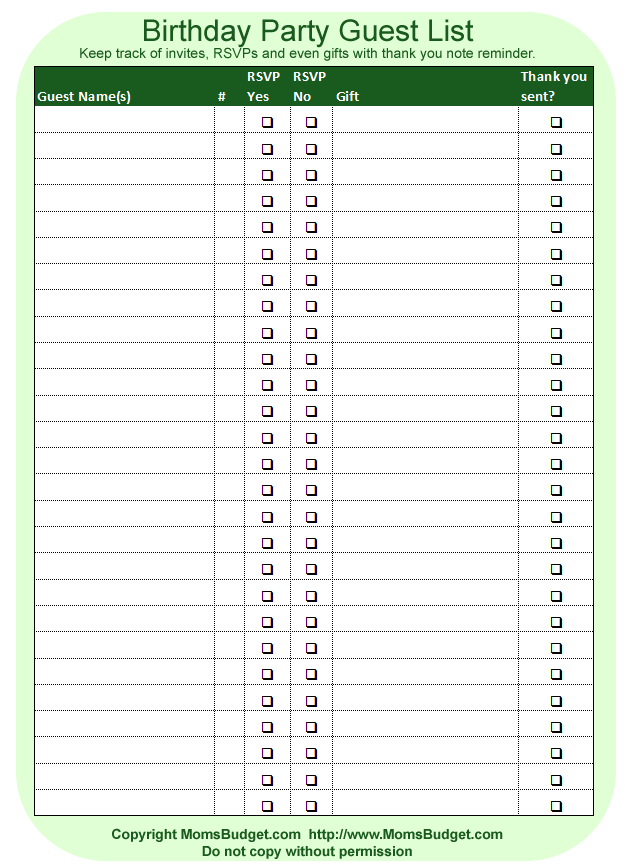
Guest List for Birthday Party
A birthday party guest list template provides a simple way to keep track of everyone invited to a birthday celebration. It can be customized according to the type and size of the party, whether you are planning a child’s birthday, an adult celebration, or a larger family gathering.
Recording the expected number of guests can also help with food, seating, venue capacity, party favors, and other arrangements.
Simple Guest List Format
A simple guest list template is ideal when you only need a straightforward record of invitees. You can use a basic format to record names and other essential information without adding unnecessary details.
For smaller events, a simple guest list may be all you need. Larger events can benefit from additional fields for RSVP tracking, guest counts, contact details, meal preferences, or seating arrangements.
Guest List Template in Excel
A guest list Excel template can be useful when you need to manage a large number of guests or sort and update information regularly. Excel allows users to organize names, attendance information, contact details, and other event-planning data in a structured format.
An editable guest list template can be adapted for weddings, birthdays, anniversaries, corporate events, dinner parties, reunions, and other occasions.
Why Use a Guest List Template?
A guest list helps you understand how many people are expected to attend and provides a foundation for making other event-planning decisions. Knowing the approximate guest count can help you select an appropriate venue, estimate catering costs, plan seating, and organize invitations.
A printable guest list template can be particularly convenient for event planners who prefer working with paper, while a digital guest list makes it easier to update RSVP information as responses arrive.
Before finalizing your event arrangements, review the list carefully and check that important guests have not been accidentally omitted. Keeping the guest list updated throughout the planning process can help make the event more organized and manageable.
Choose whether rows represent people or invitation groups
Decide the structure before counting. One row might represent a household receiving one invitation, or each row might represent an individual person. Both approaches can work, but they need different fields. A household row requires the permitted and responding attendee count; individual rows need a clear relationship to the invitation group where relevant.
Use an identifier for the invitation group if several people are tracked individually. That prevents two organizers from sending separate cards by accident or counting the same reply twice. A familiar surname alone may not distinguish unrelated households with similar names.
Keep the scope of the invitation clear. Do not assume every named guest may bring additional people. Record the actual invitation arrangement and the response received. The list should reflect the host’s decisions and the guest’s reply rather than guessing from the number of names originally written down.
Separate invitation and response statuses
Use distinct fields for invitation prepared or sent, response status, confirmed count, and actual attendance where the event needs those facts. “Invited” and “accepted” are not interchangeable. A person who has not replied should remain awaiting response rather than being counted automatically as attending.
Record when a response was received or updated if the information affects arrangements. A later change should update the current planning count while preserving the context needed to understand it. Avoid storing two conflicting responses in separate copies with no indication of which one is current.
A tentative reply needs its own clear treatment. Do not turn “possibly two people” into a confirmed count of two. Keep the uncertainty visible and identify whether the host needs a follow-up before the planning cutoff. The list can show a provisional estimate without presenting it as a final accepted number.
Fictional example: three invitation groups
Imagine an invented gathering with three invitation groups. Group G-01 is addressed to two people and has confirmed two attendees. Group G-02 is addressed to one person and has declined. Group G-03 permits three people but is still awaiting a reply. Three invitation groups therefore do not mean three confirmed attendees.
The confirmed attendance from the received responses is two. The permitted total across the three groups is six, but that is a different measure. The host can use the six-person scope for an early maximum planning view while keeping the confirmed count separate. Neither number proves who will actually arrive.
If G-03 later confirms two attendees, the current confirmed total becomes four. The host records the response and any relevant names under the chosen structure. They do not count the group as three merely because the original invitation allowed up to three.
These figures are fictional and illustrate definitions. The actual venue and supplier arrangements determine which counts are needed for your event. A guest list does not establish a venue’s permitted capacity or decide the required staffing, seating, or catering arrangements on its own.
Collect only the details needed for planning
Names, an appropriate reply route, response status, and attendee count may be enough for a small event. Larger events may need invitation groups, seating references, or confirmed meal choices. Add fields because they serve a real purpose, not because a spreadsheet can hold them.
Keep personal arrangements in the appropriate direct communication process. A broadly shared planning sheet should not become a repository of unrelated private information. If a particular arrangement needs follow-up, record only the planning information required and identify the responsible contact.
A guest’s stated preference is not a guarantee that a venue or supplier can provide it. Use the actual provider’s process to confirm arrangements and communicate the result. The list can track the request and confirmation separately, rather than presenting every request as already fulfilled.
Use a planning cutoff and review unresolved replies
Identify the dates relevant to the event’s actual arrangements: reply deadline, supplier confirmation, seating review, or check-in preparation. Those dates can differ. A reply deadline is not automatically the date on which every event detail must be finalized.
Use a daily schedule or the host’s actual planning calendar for the review activities. The guest list records the status of people and groups; the schedule allocates time for the organizer’s work. Keep the two connected without copying every planning task into each guest row.
Before a relevant cutoff, review awaiting, tentative, or conflicting responses. Decide the follow-up through the actual hosting process rather than changing all unknown replies to accepted or declined merely to obtain a neat total. State the current count’s date so a reader knows what it includes.
Prepare different views for different uses
The host’s working list may need more information than a check-in copy. A seating or check-in view can contain the names and references needed for that purpose while leaving private contact details in the maintained planning record. Choose the audience of each copy deliberately.
For spreadsheet use, check that sorting keeps the full row together and that counts include the intended entries. Filtering a list can change which rows are visible without necessarily changing the total displayed by a formula. Review the actual workbook rather than assuming the preview demonstrates the counting method.
For printing, keep names, group references, and relevant statuses readable. A very wide sheet reduced to one page can become difficult to use at the entrance. Separate views may be clearer than a single printout containing every possible field.
Keep changes and duplicates manageable
If two organizers contribute to the list, identify the maintained source and the process for merging changes. Check for duplicate people or groups before counting. A nickname, formal name, and household label may refer to the same invitee, but do not merge entries based on similarity alone.
Record current information clearly when a guest changes their response. If the seating or supplier copy has already been issued, identify the relevant update and communicate it through the actual process. Changing the main file does not automatically update every printed or exported version.
After the event, distinguish actual attendance from the final pre-event response count if both are needed. Do not overwrite the earlier planning count as though the host had known the final attendance in advance. Keep the source and purpose of each number understandable, and handle retained guest information under the appropriate process.
Wedding Guest List
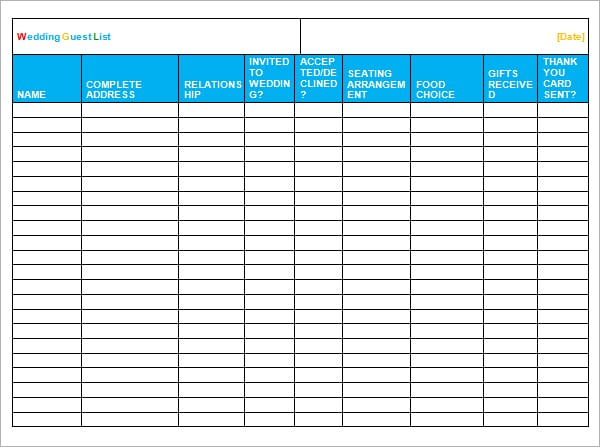

Guest List Tracker For Wedding
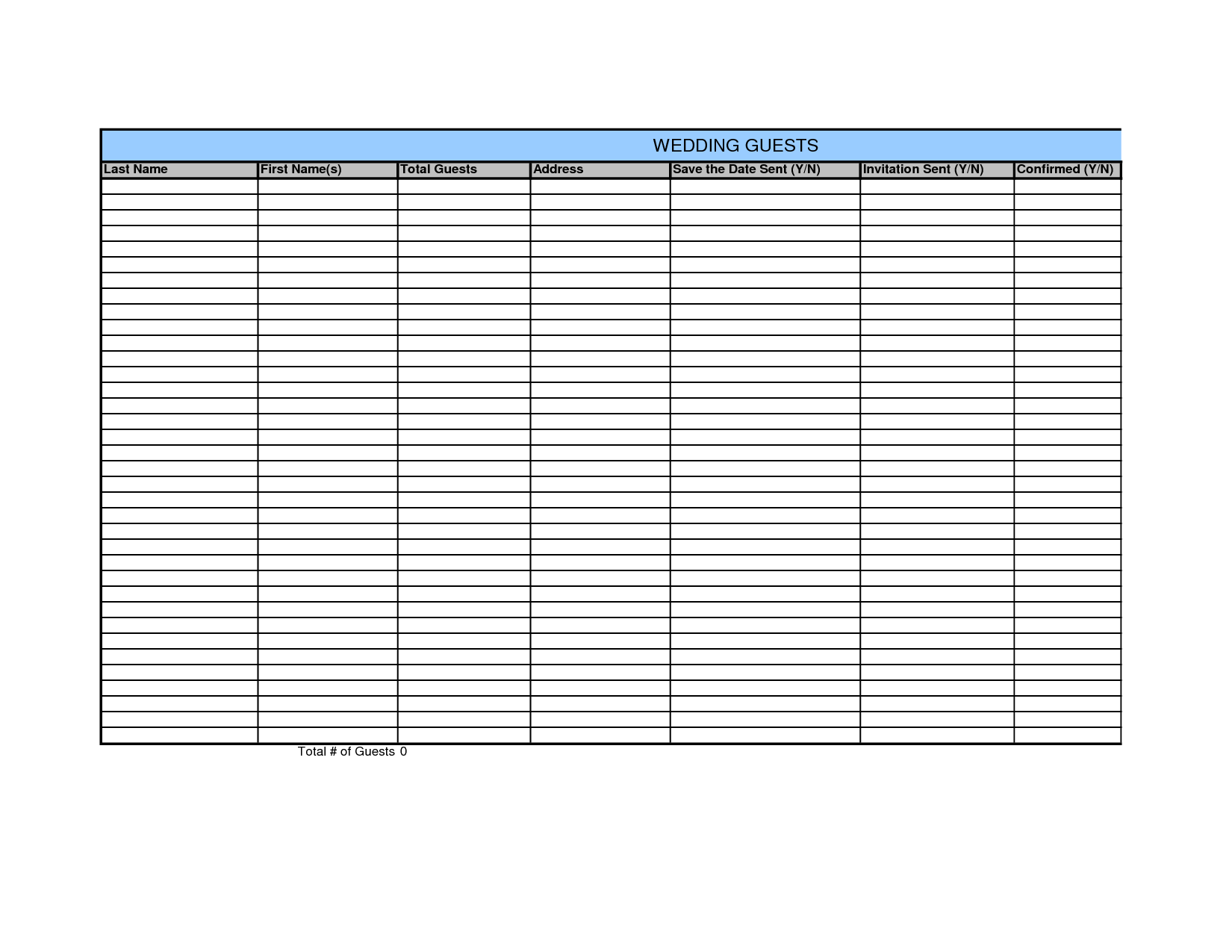
Simple Guest List Format
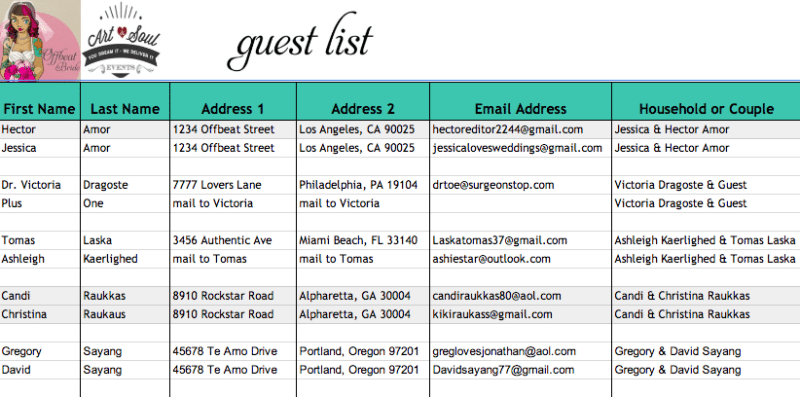
Guest List Example Excel
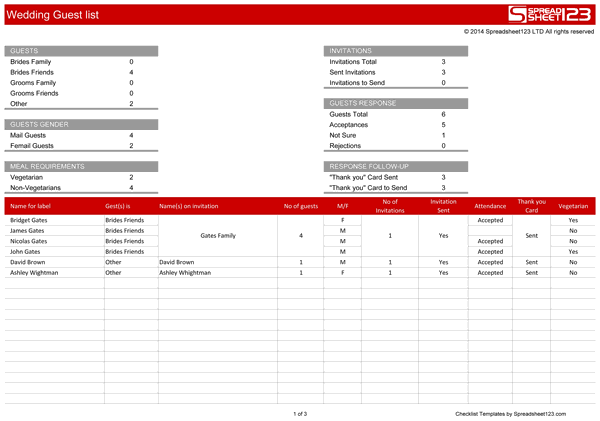
Guest List For Birthday Party
Frequently Asked Questions
Are all five previews editable Excel downloads?
No. The resources include a Google Sheets destination, a spreadsheet-resource route, an external birthday page, and two unlinked graphics. Review the selected resource individually.
Should one row represent a person or a household?
Choose the structure that suits the event and label it clearly. Household or group rows need attendee counts; individual rows may need an invitation-group reference.
Does an invited count equal confirmed attendance?
No. Sent invitations, permitted attendees, confirmed responses, and actual attendance are different measures. Keep the relevant fields separate.
How should a tentative reply be recorded?
Keep it visibly tentative and identify any needed follow-up. Do not include an uncertain number as confirmed without the actual response supporting it.
Can the list determine venue capacity?
No. Use the venue’s actual permitted arrangements and requirements. The list supplies counts for planning; it does not establish capacity rules.
Should every planning copy include contact details?
Give each audience only the information needed for its purpose. A check-in or seating copy may need less detail than the host’s maintained working list.
What should I check before sorting or counting a spreadsheet?
Confirm that rows stay intact, duplicates are reviewed, and totals use the intended entries and definitions. Visible filtered rows and formula totals may differ.
How do I handle a late response change?
Update the current planning record and communicate the relevant change to the people using issued copies. Identify the count’s cutoff or version so the update is understandable.


