
A sign-in sheet template records arrivals for a defined event, meeting or location. Select only the fields needed for that purpose and make instructions clear. Decide how the record will be checked and handled before placing personal details on a shared sheet.
Coordinate the event with a board agenda where applicable, keep its sequence in a daily schedule and capture follow-up tasks in a task list. Arrival records support administration; they should not automatically be treated as proof of participation for an entire session.
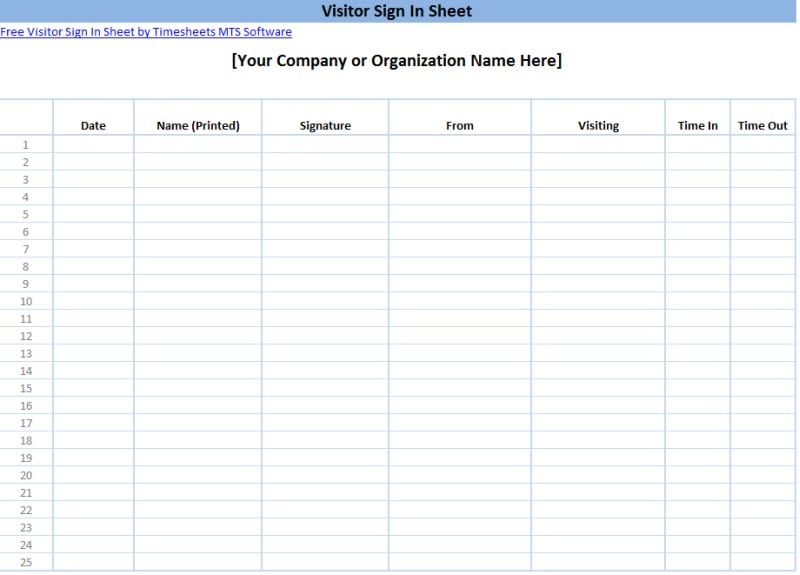
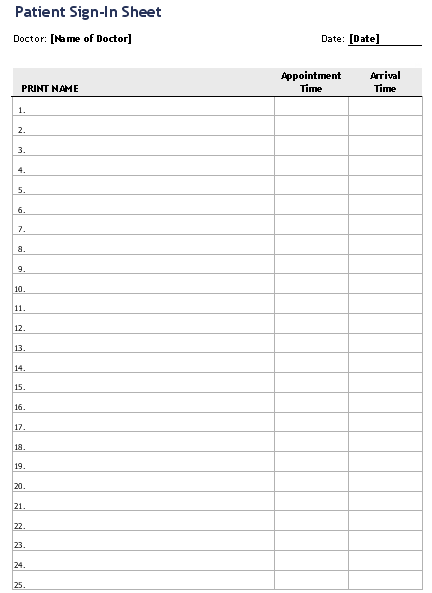
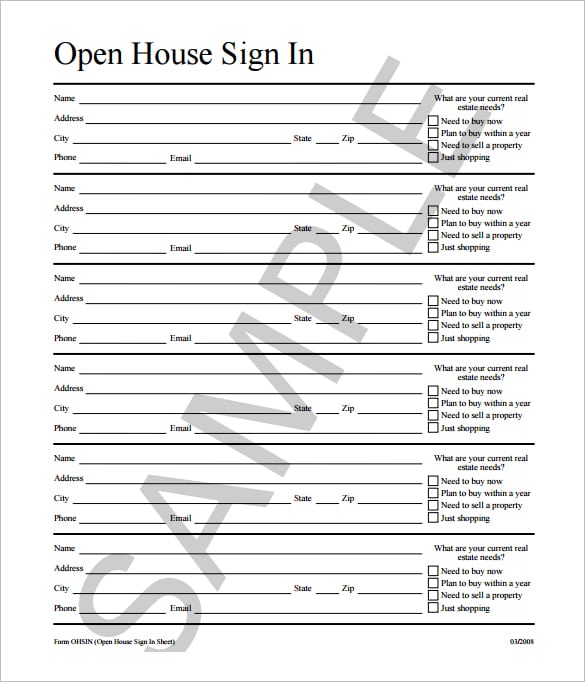
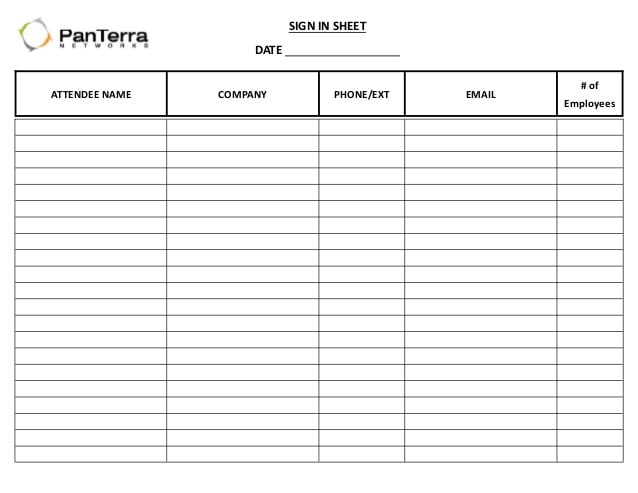
The four previews below are labeled for visitors, patients, an open house, and a general sample. Their links lead to different external resources, including DOCX-related destinations, a PDF, and a presentation page. One patient-labeled preview points to a meeting-sign-in-sheet file path, so confirm the actual resource before considering it for a healthcare setting.
A sign-in sheet is an arrival record, not a complete security system or a guarantee that everyone remained for the whole event. It should not be used to collect extensive personal details without a reason. This guide explains how to choose fields, arrange the process, and keep arrival records distinct from other documents.
Define the purpose of signing in
Decide what the sheet needs to establish. For an ordinary meeting, it may identify who arrived. For an office visit, it may help reception notify the host. For an open house, it may support an appropriate follow-up process.
Explain the purpose in a short instruction. A person should know what they are being asked to record and whether any contact field is optional. “Please record your name and arrival time” is clearer than an unexplained table of blank columns.
Do not imply that signing automatically agrees to every unrelated condition. If another agreement or permission is needed, use the appropriate clear process rather than hiding it in an arrival form.
Choose who manages the record and what happens after the event. A sheet should not be collected without a plan for review, storage, and any necessary follow-up.
Select the minimum useful fields
A basic form may need the event or location, date, participant name, and arrival time. Add an organization, host, or visitor reference when it serves the purpose.
A signature field can be useful when the process calls for one, but it should have a defined meaning. A signature acknowledging arrival is different from accepting a contract, consenting to marketing, or confirming completion of training.
For a visitor record, a host or destination field can help reception route the person. Avoid displaying sensitive reasons for the visit on a shared sheet. Use the appropriate private process for information that should not be visible to other visitors.
For an event, contact details may be optional or unnecessary. Do not collect a full address, personal identifier, or detailed private information merely because a template contains the field.
If departure times matter, label a separate sign-out field. A blank departure time may indicate a missed entry rather than proof that the person is still present. The organizer needs an actual process for maintaining the record.
A fictional meeting-arrival example
Imagine an internal workshop where the organizer needs to confirm which invited participants arrived. The sheet identifies the workshop title and date, then provides space for name, team, and arrival time.
A fictional entry could read “Jordan Lee — Operations — 09:05.” If the organization needs a signature to acknowledge arrival, the instruction should say that. It should not suggest that the signature confirms attendance for the entire session.
The organizer can compare arrivals with the guest list template used to plan invitations. The guest list records expected people; the sign-in sheet records arrivals under the actual process. A name on the invitation list is not proof of presence.
If a person arrives who is not on the expected list, handle it through the event’s normal arrangements. Do not alter another person’s row or assume that signing in grants every form of access.
The example illustrates a simple record. Use the actual event requirements and privacy process, and avoid adding unnecessary information to make the form look more official.
Repeated attendance needs another structure
A sign-in sheet usually concerns one arrival or session. A repeated attendance roster records presence across dates and needs consistent codes and expected-session definitions.
The attendance sheet templates provide a related format for that purpose. If sign-ins feed a roster, check the date and participant identity before transferring the marks.
Do not assume that a signature establishes full participation or course completion. A person may sign and leave early. Use the required record and criteria when duration or completion affects a formal decision.
For workplace timekeeping, arrival and departure marks alone may not capture all relevant hours, breaks, or work activity. Use the organization’s appropriate timekeeping and payroll process rather than treating this generic form as a complete pay record.
Visitor and open-house records
For ordinary office visitors, make the arrival process clear and have an appropriate staff member manage the sheet. If the visitor needs to see a host, the sheet can support notification; it does not replace the organization’s access procedure.
The open-house preview has a linked PDF destination. Check its current contents and terms before using it. Property visitors may be asked for contact information for a legitimate follow-up purpose, but the request should be clear and proportionate.
A contact information template can support a separate follow-up record where appropriate. Keep that record separate from a public-facing arrival sheet when private details are involved.
Do not promise that a sign-in sheet prevents security incidents or verifies a person’s identity. It records information supplied through the chosen method. Use any necessary identification or access checks through the proper process.
Patient sign-in needs special care
A healthcare setting should use its approved registration and privacy process. A general meeting form is not automatically suitable merely because the preview’s caption mentions patients.
United States HHS guidance explains that patient sign-in sheets can be used with appropriately limited information and reasonable safeguards, including the minimum necessary standard where applicable. The sheet should not display unnecessary medical information, such as the reason for seeing the physician.
Do not put diagnoses, symptoms, treatment details, or other sensitive health information on a sheet visible to other people signing in. Staff can collect required clinical information through the appropriate private channel.
The patient-labeled preview’s meeting-file destination should be inspected for the actual form. Do not describe it as a dedicated healthcare-compliant download without establishing that it fits the organization’s requirements.
A template’s appearance does not establish compliance. The information collected, visibility, handling, and organizational process matter.
Arrange the physical sign-in point
Place the form where people can find it without exposing completed entries unnecessarily. A staffed desk may offer better control than a sheet left unattended, depending on the setting.
Provide readable instructions and enough space for handwriting. Narrow rows can lead to entries in the wrong column or names that are difficult to identify. Test the form at its printed size.
If previous entries contain private information, use an appropriate method that limits what later arrivals can see. The correct arrangement depends on the purpose and applicable process; a standard open table may not be suitable.
Keep completed pages together and identify the event and date on each page. Otherwise, a detached second page can be hard to connect to the correct record.
Digital forms and spreadsheet versions
Confirm what the linked resource actually supplies. A DOCX-related destination may provide an editable document, while a PDF or presentation page may serve another purpose. Do not assume every preview contains interactive fields.
For a spreadsheet, keep each person’s fields together when sorting or reviewing. Use a consistent time format and check that names or arrival times do not become detached from their rows.
If you use an online form instead, apply the appropriate access and information-handling process. A digital record can be convenient but does not remove privacy considerations.
Avoid sharing an unrestricted link to a file containing completed personal details. Give access through the organization’s suitable process and share only what a reviewer needs.
Review and retain the record
At the relevant point, check for missing dates, duplicate names, unreadable entries, and unclear sign-out information. Resolve questions through the normal process rather than guessing.
If the sheet supports an attendance summary, preserve the source needed to understand that summary. Do not silently change an entry to match an expected count.
Use the applicable retention and disposal process. Keeping a completed sheet indefinitely without a purpose can create unnecessary exposure, while discarding it too early may lose a needed record.
Do not reuse the details for unrelated marketing or public publication without an appropriate basis. Arrival, follow-up, and publicity are different purposes.
The previews below provide starting layouts. A useful sign-in process combines clear instructions, suitable fields, and responsible handling rather than collecting as much information as possible.
Visitor Sign In Sheet

Sign In Sheet For Patients
Open House Sign In Sheet
Sign In Sheet Sample
Sign-in sheet questions
Does a signature prove full-session attendance?
Not necessarily. Define what the signature records and use the appropriate process when duration or completion matters.
Should every participant provide an email address?
Only when it is needed for a clear, appropriate purpose. Make optional contact requests understandable and avoid collecting unnecessary information.
Is the patient-labeled resource automatically suitable for a clinic?
No. Its destination identifies a meeting-sign-in-sheet path. Inspect the actual form and use the healthcare organization’s approved process.
Can I display the reason for a patient’s visit?
HHS guidance says a sign-in sheet should not display unnecessary medical information, such as the reason for seeing the physician. Collect clinical details through the appropriate private process.
Does signing in grant access or prevent security problems?
No. It is a record under the chosen method. Use the organization’s actual access and identification procedures where needed.

