
Contractor invoice templates help explain project charges using recognizable labor, materials and approved changes. Connect the invoice to the job and show deposit allocations separately from the total billed. Review quantities, units and rates before issuing the customer copy.
Refer to the approved work order, identify project deliverables in a statement of work and trace payments through a payment history record. Those references let the customer distinguish agreed scope, completed work and the remaining amount due.
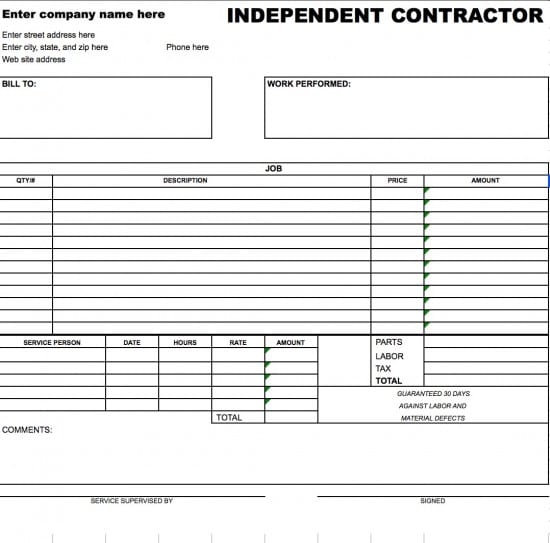
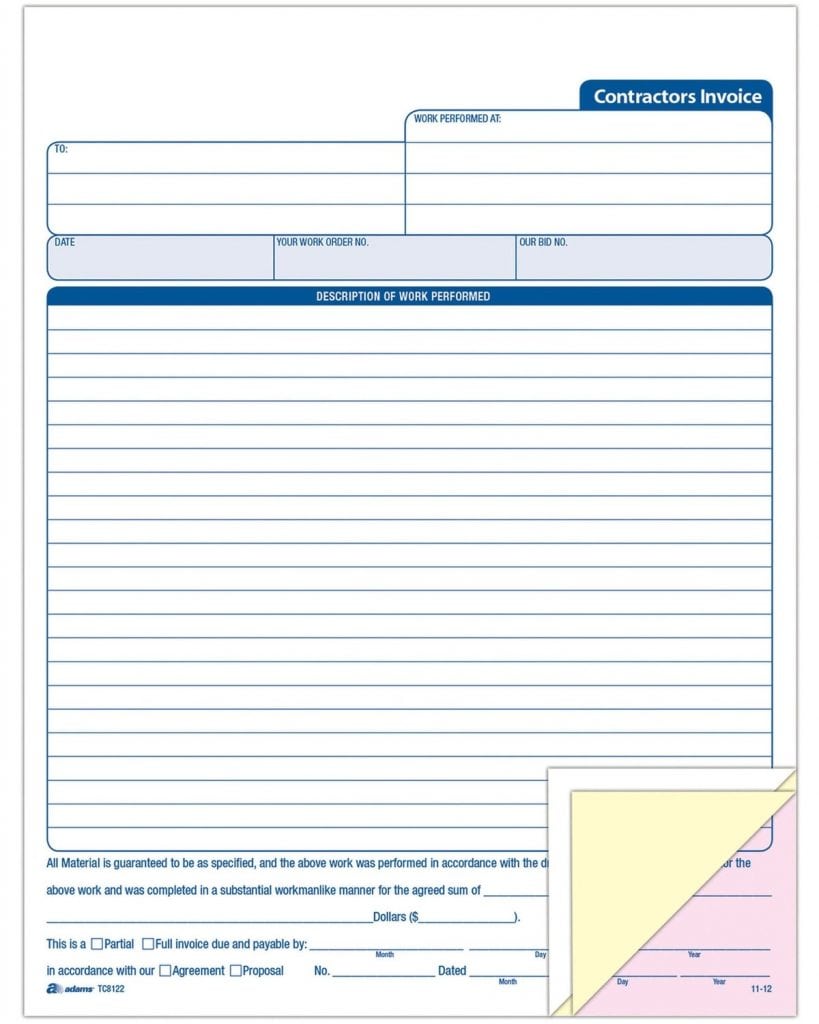
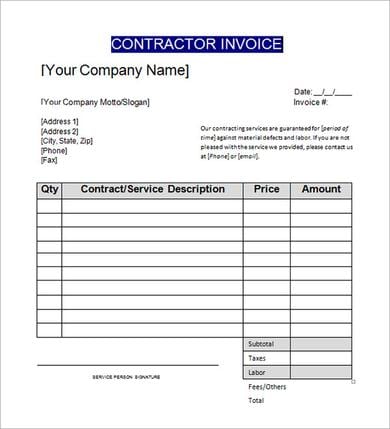
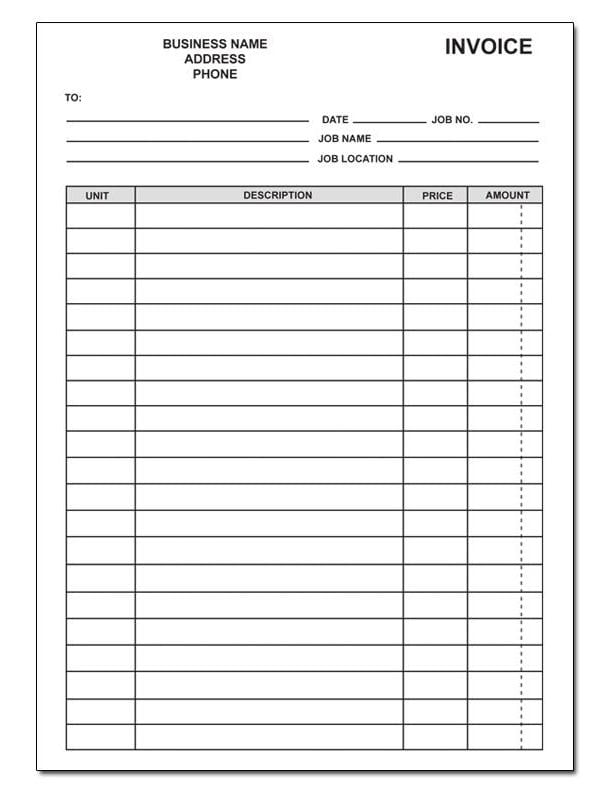
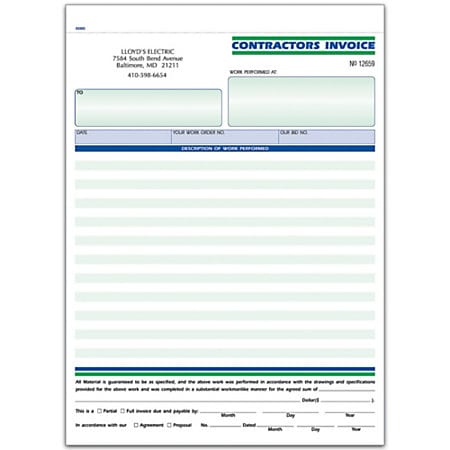
This collection contains six contractor invoice previews with the original resource links below. Use them to compare layouts for your own billing process. Some linked resources are external examples or printed invoice products, and several download graphics have no attached link. Check the destination and available format before relying on a particular option; a preview alone does not establish that an editable spreadsheet is included.
The guidance here is for construction, repair, installation, and similar project work where labor and materials need a clear record. It also applies to subcontractors billing another contractor. Adapt the fields to your agreement and local invoicing requirements, then review the figures before sending. An invoice records a payment request; it does not replace the terms that authorized the work.
Start with the agreement and the job record
Before filling out a blank invoice, collect the accepted estimate or contract, the client’s billing details, job reference, completed-work notes, and any approved changes. These records answer two questions: what were you authorized to do, and what are you now charging for? Avoid starting from memory after several jobs have blended together.
An estimate and an invoice serve different stages of the transaction. Use a quotation template to describe proposed work and pricing before the client accepts. The invoice should reflect what the agreed billing arrangement allows you to charge now. If the scope is disputed, clarify it rather than adding an unexplained amount to the total.
For projects with several deliverables, a statement of work template can help document boundaries, responsibilities, and completion criteria. Refer to the relevant project or work-order number on the invoice. You need not reproduce the entire agreement in the billing document, but the client should be able to connect the charge to it.
Fields that make a contractor invoice easier to approve
Include your business name, address, and a reliable contact method. Show the client’s billing name and address separately from the job-site address when they differ. A property manager may approve work at one building while accounts payable processes payment at a central office. Sending the document only to the site contact can delay approval.
Assign a unique invoice number and state the issue date. Add a project name, job number, or purchase-order reference supplied by the client. If your numbering system includes a year or project code, use it consistently. Do not reuse a previous invoice number simply because you are copying its layout.
Describe the service period or completion date. For example, “Kitchen tile repair, labor completed 12–13 September” is easier to review than “repair work.” State the currency beside amounts when clients or suppliers use more than one. A dollar sign alone may not identify the currency adequately.
Show the subtotal, any applicable adjustments, and the balance due clearly. Include the due date and payment instructions that match the agreed terms. Do not introduce a new late fee or shorter payment period after the work is finished without checking the agreement and applicable requirements.
If a signature area appears in the selected design, decide what it represents. A contractor’s signature, a customer’s acknowledgment of receipt, and an approval of completed work have different meanings. Label the field accordingly and avoid wording that implies the invoice itself settles every issue about the project.
Separate labor, materials, and other agreed charges
For hourly work, list the task, approved hours, and hourly rate. For a fixed-price job, describe the agreed deliverable and fixed charge. Mixing hourly detail with a fixed-price total can confuse the client unless the purpose of the additional detail is clear.
Materials should be recognizable: a sensible description, quantity, unit, rate, and extended amount. “Four door handles at 18 each” is more informative than “hardware: 72.” If your agreement includes a markup, delivery charge, or equipment hire, disclose it in the manner agreed with the client. Do not present a supplier receipt as proof of a different selling price without explaining the difference.
A construction invoice can be concise while still being useful. Group minor consumables where the agreement allows, but separate large or disputed purchases. Keep supporting records available rather than crowding every receipt into the main invoice. The reader should be able to approve the amount without searching through unrelated information.
For service work with few materials, a service invoice template may offer a simpler layout. Choose it when the charge mainly concerns time or a defined service. A contractor layout with extensive quantity columns is useful only if those columns explain the actual bill.
Worked example: a small repair invoice
Suppose a contractor completes an agreed repair using six hours of labor at 45 currency units per hour and four replacement fittings at 18 each. Labor is 270, materials are 72, and the pre-tax subtotal is 342. If the client has already paid a deposit of 100 that applies to this bill, the balance before any applicable tax is 242.
The invoice should show the deposit separately, with its payment date or reference, rather than quietly reducing the labor rate. This lets both parties reconcile the work price and payment history. Check how tax and deposit treatment apply to your own situation; the example deliberately does not assume a jurisdiction or tax rate.
An additional visit approved at a fixed charge of 60 would bring the pre-tax work subtotal to 402 and the remaining amount, after the same deposit, to 302. Identify that visit as an approved addition with its reference. Calling it “extra” without a description makes the invoice harder to check.
Use a calculator or spreadsheet to confirm every extension and the final balance. A visually polished template can still contain an incorrect total. If you change a rate, quantity, or discount, recalculate the dependent figures rather than editing only the bottom line.
Progress billing and changes to the original scope
A progress payment invoice should identify the project stage being billed and how the amount was determined. If the agreement provides milestone payments, name the milestone and describe its completion. If billing is based on measured quantities or a percentage of completion, include the relevant basis and supporting record.
Show prior amounts where needed to prevent double billing. “Previously invoiced” and “previously paid” are different figures: a previous invoice may remain unpaid. Keep those labels separate. For a final invoice, make it clear that the amount is the remaining balance under the current billing record.
For changes, refer to the written approval, change-order number, or other agreed evidence. List the added or removed work and the resulting adjustment. If approval is pending, resolve it before treating the amount as an accepted charge. Do not turn a disputed variation into an ordinary line item without explanation.
Retainage, withholding, and release conditions depend on the contract and applicable rules. Include them only when relevant and accurately supported. A generic template cannot establish your entitlement to a payment, determine a statutory deadline, or guarantee that a particular clause is enforceable.
Customize the layout without weakening the record
Choose the preview that gives enough room for the descriptions you actually need. A compact form suits one service call; a larger line-item layout suits multiple tasks and materials. A printed multi-part invoice product may suit a paper workflow, while an editable file can be more convenient for digital billing. Confirm the resource type before planning your process around it.
Replace sample names, addresses, dates, and prices throughout the document. Check headers, footers, and any repeated contact information as well as the main table. Remove unused fields carefully so that labels and totals still make sense. Never leave a sample tax registration number or payment account in a document sent to a client.
Use plain descriptions and consistent units. Hours, days, square meters, and individual items should not share an unlabeled quantity column. If the layout becomes crowded, attach a clearly numbered detail sheet and refer to it on the invoice. Keep the invoice total and the attachment total aligned.
Save an editable working copy and a final version for the client. Review the final version at ordinary reading size and check that long descriptions, account instructions, and the total are visible. A spreadsheet that looks correct on screen may paginate awkwardly when printed or exported.
Send, record, and follow up
Send the invoice to the agreed billing contact with a short message identifying the project and due date. Attach requested supporting records, such as approved time sheets or completion documentation, where appropriate. Avoid sending private staff details or unrelated customer information.
Record the sent date, amount, due date, and payment status in your own billing register. When payment arrives, match it to the invoice reference and update the outstanding balance. A partial payment should leave a visible remainder. Preserve the original invoice and a record of any correction rather than overwriting the history without explanation.
If the client asks for a correction, identify what changed and follow your normal accounting process for a revised invoice or adjustment document. A reminder should state the outstanding amount and reference politely. Good records make follow-up easier, but a template alone does not guarantee payment.
Below Are Contractors Invoice Templates

Contractor invoice questions
Is a contractor invoice the same as a quote?
No. A quote describes proposed pricing before acceptance; an invoice requests payment under the billing arrangement. Link the invoice to the accepted quote or agreement and explain any approved changes.
Should I list materials separately from labor?
Usually it helps when the client needs to review quantities and rates. For an agreed fixed-price job, describe the deliverable clearly and add a breakdown when required by the agreement or approval process.
How should I show a deposit already received?
Display it as a separate payment credit, ideally with a date or reference. Keep the agreed work subtotal visible and check the appropriate accounting and tax treatment for your situation.
Can I use these previews for subcontractor billing?
Yes, a suitable layout can be adapted to identify the hiring contractor as the billing client and the relevant project as the work location. Include the references and supporting detail the hiring contractor requires.
Are all six resources editable Excel downloads?
The page does not establish that. The collection includes previews, external resource links, and unlinked download graphics. Check each available destination for its actual format and terms before using it.
What should a final project invoice show?
Identify the final billing stage, current charges, applicable adjustments, and payments or credits already applied. Separate unpaid previous invoices from payments received so the remaining balance can be reconciled.

