A coupon template presents a discount or personal benefit with clear conditions. Identify the issuer, eligible item or activity, value and redemption instructions. Check that the wording matches the intended offer and that the key terms remain readable after printing.
Use a gift voucher for a defined redeemable benefit, connect prices to an approved price list and record completed retail payments with a sales receipt. A coupon offers a reduction or benefit; it should not be confused with proof that a purchase occurred.
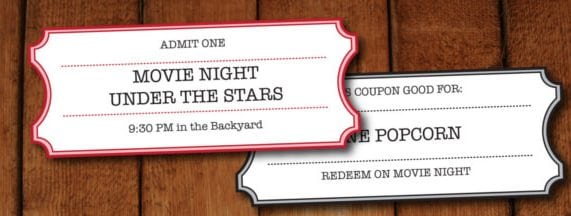
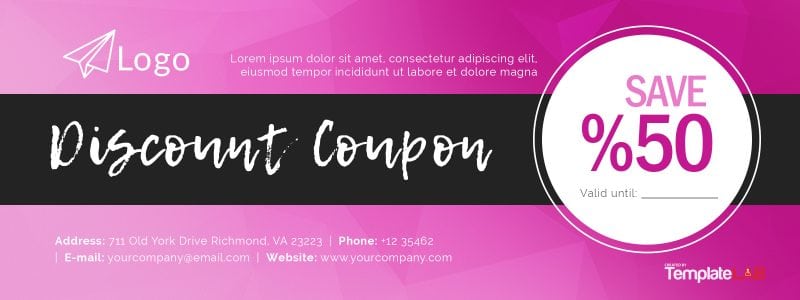
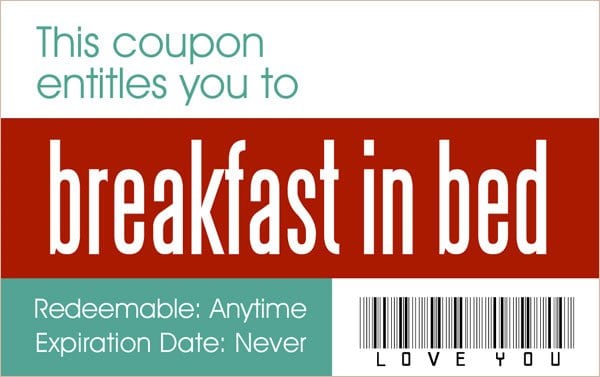
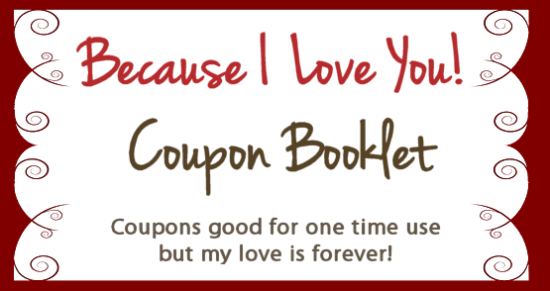
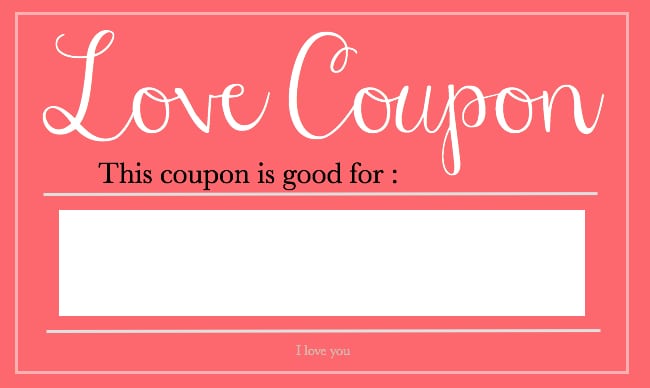
The five previews below include business-style coupon resources and personal coupon-book destinations. They are not all the same product or format. One link uses an affiliate-style redirect, and other links lead to external sites. Check each destination for its available files, prices, permissions, and terms before assuming that every preview supplies a free editable download.
For a business promotion, begin with the offer and redemption process before decorating the coupon. For a personal gift, choose a promise you can comfortably fulfill. In either case, the reader should understand the benefit without guessing at hidden conditions. A template cannot make a retailer accept an offer that the retailer did not issue or authorize.
Choose the right kind of coupon
A retail discount coupon reduces the price of an eligible purchase under the issuer’s stated conditions. It may offer a fixed amount off, a percentage reduction, or a specified additional item. Identify which type you are creating because each requires different wording and calculations.
A personal activity coupon is a promise between people: for example, an afternoon picnic or help with a household task. It should not look like an official offer from an unrelated shop. The resources linked below include Valentine’s coupon-book examples, so a personal gift may be a better fit for some designs than a commercial campaign.
A prepaid voucher represents a different arrangement from a promotional discount. If your purpose is to give or record purchased value, compare the gift voucher templates and check the requirements that apply to that product. Do not call a discount coupon “cash” or imply that it holds a paid balance when it does not.
Choose one function for each design. A coupon that simultaneously promises money off, a stored balance, and a personal favor makes the recipient’s entitlement unclear. A simple, accurately described benefit is easier to redeem and record.
Define the offer before designing it
Write the offer in a plain sentence. For example, “Receive 10% off eligible full-price stationery purchases during the stated promotion period.” Then identify the conditions that materially affect whether a customer can use it.
Specify the issuing business, eligible products or services, applicable location or channel, and the redemption period. If the offer has a minimum purchase amount, state how that amount is measured. A customer should not discover at checkout that excluded items do not count toward a threshold they reasonably thought they had reached.
Explain relevant exclusions, limits per transaction or customer, and whether the offer can be combined with other promotions. Do not add restrictions merely to fill empty space in a template. Include the conditions your business actually intends to apply and make sure staff can apply them consistently.
A sales plan template can help establish why the promotion exists: introducing a product, encouraging a first visit, or improving repeat purchases. That purpose influences the eligible items, distribution method, and measures you will review afterward. A coupon should serve a defined campaign rather than promise that discounts automatically increase profit.
Percentage and fixed-amount examples
For an illustrative percentage offer, an eligible subtotal of 80 currency units with a 15% discount produces a reduction of 12 and a discounted subtotal of 68. The calculation is 80 multiplied by 0.15. Tax, delivery, or other charges are deliberately excluded from this example; explain their treatment in the actual offer and apply the requirements relevant to your business.
For a fixed-amount offer of 10 off an eligible purchase of at least 50, a qualifying subtotal of 65 becomes 55 before any separately applicable charges. If the purchase is only 45, it does not meet that example’s threshold. Specify what counts toward the minimum so the customer and cashier use the same rule.
A maximum discount can change the result of a percentage promotion. With “20% off, maximum discount 15,” an eligible subtotal of 100 would receive 15 off rather than 20. Put an important cap near the headline offer, not in text so small that it is easy to miss.
A price list template can help you check the regular prices used to calculate the offer. Verify that the advertised comparison and actual selling price are accurate. Do not inflate a supposed original price to make the reduction appear larger.
Make the conditions readable
Arrange the design so the offer, issuer, and important qualifications are easy to find. The largest type should not promise a broad benefit that a much smaller line takes away. Keep meaningful conditions close to the claim they explain.
Use clear dates with the year, and specify the relevant time or time zone when online redemption makes it necessary. Ambiguous numeric dates can mean different things to different readers. “Valid through 30 November 2026” is clearer than an unexplained sequence of numbers.
If a code is required, make it readable and distinguish similar characters. Explain whether customers present the printed coupon, enter the code online, or mention the offer when booking. A code without instructions may look professional while leaving the customer unsure what to do.
For United States advertising, the Federal Trade Commission’s advertising guidance explains that qualifying information should be clear and placed close to the claim. Check the rules for the place and type of promotion you run. A generic design is not a substitute for applicable advertising or consumer requirements.
Plan how redemption will work
Ask the people handling redemption to review the offer before distribution. They should understand which items qualify, how the discount is calculated, whether combinations are permitted, and what to do when the code fails. A promotion that the cashier has never heard of can create avoidable frustration.
Test the calculation using a few representative baskets or service bookings. Include a purchase below the minimum, an eligible purchase, and a purchase containing excluded items. Check the exact wording against the result you intend to produce. This is a review of the promotion process, not a guarantee that a template contains working checkout features.
If an online system processes the discount, configure the offer in that system separately. A printed coupon image or a PDF cannot create a working checkout code by itself. Confirm that the advertised period matches the configured period and that the code applies to the intended items.
Keep a clear record of the campaign version. If you change a condition after printing, you may create inconsistent offers in circulation. Resolve the issue appropriately rather than relying on staff to explain an unannounced restriction.
Track results without collecting unnecessary information
Record the campaign identifier, number of redemptions, eligible sales, discount amount, and any operational problems that matter to the campaign. A sales log template can help organize a simple record when your sales system does not already provide one.
Review the cost of the promotion as well as revenue. In a simplified example, a product sold for 50 with a direct cost of 30 leaves 20 before other costs. A discount of 10 reduces that amount to 10 if the direct cost stays the same. More transactions do not automatically compensate for that reduction.
That example does not represent a full profit calculation. Staff time, overhead, returns, and campaign costs may also matter. Use your own records and appropriate accounting support when deciding whether an offer is financially suitable.
Avoid asking for a birth date, home address, or other personal information merely because the template has a spare field. Collect only information needed for a legitimate redemption or campaign purpose, handle it appropriately, and keep personal gift coupons separate from business customer records.
Personal coupon books that are practical to use
For a personal gift, write a specific activity rather than an unlimited obligation. “Choose a weekend afternoon for a picnic we arrange together” leaves room to agree on a suitable date. A vague promise of “anything you want” can create expectations the giver did not intend.
Choose activities that suit the recipient’s preferences and your available time. A personal coupon should be voluntary, considerate, and realistic. Avoid promises that depend on another person’s participation without their agreement.
If the gift includes several coupons, distinguish them clearly and provide space to mark one as used if that helps. You can agree on scheduling informally rather than copying restrictive retail conditions into a friendly gift. Do not use an unrelated company’s branding to imply that the company will provide the promised benefit.
Before printing, check that the recipient’s name, activity, and any agreed timing are readable. Personal designs can be playful, but clarity still makes the gift easier to enjoy.
Prepare the final version
Replace sample business names, codes, dates, amounts, and contact details throughout the design. Inspect both the main offer and the small-print area for leftovers. Keep a blank master and an identifiable final campaign version.
Print or view the final design at its intended size. Confirm that the code and important conditions remain legible and that cutting the coupon will not remove essential wording. If you distribute an image digitally, check that its text can be read on the intended screen.
Use only branding and resources you have permission to use. Do not copy or alter an existing manufacturer’s coupon to create a benefit the manufacturer has not approved. The previews below are starting points for authorized offers and personal gifts, not a way to manufacture redeemable value from another issuer.
Download Coupon Templates Here

Coupon template questions
Is a discount coupon the same as a prepaid gift voucher?
No. A discount coupon reduces an eligible price under an offer’s conditions. A prepaid voucher concerns purchased value or credit and can have different rules. Choose the appropriate document for the actual arrangement.
What information should a business coupon include?
Identify the issuer, benefit, eligible purchase, redemption method, relevant dates, and important conditions. Include minimum spending, caps, exclusions, and combination rules when they apply.
Does a coupon image create a working online discount code?
No. Configure the promotion in the checkout or booking system and confirm that its settings match the advertised offer. The image only communicates the code and conditions.
Can I make a coupon for an unrelated retailer?
Only with the issuer’s authorization. A template cannot require another business to honor a discount or create credit with that business.
How can I tell whether a promotion was worthwhile?
Compare redemptions, sales, discounts, and relevant costs against the campaign’s purpose. Increased sales alone do not establish increased profit.
Do these resources include personal gift coupons?
Yes, the linked collection includes personal Valentine’s coupon-book destinations as well as business-style resources. Check each destination for its contents, format, and use terms.