
A log sheet template records events, observations or transactions in a consistent sequence. Define what one entry represents and choose fields that let another reader understand it. Record corrections clearly and collect only the detail needed for the log’s purpose.
Choose a daily log sheet for date-based checkpoints, a daily activity log for time intervals or a sales log for transactions. A general layout becomes useful when its entries and totals have a defined meaning.
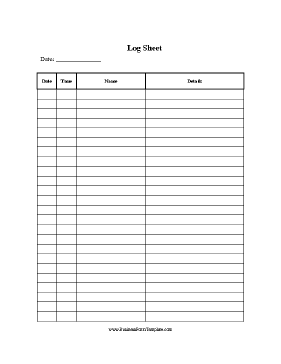
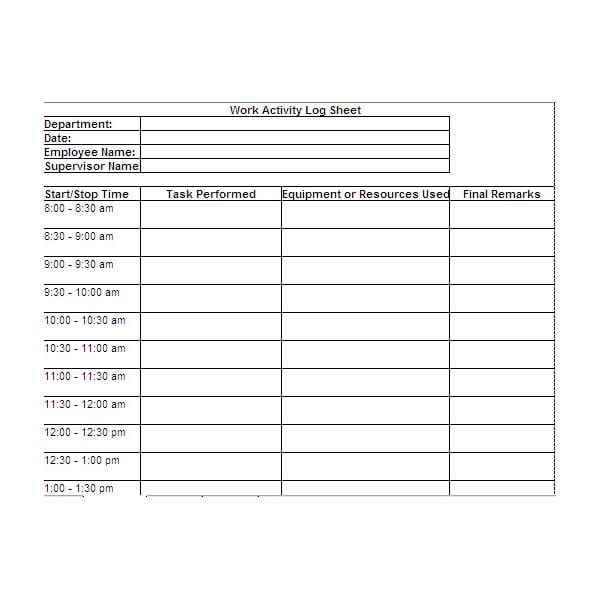
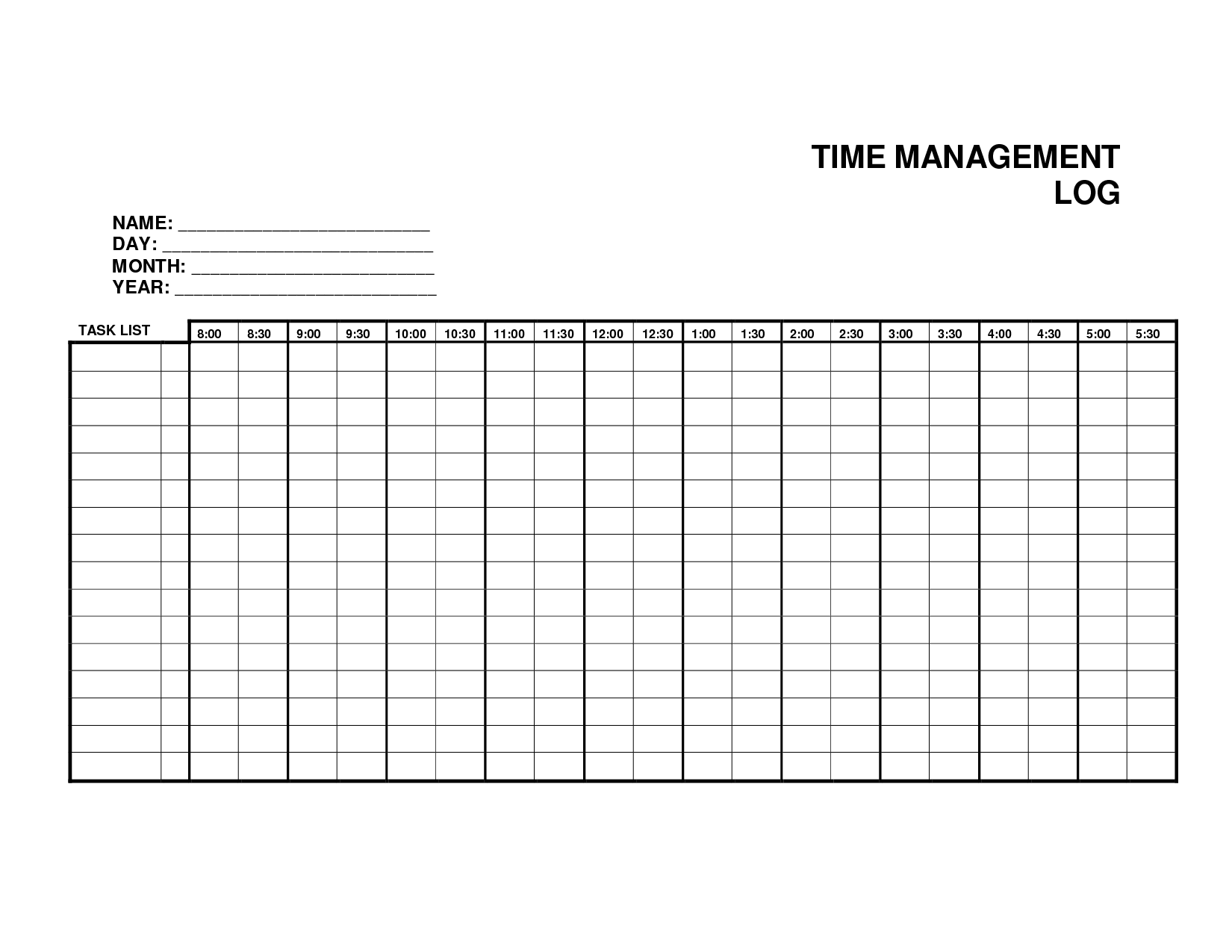
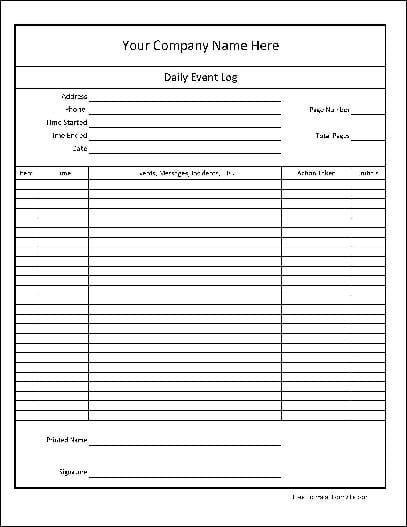
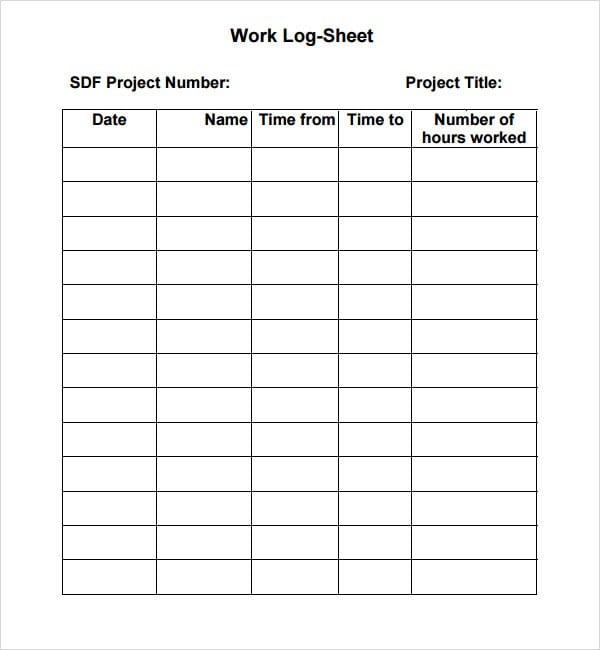
The five previews below are labeled as a general log, work activity log, time log, event log, and sample work log. Four have external resource links, including a linked XLS file; the last download graphic has no attached destination. Check the actual resource’s contents and format before relying on a pictured layout.
This article focuses on choosing and maintaining a general-purpose register that may cover more than one day. For a one-day checkpoint record, use the daily-log approach; for detailed time use, choose an activity or time layout. A log is not automatically an attendance sheet, a task plan, or a complete record system for sensitive information.
Define what each row represents
Start by deciding the event you are recording. In an equipment checkout log, one row might represent an item issued to a person. In a work activity log, it might represent a task or session. In an event log, it might represent a significant occurrence and its outcome.
Write that definition before choosing the columns. If one person records a whole day in a row and another records each small event, the resulting totals or comparisons may be misleading.
Decide whether an entry is created when something starts, ends, or changes. For an item loan, you may create the row at issue and update it at return. For an event, you may add a later entry to record a resolution. Choose a method that preserves the history you need.
Keep the scope narrow enough to use consistently. A log that combines attendance, equipment, customer complaints, and private staff notes can become difficult to review and inappropriate to share.
Core fields and optional fields
Most logs need a date, a description, and an identifier or reference where relevant. Add a time when order or duration matters. A date-only record may be sufficient for a low-detail register, while several events in one day need a more precise sequence.
Use an item, task, or event reference to distinguish similar entries. “Laptop 07” is more identifiable than “computer” in an equipment log. “Request 214” can connect an action to the system holding the full details.
A recorder or responsible-person field is useful when follow-up depends on knowing who entered or owns the information. Do not collect full contact details simply because the template has space. Use the appropriate internal identifier when that is enough.
A status or outcome field helps distinguish open, completed, returned, or unresolved entries. Define the terms so different users apply them consistently. “Pending” should not mean several unrelated things without further explanation.
Optional fields should earn their place. Quantity, location, due date, duration, and notes are useful only when they serve the log’s purpose. Unused columns can encourage vague or inconsistent entries.
Example: an equipment checkout register
Imagine a team lending a small set of presentation devices to staff. Its log could identify the item, issue date, borrower, agreed return date, actual return date, and condition note under the organization’s usual equipment process.
A fictional entry might record “Projector 03 — issued 12 October — meeting team — due back 13 October — returned 13 October — remote and case returned.” That is enough to trace the movement without storing unnecessary personal information.
If the device is returned without its remote, record the specific issue and the next action. Do not mark the row simply “returned” if that status would imply the complete set is back. Define whether the status covers the item alone or all listed accessories.
For equipment that needs specialist inspection, the log should identify the appropriate check or reference rather than claim that a brief note certifies safety. Use the organization’s approved process for any technical or safety assessment.
| Field | Purpose |
|---|---|
| Item reference | Identify the exact equipment |
| Issue and return dates | Trace the loan period |
| Responsible person or team | Identify who to contact |
| Condition and follow-up | Record the relevant outcome |
The example illustrates the relationship between columns and purpose. It is not a complete asset-management system or a prescribed control for every workplace.
Choosing among the preview types
The general log preview can be a starting point when you need a simple date-and-description register. Check that its available fields fit the event definition you have chosen.
A work activity layout is useful when entries concern tasks performed. A time log emphasizes when work begins and ends or how long it takes. Do not use a task’s completion status as a substitute for the hours actually recorded.
An event log is useful for a sequence of occurrences and follow-up. It should distinguish an observation from a report supplied by someone else. The sample work log may provide another layout option, but its unlinked download graphic does not establish an available file.
For a one-day record of selected checks and outcomes, compare the daily log sheet templates. For a detailed chronological record of activities, compare the daily activity log templates. Choose the level of detail needed rather than collecting every possible type of information.
For attendance, a sign-in sheet template may be more suitable. Attendance requires its own definition, such as arrival, participation, or presence at a particular point. A signature field alone does not determine what attendance standard has been met.
Complete entries consistently
Record information close to the event when practical. Delayed entry can lead to uncertain times, missing details, or events being combined from memory. If you enter information later, keep that distinction clear when it matters.
Use plain descriptions and consistent units. If one row records minutes and another records hours, label the units or convert through an agreed method. Do not total unlike quantities merely because they occupy the same column.
Avoid replacing facts with opinions. “Device displayed an error message during startup” records an observation. “Device is useless” is a judgment that provides little actionable information.
When information is unknown, use an agreed way to identify the gap and the person who will check it. A blank can mean missing, not applicable, or deliberately omitted. Those meanings should not be indistinguishable in a record used for decisions.
Corrections and follow-up
Choose a correction method appropriate to the setting. A personal paper log may allow a legible correction; a formal business record may require a documented change history. Follow the actual requirements rather than inventing them from the template.
Do not erase a significant earlier event simply because it was resolved. Record the resolution or update status in a way that preserves the necessary sequence. A current status and the history leading to it serve different purposes.
For unresolved entries, identify a next action, owner, or reference where appropriate. Writing an issue in the log does not guarantee that the responsible person has seen it. Use the normal notification or escalation process.
Review open entries regularly. A recurring issue or overdue return may need action beyond the log itself. The sheet records information; it does not enforce a deadline or automatically notify someone unless a separate working system does that.
Paper and spreadsheet use
A paper layout should have readable headings and enough writing space. Print a sample at the intended size and check that users can enter meaningful descriptions without squeezing text into narrow cells.
The gallery contains a linked XLS resource, but that does not mean every preview is a spreadsheet. Open the actual file in a suitable editor and inspect its structure. Do not assume that it includes working formulas, validation, or automation.
If you maintain a spreadsheet log, avoid sorting only one column while leaving the rest of the row behind. Keep each entry’s fields together and use a consistent date and time format. Check the record after changing its structure.
Use a clear file name and version or period identifier. If several people update the record, agree on where the current copy lives and how changes are made. Multiple uncoordinated copies can create uncertainty about which entry is current.
Protect sensitive information
A general log should not display patient details, private staff matters, or customer information in a shared area. The original idea of using one sheet for every type of record is too broad for sensitive situations.
For medical, legal, security, or regulated records, use the organization’s approved system and required procedures. A generic register does not establish privacy compliance or provide a complete case record.
Limit access to people who need the information and choose an appropriate retention process. Do not store passwords or access codes in a general log. A backup should protect the information, not create an uncontrolled public copy.
Keep the log useful over time
Review whether the columns are producing information people can understand and act on. If a field is consistently empty, decide whether it is unnecessary or whether its purpose has not been explained.
Check a small set of completed entries for consistency. Clarify ambiguous labels and improve the instructions before collecting more data. A simple form used accurately is more valuable than a complex form completed inconsistently.
A log sheet can support traceability and review when its scope and method are clear. It does not guarantee that every entry is correct, that all activity has been recorded, or that the organization has met every requirement connected to the underlying work.
Log Sheet Sample

Work Activity Log Sheet
Time Log Sheet
Event Log Sheet
Sample Work Log Sheet
Log sheet questions
What should one row represent?
Define a single event, action, session, or movement appropriate to the purpose. Keep that definition consistent so entries can be compared and understood.
Is a log sheet the same as a to-do list?
No. A log records activity or events. A to-do list identifies work intended for completion. Do not treat a planned item as evidence that it happened.
Which preview should I choose for time recording?
Inspect the time-log resource and confirm that its fields fit your needs. Other general or event layouts may not provide start, finish, or duration fields.
Do all five previews have file links?
No. Four previews have external resource links, including an XLS destination. The last download graphic is unlinked.
Can I use a general log for patient records?
Do not assume it is appropriate. Sensitive and regulated information needs the approved system, access controls, and procedures for that setting.
Does recording an issue alert the responsible person?
Not by itself. Use the normal notification or escalation process and record the follow-up reference when useful.

