
A printable check register template provides a paper record of account transactions from a stated opening balance. Enter amounts consistently, check the arithmetic and identify cleared and outstanding items. The worksheet is an internal record rather than confirmation of a bank’s available balance.
Compare layouts in the check register guide, identify deposit records using deposit slip templates and organize related transactions in a payment history. Match each entry to its source instead of reconciling by changing figures merely to force agreement.
The five previews below link to external resources, including PDF destinations, a printable-paper page, and a Dropbox account-area URL. Check whether a resource is publicly accessible and what file it supplies. A paper register does not calculate automatically, and this gallery does not establish that every resource includes Excel formulas.
This guide focuses on completing and reconciling a printed register. It is your own working record, not an official bank statement or proof that funds are available. Keep it current, review the bank’s information, and handle any discrepancy through the appropriate process rather than assuming the template prevents all mistakes.
Set up one register for one account
Identify the account in a way you can recognize without unnecessarily displaying its full number. A short label such as “Household checking” or an appropriate partial identifier may be sufficient for your own record.
Choose an opening date and a supported opening balance. If you are starting mid-period, check what transactions are already reflected in that balance. Do not subtract earlier transactions a second time merely because you are entering them for reference.
Keep accounts separate. A deposit into one account and a payment from another should not appear as though they affect the same running balance. Transfers need to be recorded appropriately in each account’s record.
For a business, follow the bookkeeping process used by the organization. A printable register can support a simple account record, but it is not a complete accounting system. A general journal template serves a different bookkeeping purpose and should be used only in line with the appropriate accounting process.
Understand the columns
A typical register includes the transaction date, check number or other reference, description, payment or withdrawal amount, deposit or credit amount, and running balance. A cleared column helps you mark items that have appeared in the bank’s record.
The date may mean when you issued a check or initiated a transaction. The bank’s posting date can differ. Preserve the distinction when it matters rather than changing your original date to make the rows look identical to the statement.
Use a description that will still make sense later. A payee or purpose is more useful than “payment.” Include a reference when it helps you distinguish similar transactions.
Keep money out and money in in separate columns if the form is designed that way. A single misplaced amount can reverse the effect on the balance. Check the column headings before copying entries from another layout.
Mark an item as cleared only after matching it to the bank’s actual transaction information. Writing a check does not mean it has already cleared.
Record more than paper checks
A check register can include debit-card purchases, automatic payments, transfers, cash withdrawals, fees, refunds, and deposits. Omitting electronic activity can make the written balance appear larger than it should.
Record transactions close to the time they occur where practical. Keep receipts or confirmations needed to check the details. A later bank posting may use a slightly different merchant description, so a recognizable reference can help.
For an automatic payment, distinguish a scheduled future transaction from one that has actually occurred or been recorded under your chosen method. A planned bill should not be confused with a cleared payment.
If you use a separate payment history template to track recurring obligations, keep the records consistent. The payment history may show what is owed or paid across several periods; the check register shows the effect on the specific account.
Do not assume that using a paper register hides transactions from the bank or other authorized systems. It records your activity; it does not change how a card, payment, or bank account operates.
A worked running-balance example
Suppose the supported opening balance is 800 currency units. You issue a check for 120, make a card purchase for 35, receive a deposit of 200, and record a bank fee of 5. The register balance becomes 840.
The arithmetic is 800 minus 120 minus 35 plus 200 minus 5. Record each transaction separately rather than writing only the final amount. Separate entries let you find the source of a difference later.
If the 120 check has not yet cleared, the bank’s displayed balance may still include that amount, depending on the other posted transactions and the balance being shown. Your record has already allowed for the check, so the two figures can differ without either being a simple arithmetic error.
This is a fictional example, not a representation of your available funds. Holds, pending activity, account rules, and other transactions can affect what the bank makes available. Check the bank’s information and your complete record before relying on a balance.
Reconcile the register with the statement
Reconciliation means comparing your record with the bank’s record and explaining the difference. FDIC Money Smart material discusses checking matched transactions, outstanding items, and differences between the statement and register.
Use an actual statement or transaction record supplied through the bank’s legitimate channel. Do not create a substitute bank statement from a template and use it as evidence of the account’s activity.
Match deposits and withdrawals by amount and appropriate reference. Mark matched items as cleared. Look for fees, interest, refunds, or other posted items missing from your register and record them accurately.
Identify transactions already in your register but not yet reflected in the statement, such as an outstanding check. Keep a list of those items rather than adjusting the balance without a reason.
Compare figures covering the same account and period. A current online balance and a statement ending several days earlier may differ because of timing. Know which balance you are using before concluding that a transaction is missing.
A simple reconciliation example
Assume a statement ending balance of 950 currency units, an outstanding check of 120, and a deposit of 40 recorded in your register but not yet reflected in that statement. The adjusted statement-side balance is 870: 950 minus 120 plus 40.
If your register shows 875 but you omitted a posted bank fee of 5, recording that fee gives 870. The two adjusted figures then agree in this simplified example.
Do not use the example’s adjustments automatically for your own account. Confirm that each item is real, belongs to the period, and has not already been included. A deposit appearing on the statement must not be added again as outstanding.
An unexplained difference should remain visible until resolved. Do not enter a balancing amount merely to force agreement. Recheck arithmetic, duplicate entries, missing transactions, and timing before deciding what the difference represents.
Correct errors and protect the record
If you find an incorrect entry, use a clear correction method so you can understand what changed. For a personal paper record, that might be a legible correction with a note. For a business record, follow the organization’s required process and preserve any necessary history.
If you notice an unfamiliar transaction or possible bank error, contact the financial institution promptly through a verified channel and follow its instructions. Applicable reporting rights and deadlines can depend on the transaction and jurisdiction, so do not rely on a generic template for those rules.
Keep the printed register secure. It can reveal spending habits, payees, and account information. Avoid leaving it in a shared area or uploading an unredacted copy to a public service.
A photocopy or scan can provide a backup when appropriate, but it also creates another copy of sensitive information. Store and share it only through a suitable process. Do not include passwords or online banking access details in the register.
Choose a layout you can actually maintain
A form with narrow rows may fit many transactions on one page but leave little room for descriptions. A larger-line layout may be better for handwriting or longer references. Compare the previews at the intended printed size.
Check that the payment, deposit, and balance headings remain readable after printing. Include enough space for corrections and cleared marks. A visually attractive layout is less useful if amounts are easy to place in the wrong column.
For a broader register format or a digital workflow, compare the check register template article. This page’s focus is a printed record, so do not assume that a paper PDF has spreadsheet calculations.
The Dropbox destination in this gallery uses an account-area URL and may require access rather than supplying a public file. If a resource is unavailable, do not bypass permissions or claim it is a working public download. Use another appropriate available layout or create a simple form from the guidance.
Keep the routine manageable
Review the register regularly and reconcile against the bank’s records. The useful routine is consistent recording and checking, not filling out a large number of unnecessary fields.
Carry the ending balance forward carefully when starting a new page. Keep enough information to connect the pages and the reconciliation period. A missed carry-forward amount can create a difference that affects every later entry.
A printable check register can improve visibility of your own record, but it does not guarantee that transactions are correct or prevent overdraft by itself. Its value depends on accurate entries, timely review, and a clear understanding of outstanding activity.
Check Register Sample
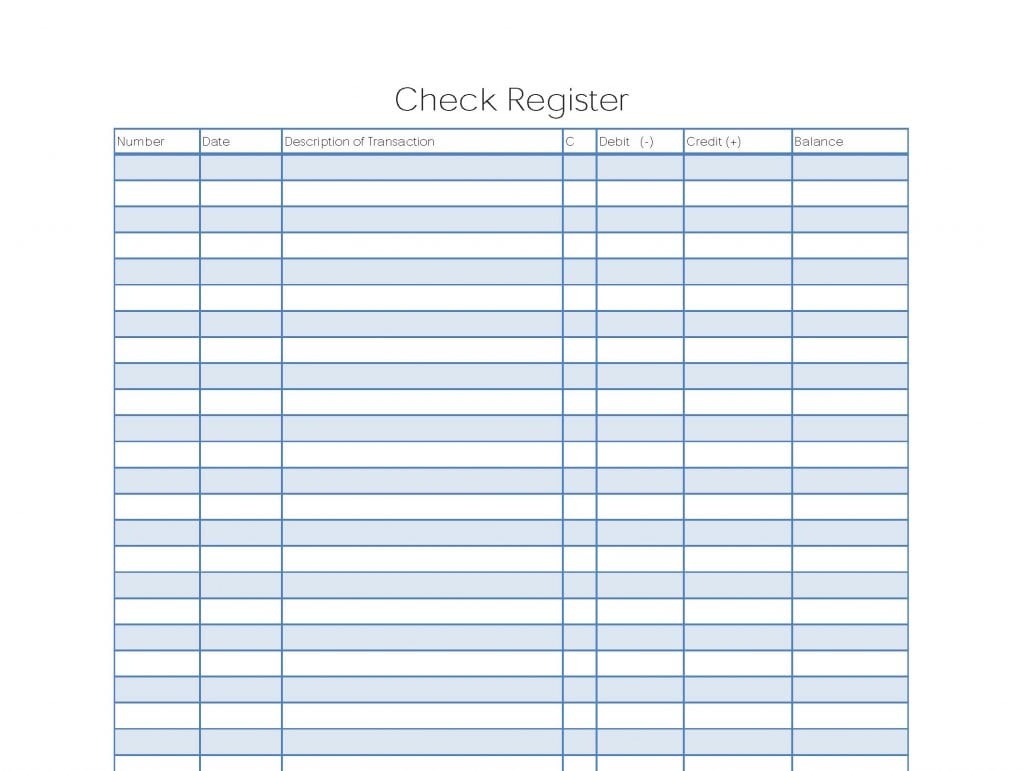

Blank Check Register
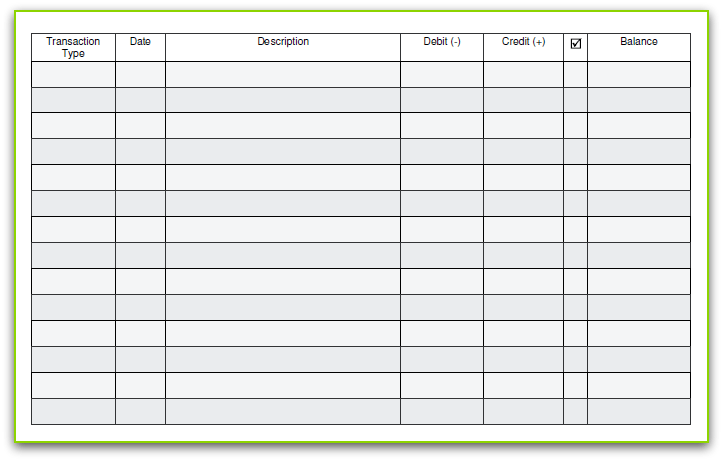
Printable Check Register
Check Register Example
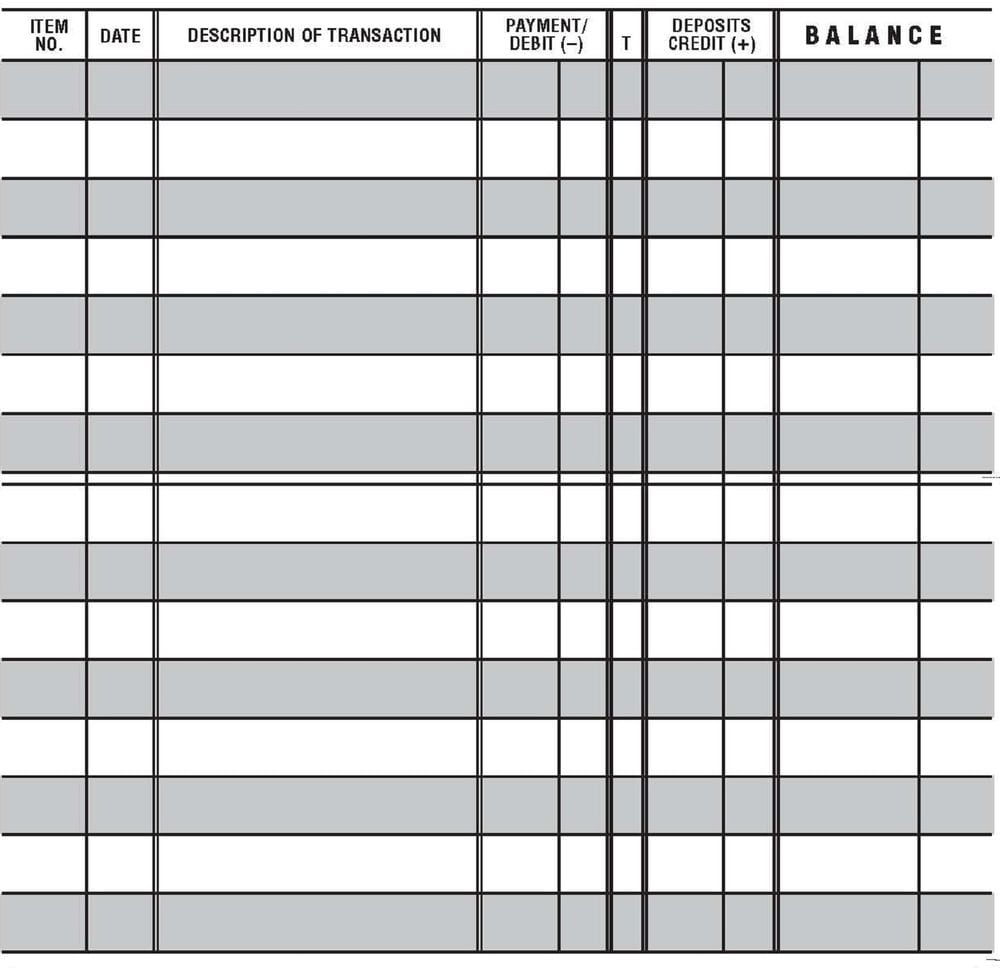
Check Register Printable
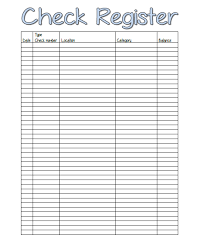
Printable check register questions
Does a printed register calculate the balance automatically?
No. A paper form requires you to calculate and check the running balance. Do not assume that an external PDF includes spreadsheet formulas.
Can I record card purchases and automatic payments?
Yes. Record the relevant activity affecting the account, not only paper checks. Omitting electronic transactions can make the register incomplete.
Why might the register and statement show different balances?
Timing, outstanding checks, deposits not yet reflected, missing entries, or errors can create differences. Reconcile the records rather than assuming one figure is immediately wrong.
Is the register an official bank statement?
No. It is your own working record. Obtain official statements through the bank’s legitimate channels.
What should I do with an unexplained difference?
Keep it visible, recheck the entries and timing, and contact the bank promptly when appropriate. Do not insert an unsupported amount solely to force the totals to match.
Are all five linked resources public downloads?
That is not established. The gallery includes external destinations and a Dropbox account-area URL that may require access. Check availability and file format at each destination.


