A warranty certificate template provides a layout for presenting the warranty information a business has approved for a product. The finished document should identify the warrantor, the covered product, the applicable terms and the way a customer can request assistance. A decorative certificate does not establish that a product is fault-free or that every repair will be covered.
The nine previews below have eight resource links: seven ZIP archives and one DOCX file. One preview has no separate download attached. Inspect an archive’s contents before assuming its format or terms. A filename that mentions lifetime warranty is a resource label, not confirmation that lifetime coverage is appropriate for your product or has been granted to a customer.
Use the template after defining the actual warranty and reviewing the rules that apply to the sale. The examples in this guide organize information and customer-support steps; they are not complete legal terms. Different products, transactions and jurisdictions can require different disclosures and can give consumers rights beyond what a certificate describes.
Identify who provides the warranty
Name the organization responsible for the warranty and give an appropriate contact method. A seller, manufacturer and service administrator may be different organizations. Explain those roles clearly so a customer does not have to infer who can answer a claim from a logo alone.
Use the business’s correct identity and contact details. If a separate administrator handles requests, state how to reach it and how its role relates to the warrantor. A document should not create the impression that an independent repair business has promised manufacturer coverage when it has only supplied a service.
Keep customer-facing contact details current. A certificate that directs customers to a discontinued email address is difficult to use even if the rest of the text is clear. Assign responsibility for reviewing those details when the business changes its support arrangements, and retain the applicable version for certificates already issued.
Describe the product and certificate reference
Record the product name, model and relevant identifier so the document can be connected to the item it concerns. Use a serial number where the actual process requires one, and check it against the product record. Do not invent a serial number to complete a sample layout.
A certificate reference can help the business locate the issued document. Keep that reference distinct from the product’s identifier and the purchase-document reference. They answer different questions: which certificate was issued, which item it concerns and which transaction supports the purchase information.
A sales receipt can document payment and supply a purchase reference, while the warranty document explains the applicable coverage information. Keep the references consistent without treating either document as proof of every fact contained in the other. A payment record by itself does not establish which warranty terms apply to an item.
Make the coverage period understandable
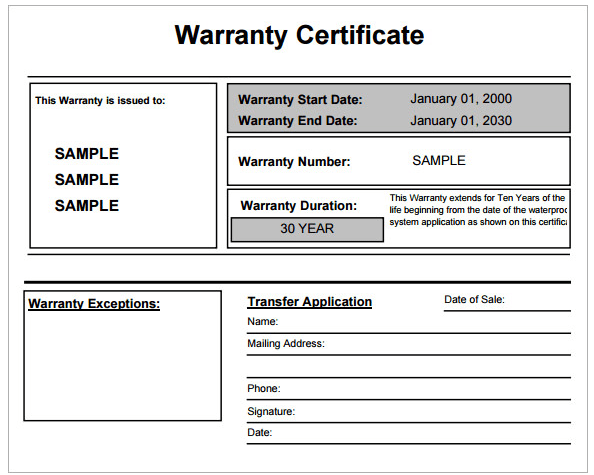
State the agreed coverage period and the event used to determine its start. Depending on the actual approved terms, that event might be purchase, delivery or another specified point. Do not use an issue date as the start simply because the template has only one date field.
If the document displays both the start and end date, verify that they match the approved terms and the organization’s method for calculating the period. Have the responsible reviewer check examples near month or year boundaries. A visually neat date range is still unhelpful if it was calculated on an unsupported assumption.
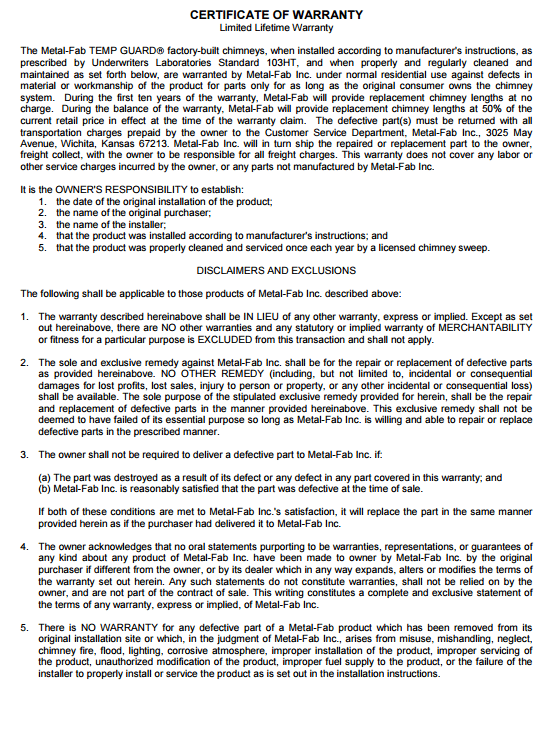
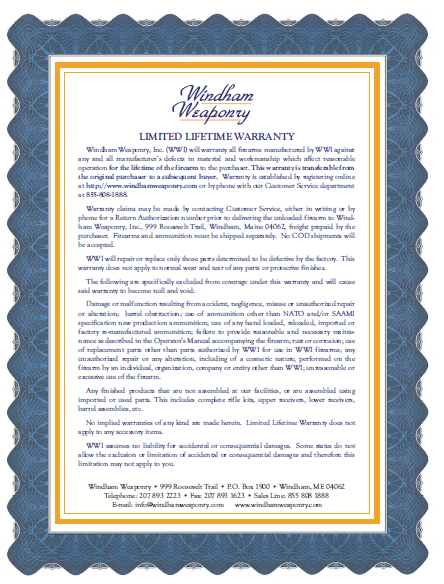
Be particularly careful with lifetime wording. FTC business guidance for U.S. warranty advertising explains the need to make clear which life determines the duration. Do not use a lifetime-labeled template merely because it looks attractive. The actual meaning needs to be defined in the approved warranty and communicated accurately.
Summarize coverage without changing the terms
Describe covered matters in plain language that agrees with the approved warranty. If parts, labor or particular components are addressed differently, make that distinction understandable. Avoid broad phrases such as everything covered unless that accurately reflects the actual promise and applicable requirements.
Identify where customers can access the full terms. If the certificate is a summary, label its role clearly and include the relevant version or reference. The summary should help the customer navigate the warranty, rather than introduce new restrictions or conflict with the document it points to.
Do not copy exclusions from an unrelated product. Terms appropriate for one type of equipment may not fit another, and the law may limit what a business can exclude. Review proposed wording with the person responsible for the product and the applicable legal requirements before presenting it as customer-ready.
A fictional certificate information example
Consider a fictional business called Example Desk Products preparing a warranty-information document for a desk lamp. Its draft identifies model L-20, the product’s recorded identifier, receipt reference R-084 and the applicable approved warranty document version. It lists the business’s established support channel and tells the customer where to find the full terms.
The draft includes a space for the coverage start determined under those terms, rather than automatically using today’s date. It also identifies the product details supplied by the sales record. The example demonstrates a traceable document structure; it does not promise coverage, set a duration or propose exclusions for real lamps.
Before issuance, the reviewer confirms that the model is correct and the referenced terms apply to that product and sale. The business then retains the issued version according to its records process. This check is more useful than adding a generic seal or signature that does not correspond to an actual approval.
Explain how customers request support
Give a clear first contact step and describe the information the approved process asks the customer to provide. A support team might need the product reference, purchase reference and a short description of the issue. Keep that request focused on information actually necessary to handle the inquiry.
Explain what happens after the request is received. For example, the team may provide further instructions or arrange an inspection under the applicable terms. Do not promise immediate replacement if the approved process first requires assessment. A claim-submission step and a coverage decision are separate stages.
A maintenance request form can help organize an issue report in an appropriate service process, but it is not automatically a warranty claim or approval. If the organization uses such a form for intake, label its purpose and explain how the customer will receive the next instructions.
Keep product warranties and service contracts distinct
FTC consumer service-contract guidance describes extended warranties and service contracts as different from warranties that may come with a product. If the business sells a separate service agreement, identify it accurately and make its relationship to product coverage clear. A certificate’s title should not obscure what the customer actually purchased.
Avoid assuming that a certificate is the entire source of the customer’s rights. FTC consumer warranty guidance also discusses implied warranties, whose treatment can depend on state law in the United States. Other jurisdictions have their own rules. The document should not imply that rights disappear merely because they are not listed on the sample.
Use the appropriate product-specific information and jurisdictional review rather than a universal promise copied from a template. A downloaded page cannot establish whether a particular sale is subject to a specific warranty law or whether the business’s proposed terms comply with it.
Track issue reports and outcomes separately
When a customer contacts the business, create a separate support reference and connect it to the certificate or product record as appropriate. Record when the request was received, what information is available and what action is pending. Keep the customer’s description distinct from any technical finding.
A service order can document authorized service work when the process reaches that stage. If the work concerns a warranty matter, make the relationship clear, including any approval or claim reference required by the organization. A certificate alone should not be treated as an instruction to perform unspecified work.
Record the outcome accurately. Request received, assessment pending and remedy authorized describe different stages. Avoid marking a claim accepted simply because a customer supplied a certificate. Clear status wording helps both the customer and the team understand the next step without suggesting a decision that has not been made.
Adapt the layout for readability
Place the product identification, coverage reference and support instructions where a customer can find them. Use headings that explain the content rather than relying only on decorative typography. Leave enough space for dates and identifiers so handwritten entries, where used, remain readable.
After editing a suitable document, review the exported or printed result. Important terms should not become tiny text that is difficult to read. Check that page breaks do not separate the support instructions from the document they concern and that symbols or special characters have survived conversion correctly.
Keep the blank master distinct from issued copies. Sample names, dates and reference numbers should be removed before real issuance. A saved master containing the previous customer’s details creates a risk of assigning the wrong product or purchase record to the next certificate.
Review the document before issuance
Compare the proposed certificate with the approved warranty, product record and sale information. Confirm the warrantor, product identifiers, applicable terms version, date basis and support details. Resolve inconsistent wording before the customer receives the document.
Assign the review to the appropriate business role and retain the approved version. If terms are revised later, distinguish the new version from documents already issued rather than silently replacing their references. That history helps the business answer which terms accompanied a particular product and transaction.
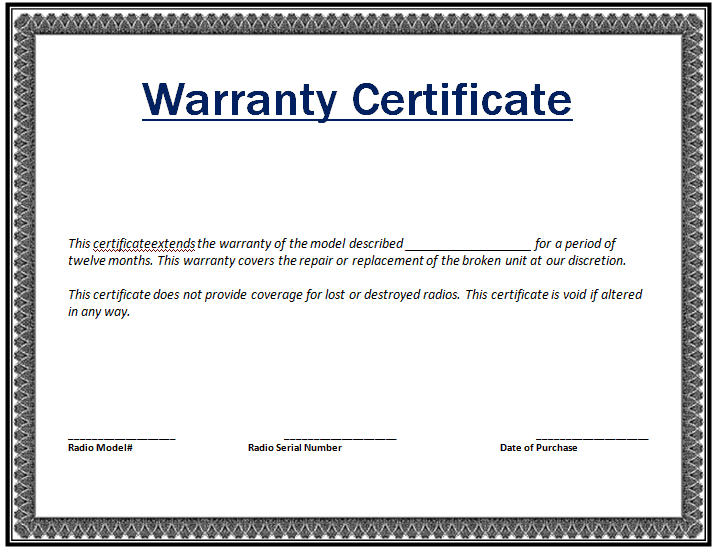
Use the certificate to communicate a defined warranty clearly. Its value comes from accurate terms, traceable references and usable instructions, rather than a claim that a template guarantees quality or legal compliance. The previews supply presentation options; the business remains responsible for the promise it actually makes.
Get Free Warranty Certificate Templates Here

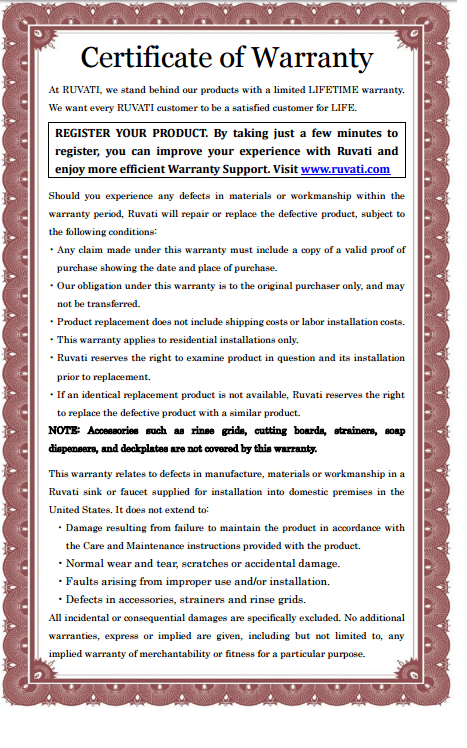

Warranty certificate template FAQs
How many downloadable resources accompany the previews?
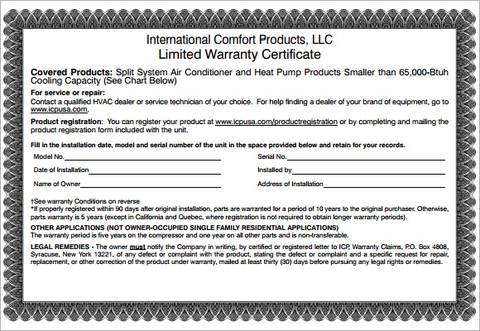
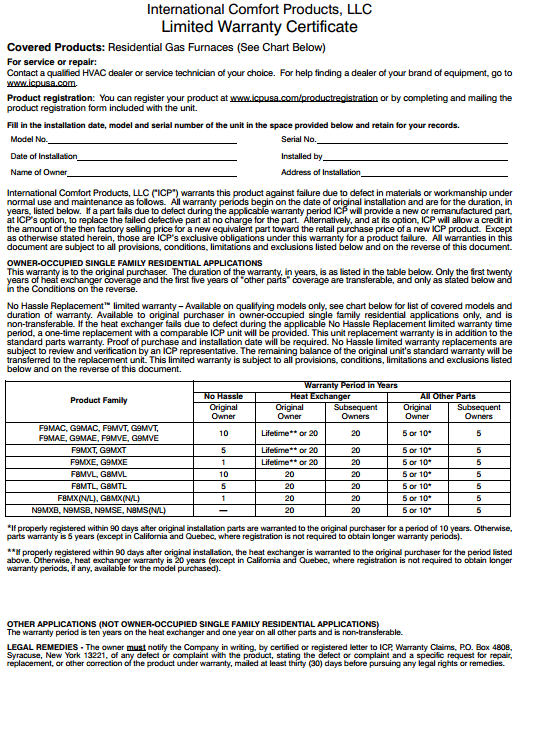
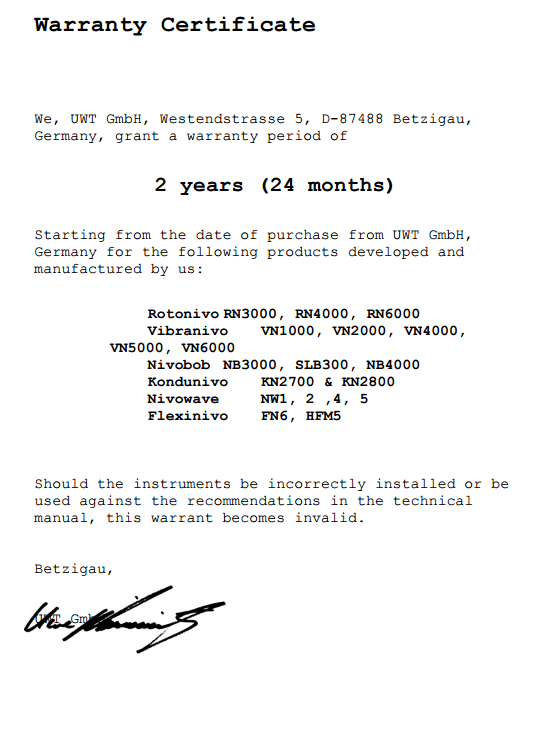
The collection has nine previews and eight links: seven ZIP archives and one direct DOCX file. One preview has no separate download link. Inspect an archive’s contents before assuming it offers a particular editable format.
Does issuing a certificate mean the product cannot fail?
No. A warranty communicates applicable coverage and remedies; it is not evidence that a product will never develop a fault. State the actual approved promise and provide clear support instructions instead of presenting the certificate as a quality guarantee.
Can I use the lifetime-labeled resource for any product?
Only use wording that reflects the actual approved warranty. Lifetime language needs a clear meaning and applicable review. A filename or decorative design does not establish the duration of a customer’s coverage.
Should the certificate replace the full warranty terms?
If it is a summary, identify that role and explain how customers can access the applicable full terms. The summary should agree with those terms and should not add unsupported restrictions. Review the relationship before issuing the document.
Does a maintenance report automatically approve a warranty claim?
No. A report can describe an issue and start an intake process. Coverage assessment, authorization and service work are separate steps. Record their actual status and communicate the next instruction under the organization’s approved process.