
A daily activity log template records what actually happened during a defined day or work period. Use clear start and end times, describe activities consistently and avoid overlapping totals. Compare the log with the plan without changing historical entries to make the day appear more productive.
Reference assignments in a task list, review checkpoints using a daily log sheet and summarize unresolved work in a shift report. Activity intervals, status checks and handover summaries should complement each other without duplicating every detail.
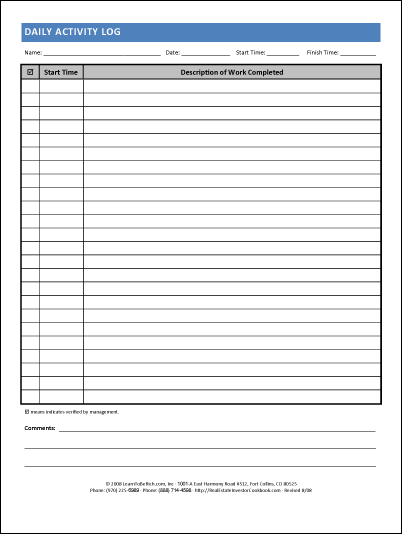
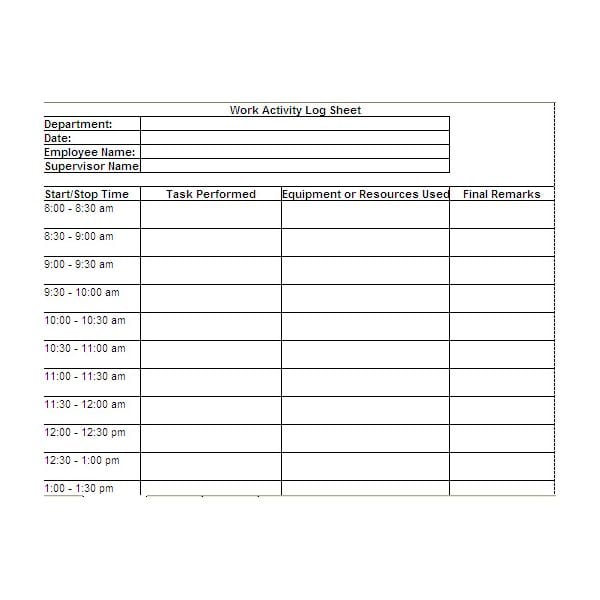
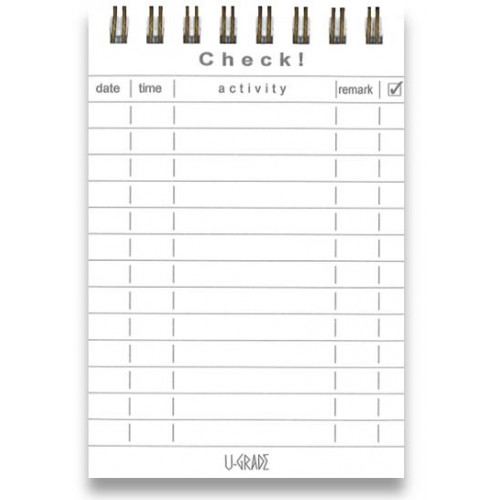
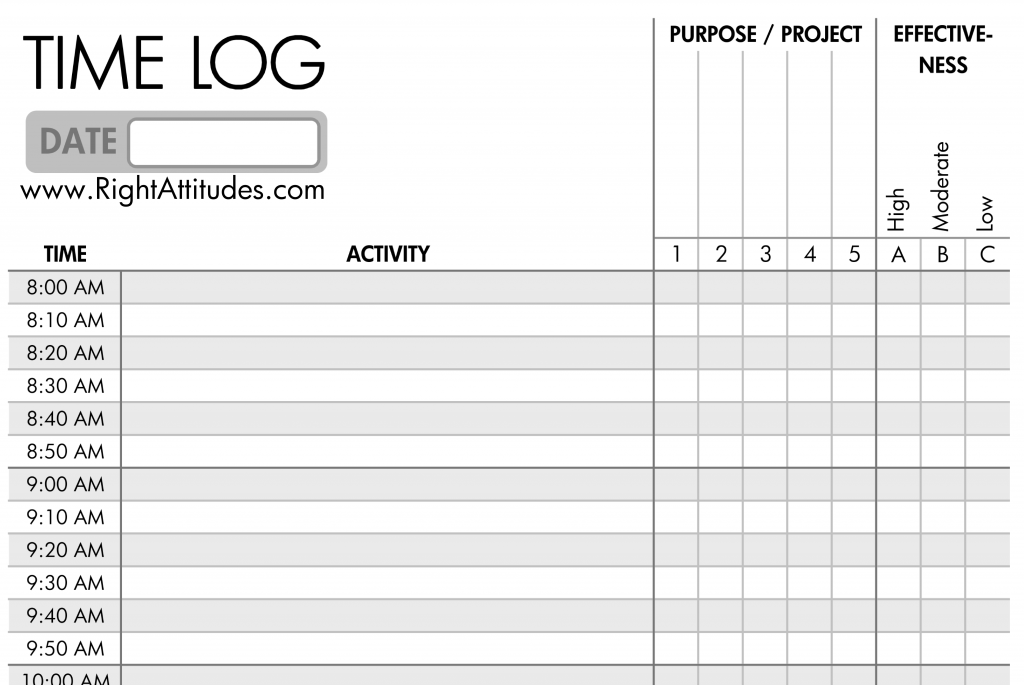
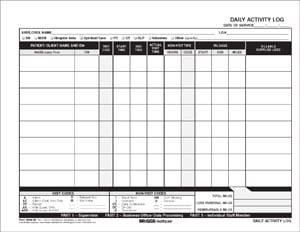
The five previews below link to different kinds of resources: a real-estate activity page, work-log guidance, a time-use article, and a commercial product destination. One download graphic is unlinked. Check the actual resource before assuming the collection supplies five free editable Excel files.
This guide focuses on chronological activity and time recording. For a one-day set of selected checkpoints or observations, the daily log sheet templates provide a related format. The activity log’s distinct purpose is to show what happened over time, including meaningful gaps and interruptions when they matter to the review.
Choose a reason to track the day
Start with a question such as “How much time did the planned project work actually receive?” or “Which activities interrupted the morning?” A defined purpose helps you decide how detailed the record should be.
A personal log can support reflection on study, errands, or routines. A work log may support a project review or an agreed reporting process. The same information may not be appropriate for every audience.
Choose the recording period and level of detail. A single day can illustrate a pattern worth examining, but it does not establish that every day is the same. A representative period may be needed for a broader conclusion.
Avoid using the log as a judgment that every unplanned minute was wasted. Breaks, communication, and unexpected necessary work can be legitimate parts of the day. Record them accurately before deciding what they mean.
Fields for a chronological record
Include the date and a clear identification of the person, project, or work context when needed. Add start time, finish time or duration, activity, category, and a brief outcome or note.
Define what the time fields represent. An actual start and finish differ from a planned session. Do not copy scheduled times into the record without checking what occurred.
Use descriptions that will still make sense later. “Reviewed the three client questions for request 214” is more informative than “emails.” Keep confidential detail in the appropriate separate record and use a reference when sufficient.
A category can help summarize related work, such as project drafting, administration, communication, or breaks. Use a small, consistent set and explain it if several people enter data.
A note can identify an interruption, dependency, or result. It should support the purpose rather than become a lengthy diary of unrelated information.
A worked morning example
Imagine a person records the period from 09:00 to 10:40. They spend ten minutes preparing the day’s files, forty-five minutes responding to a defined set of client questions, ten minutes on a break, and thirty-five minutes drafting a project section.
The total elapsed period is 100 minutes. The four recorded intervals also total 100 minutes: 10 plus 45 plus 10 plus 35. That agreement helps check that the sequence has no unexplained overlap or gap in this simplified example.
| Time | Activity | Minutes |
|---|---|---|
| 09:00–09:10 | Prepare files | 10 |
| 09:10–09:55 | Client questions | 45 |
| 09:55–10:05 | Break | 10 |
| 10:05–10:40 | Project draft | 35 |
The example does not prove that one category is productive and another is not. The client responses may be necessary work, and the break may be part of a reasonable routine. Review the entries in context.
If the purpose is tracking a particular project, identify which intervals belong to it. Do not count the whole morning as project drafting when the log shows several different activities.
Avoid double-counting time
If activities overlap, decide how your method records them. A person may take a call while reviewing a document, but adding the full duration of both can produce more time than actually elapsed.
For a simple exclusive time log, divide the period into non-overlapping intervals and assign each interval according to the agreed method. For a different reporting purpose, explain how simultaneous activity is treated.
Do not assume that a time-use category automatically establishes billable or payable time. Billing and payroll require the applicable agreement, policy, and record process. A general activity log is not a universal authorization for those calculations.
If an activity crosses midnight, make the date boundary clear. A finish time earlier than a start time can mean an overnight interval or an entry error. Check the actual dates rather than accepting a negative duration.
Use consistent units when calculating totals. Minutes and hours should not be mixed in one unlabeled column. A duration of 1.5 hours is ninety minutes, not one hour and fifty minutes.
Record interruptions meaningfully
An interruption entry should explain enough to review the effect. “Ten-minute call about urgent delivery change” is more useful than “interrupted.” Keep the description proportionate and avoid private details.
If you return to the original task, record the new interval or use the method you have defined. Do not leave the original session’s duration unchanged as though the interruption did not happen.
Distinguish waiting from active work when that matters. A document awaiting review may be delayed for several hours even though the person’s effort was much shorter. Elapsed waiting and work duration answer different questions.
Avoid assigning blame through the log. Record the event and its effect factually. A neutral record supports a better discussion of process changes than a list of personal judgments.
Compare the log with the plan
A daily schedule template shows intended time allocation. The activity log shows actual use under your recording method. Comparing them can identify where estimates, dependencies, or interruptions differed.
Do not assume every difference means poor planning or poor performance. An urgent request, missing input, or necessary discussion may change the day. Use the log to understand the reason.
For unfinished work, identify the next action rather than only noting that the task took longer. A task list template can hold that action, owner, and due date where appropriate. The time log should remain the record of activity.
If a recurring task consistently takes more time than expected, review its scope and process. Adjust future planning based on supported information rather than repeatedly assigning the same unrealistic duration.
Paper and digital options
A paper log can be quick to use when it has enough room for times and descriptions. Keep it nearby and record intervals close to the activity where practical. A page filled from memory at the end of a busy day may be less precise.
A spreadsheet can help total durations and categories when properly configured. Inspect the actual resource and calculations rather than assuming the pictured layout includes working formulas.
Use a consistent time format and check that entries are recognized as times in the editor. A value stored as text may not behave as expected in a calculation. Review representative totals after changing the structure.
For shared records, agree where the current file is kept and how updates are made. Several independent copies can leave different accounts of the same activity. Use the organization’s appropriate access and retention process.
Read patterns cautiously
A summary can show how recorded time was distributed, but it is limited by the completeness and definitions of the entries. Missing intervals should not automatically be assigned to a preferred category.
Compare similar periods when looking for a change. A day dominated by meetings may not be comparable with a day reserved for drafting. State the context before drawing a broad conclusion.
Check whether the act of recording affects the level of detail or behavior. The log is a practical observation tool, not a perfect measurement of everything someone did.
Choose a small improvement to review, such as protecting an agreed drafting period or clarifying an input deadline. Keep the conclusion proportionate to the evidence. A log can identify a question, but it does not automatically explain every cause.
Protect privacy and use appropriate records
A general activity description rarely needs a client’s full personal details, medical information, or access credentials. Use references and the appropriate restricted system when necessary.
If the resource is intended for a specialized setting, confirm that it fits the requirements before use. The commercial destination in the gallery should be inspected for its actual purpose and terms, not assumed to be a generic free work log.
Sensitive, regulated, billing, and employment records may need a specific process beyond this template. Do not describe a generic daily log as establishing compliance or proof of an entire work arrangement.
Choose a sustainable level of detail
Track enough information to answer your question without making recording more burdensome than the activity itself. A short session description can be sufficient for personal review; a formal report may need more defined references.
Review the method after a representative day. If the categories overlap or the fields are consistently unclear, simplify or define them before collecting more entries.
The previews below provide starting options. A useful daily activity record is accurate, understandable, and appropriate to its purpose. It supports reflection and discussion without promising that time tracking alone will make every day more productive.
There Are Daily Activity Log Templates

Daily activity log questions
Is an activity log a schedule?
No. A schedule shows intended activities and time. An activity log records what actually occurred under the chosen method.
How detailed should each entry be?
Include enough to answer the tracking question: usually a meaningful activity, time or duration, and relevant outcome. Avoid unnecessary private detail.
What if I did two things at once?
Use a defined method and avoid adding overlapping intervals as though they were separate elapsed time. Explain simultaneous activity when it matters.
Can the log prove billable or payable hours?
Not by itself. Billing and payroll need the applicable agreement, requirements, and record process. Keep those purposes distinct.
Are all five previews free Excel downloads?
That is not established. The links lead to varied resources and a commercial destination, with one unlinked graphic. Check each actual format and terms.
