
A grocery list template organizes household food purchases by item, quantity and priority. Check existing supplies, combine shared requests and note acceptable alternatives before shopping. Keep estimated prices separate from the final receipt so the list remains a plan rather than a spending record.
Compare broader purchases in a shopping list, schedule errands using a daily schedule and capture other household actions on a to-do list. Group food requests consistently so the same item is not repeated under several people’s names.
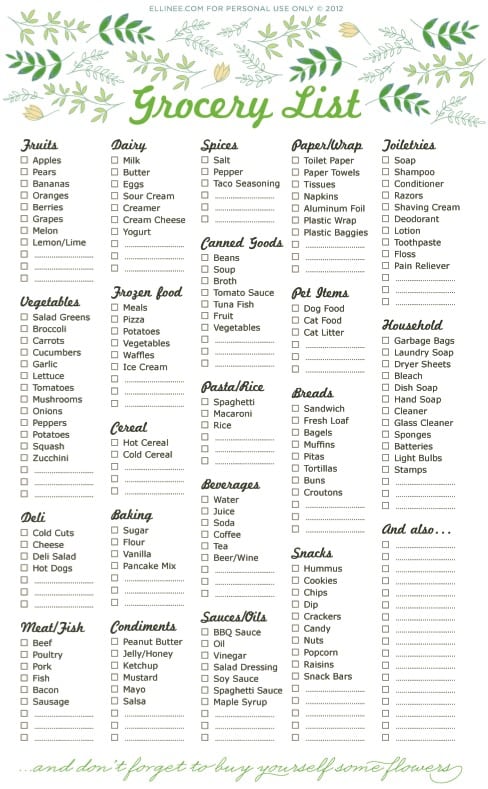
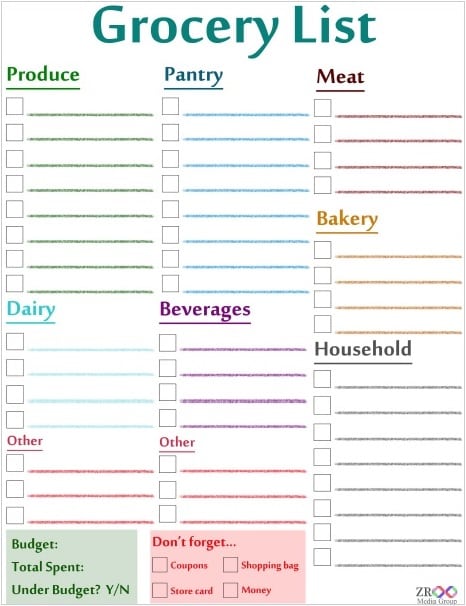
The six previews below include comprehensive, blank and shopping-list examples. Their resource links lead to external websites and one older government PDF address; they are not six local Word or Excel downloads. Two previews link to the same external article. A download-style graphic may open a resource page instead of an editable file, so use the preview to compare layouts and inspect the selected destination separately.
You do not have to divide every list into morning, afternoon and miscellaneous items. Organize it by the way you shop, such as produce, pantry items and household supplies, or by another grouping that works for the store and shopper. Add quantities and important product details so a second person can understand the request without guessing.
Start with the shopping period and household needs
Write the intended shopping date or period at the top of the list. A top-up visit and a large weekly shop require different levels of detail. Identify which meals, routine supplies or specific events the purchase should cover, then review the items already available before making the final list.
USDA MyPlate meal-planning guidance recommends checking the food you have, planning around your budget and organizing the shopping list by store section. Those steps give the list a practical starting point. You can use the planning method without copying every suggested food into your own shopping record.
Check quantities as well as whether an item exists. A nearly empty container may need replacing, while an unopened second package may mean no purchase is required. Add a short note if you need to confirm an amount before leaving. Keep uncertain items visibly different from confirmed requests until that check is complete.
Choose a blank list or a master checklist
A blank list works well when the household’s needs change from one shop to another. It gives you space to enter specific items without crossing out many irrelevant rows. Use a few clear category headings and leave room for quantities, acceptable alternatives and a collected checkbox.
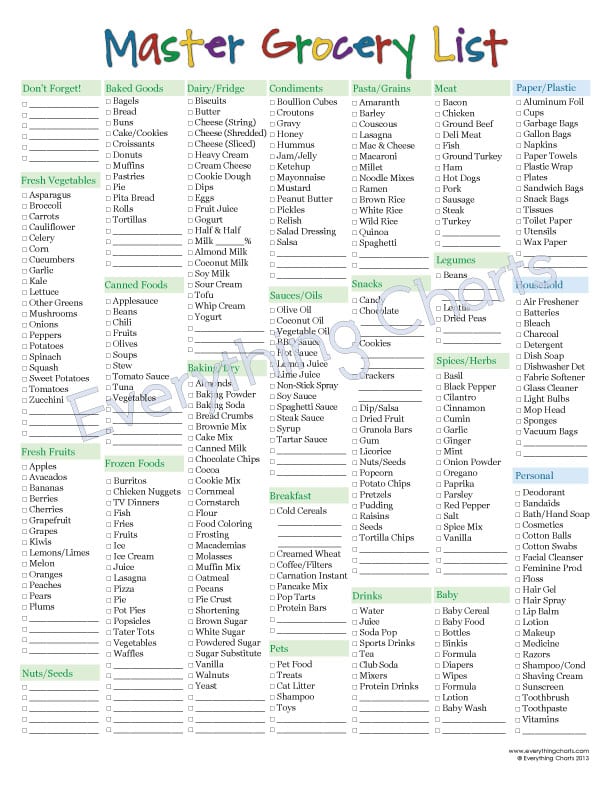
A master checklist can help prompt a review of frequently purchased items. Treat its printed names as reminders rather than instructions to buy everything. Mark only what is needed for this trip, and keep the master separate from the working list. Otherwise a tick may ambiguously mean stocked at home, needed or bought.
For either layout, define the checkbox once. If it means collected, leave it empty until the item is in the basket or the online order. If you also want to mark items already available at home, use another column or a distinct note. A consistent meaning prevents a second shopper from interpreting the same tick differently.
Write item names another person can follow
A clear row identifies the item, amount and any essential specification. Bread, one loaf, preferred type if available is more actionable than breakfast things. If a particular package size matters, write that size. If it does not matter, avoid adding a brand requirement that unnecessarily restricts the shopper.
Distinguish a quantity from a package count. Two cans, 400 grams each is different from 400 grams total. For loose items, use an appropriate count or weight. If the amount is flexible, say so rather than making the shopper decide whether a different package satisfies a precise request.
Keep optional preferences separate from essential requirements. For example, preferred flavor and no substitution permitted convey different levels of flexibility. A Notes column can record the distinction, but use brief, plain wording. Long paragraphs make a paper list difficult to scan in a shop.
Combine requests into one working copy
Several people may add requests during the week. Before shopping, consolidate those requests into one dated version and check for duplicates. If two people ask for the same item, determine whether they need one shared quantity or two separate amounts. Do not automatically remove the second request without understanding it.
A small to-do list can track preparation jobs such as check pantry stock or confirm the household supply request. Complete those checks before converting them into purchases. Keeping preparation tasks outside the grocery rows lets the shopper focus on items that are ready to buy.
For a shared digital list, decide who makes the final edits and how people indicate that shopping has started. A late message might otherwise create a second purchase after someone has already collected the item. Mark the active working copy clearly and avoid circulating several competing versions.
A fictional top-up shopping example
Suppose a household is preparing for several planned meals and notices that some pantry ingredients are already available. Its working list records tomatoes, four; pasta, one 500-gram package; and dishwashing liquid, one bottle matching the existing dispenser. The household has checked the cupboard before adding the pasta and has chosen the amount for its own plans.
A second person requests tomatoes as well. The household confirms that the four already listed cover both requests rather than adding another four automatically. It also records that the dishwashing-liquid brand may vary if the bottle is suitable. These details make the list understandable to the person who will actually shop.
Those items and quantities are examples of clear list entries, not a recommended meal plan or nutritional prescription. The template organizes a purchase decision that the household has already made. Different people, meals and budgets will produce different entries, even when they use the same page layout.
Record estimates without confusing them with actual costs
If you use a budget column, label figures estimated or actual. A remembered price can help plan a shop, but it is not the same as the checkout price. Keep the basis of an estimate clear when it affects whether an optional item will be included.
For an arithmetic example, three packages estimated at 2.40 each have an estimated line total of 7.20. If the packages actually cost 2.65 each, their line total becomes 7.95. That difference is 0.75. The figures illustrate tracking; they do not represent current prices or a claim that the template will calculate them automatically.
After the shop, a household expense report worksheet can organize actual amounts if you want a separate spending record. Use the receipt as the reference and distinguish groceries from unrelated purchases when that distinction matters to your tracking. The grocery list records intended items; the spending record reflects what was paid.
Make substitutions deliberate
A substitution note tells the shopper what flexibility exists when the intended item is unavailable. For an ordinary preference, you might allow another package size within the planned quantity or a comparable household product. If the choice requires approval, write ask before replacing rather than leaving the rule unstated.
Do not treat a visually similar product as automatically suitable for a person with a food allergy. FDA food-allergy guidance advises people with food allergies to read labels and avoid their allergens. A template’s healthy label or a familiar product name does not establish suitability. Follow the person’s established guidance when deciding what may be bought.
If no suitable alternative is available, leave the row unresolved or mark not available. Crossing it off as collected would hide the outstanding need. Add a short reason where useful so the household can decide whether to try another source or revise its plans.
Keep food and household supplies easy to distinguish
A grocery visit may include cleaning products, paper goods or other supplies. Give those items a separate section so they do not disappear among food entries. The separation is an organizational choice, not a claim that every shop has the same aisle layout.
For household upkeep, a house cleaning checklist can identify tasks and the supplies used for them. Check existing supplies before turning that task record into a purchase request. A cleaning task on a schedule does not necessarily mean another bottle of product is needed.
If you shop at more than one location, mark the intended store only where it matters. A general list grouped by store can reduce confusion about who is buying which item, but it also needs a final consolidated check. Otherwise the same request may appear on two separate store lists.
Finish the shop and improve the next list
Before paying or submitting an online order, review the unresolved rows. Confirm whether each was omitted intentionally, unavailable or simply overlooked. This last check is easier when the collected mark has a consistent meaning and the item names remain legible.
At home, compare important missing or substituted items with the working list and keep any useful note for next time. Remove requests that no longer apply. A reusable master should become more relevant through revision, rather than growing indefinitely with every purchase the household has ever considered.
Store the blank template separately from completed copies. If you retain a completed list for planning, give it a date and purpose so it is not mistaken for the next shop. The goal is a clear, usable purchase record: enough information for the shopper to act, with quantities and choices that match the household’s actual needs.
Ultimate Grocery List
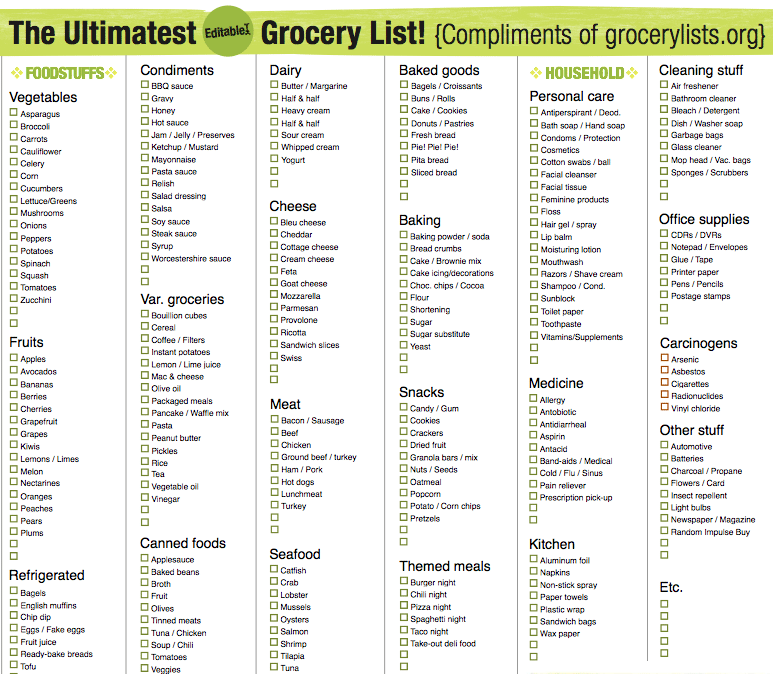

Grocery List Printable
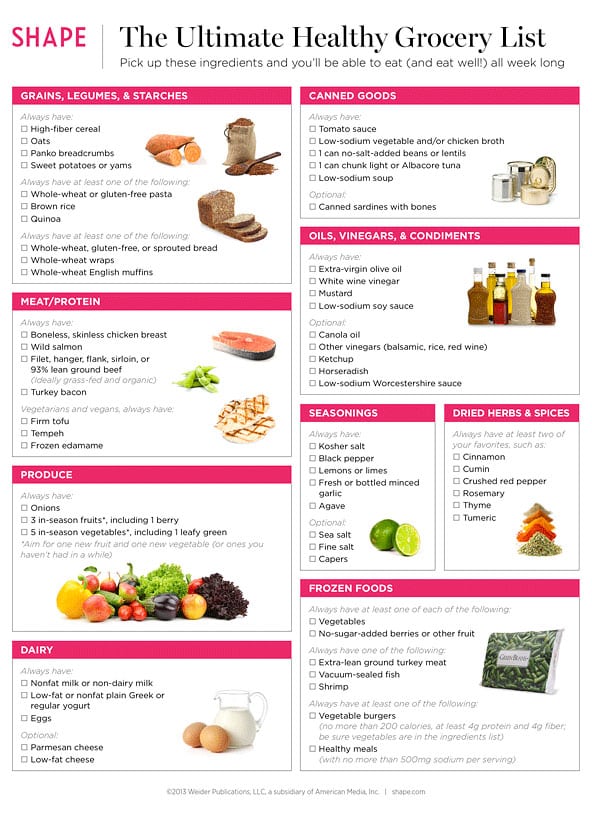
Healthy Grocery List Sample
Comprehensive Grocery List
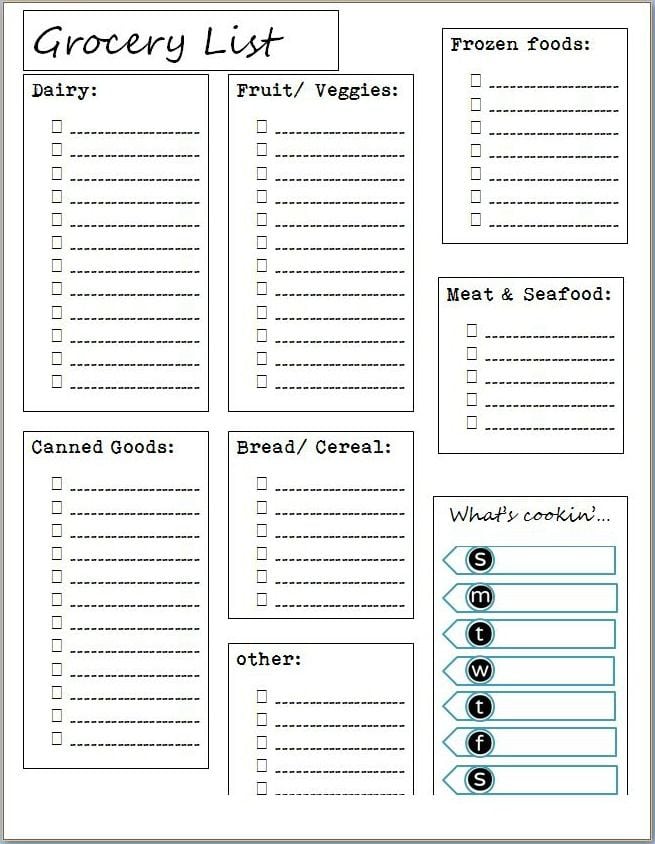
Grocery Shopping List
Blank Grocery List
Grocery list template FAQs
Are these six Word or Excel downloads?
No. The previews link to external resource pages and an older PDF destination, and two links point to the same article. A download graphic does not establish the format of the destination. Inspect the selected resource before assuming it offers an editable file.
Should I organize the list by time of day?
Only if that helps your particular planning. Store sections, food categories or separate food and household-supply groups may be easier for shopping. There is no required morning, afternoon and miscellaneous structure for a grocery list.
What should a grocery-list checkbox mean?
Choose one meaning, such as physically collected or added to the order, and use it consistently. If you also need to mark stock already available at home, use a separate note or column. Different meanings on one list can cause missed or duplicate purchases.
How do I prevent duplicate requests on a shared list?
Consolidate requests before the shop, compare repeated item names and confirm the intended total quantity. Mark one dated working copy as active. A duplicate line may represent the same household need or a separate amount, so resolve that distinction before deleting it.
Does a healthy grocery-list label establish allergy suitability?
No. It is a title, not a product assessment. Read the actual product labels and follow the person’s established allergy guidance. If a proposed substitution has not been confirmed appropriate, leave it unresolved instead of marking the item collected.

