A direct deposit form template can organize a recipient’s enrollment information for a payer’s electronic-payment process. It may identify the recipient, payment context, bank details required by the actual process, and authorization. Submitting the form does not prove that enrollment is active or that a particular payment has been received.
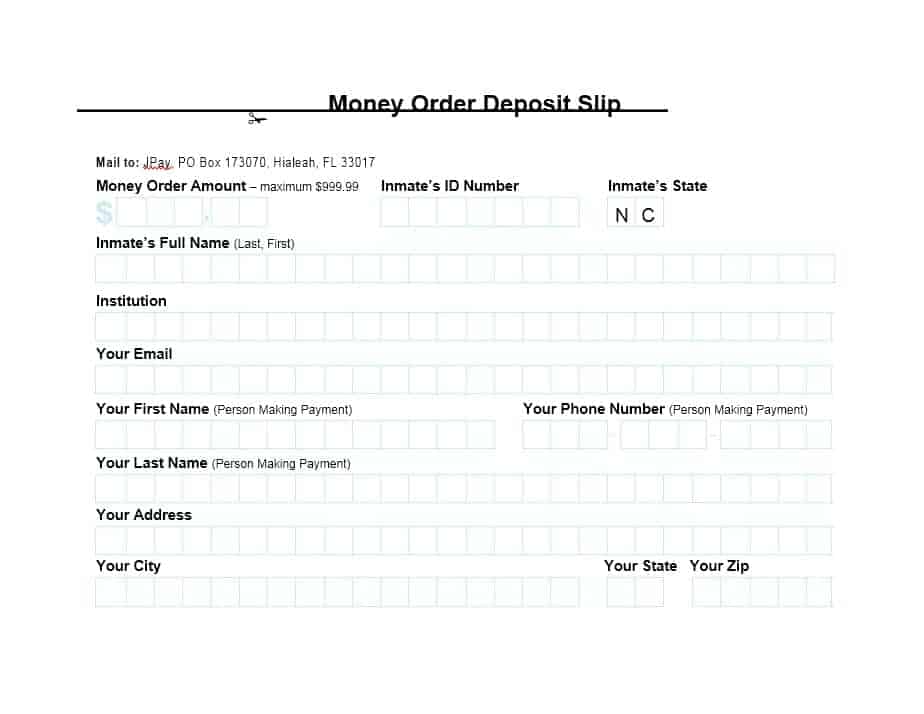
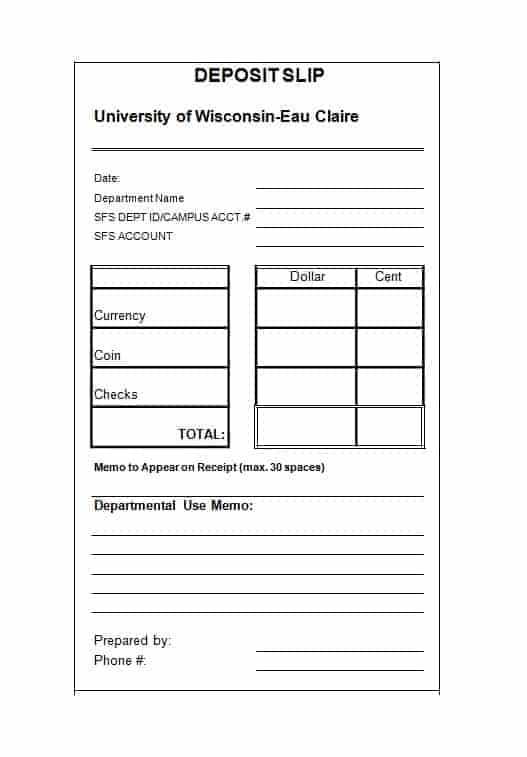
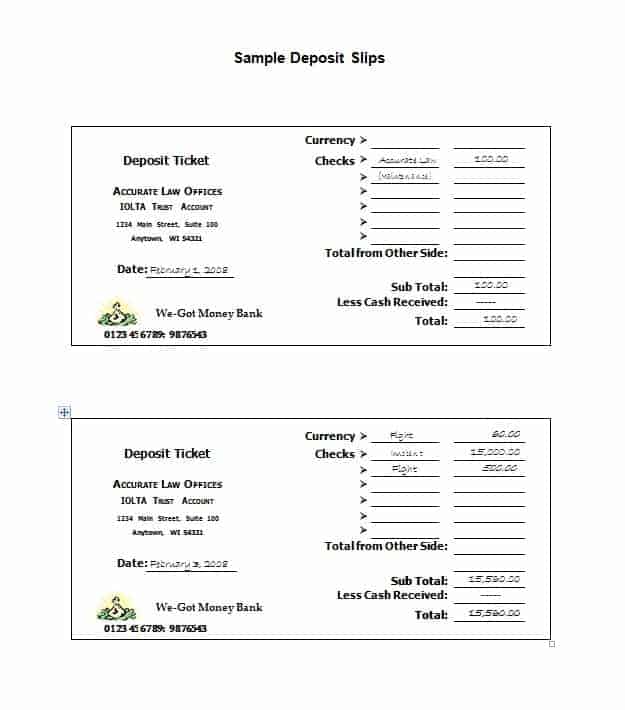
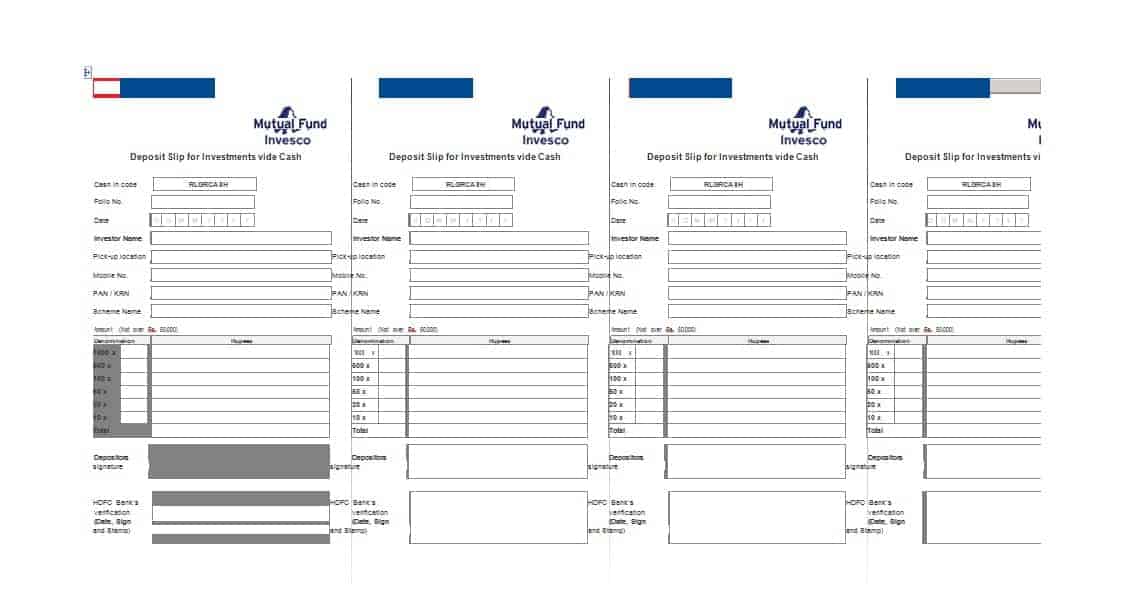
The original gallery has nine previews and eight ZIP destinations, despite the title’s count of ten. Five resources are named deposit slips, which serve a different purpose from payroll enrollment. One preview has no associated download link. Inspect the selected archive and actual fields before using it.
The generic direct deposit guide focuses on adapting a master layout, the payslip guide explains individual pay statements, and the salary layout guide covers payroll preparation. This guide focuses on choosing the correct enrollment route and recording its status.
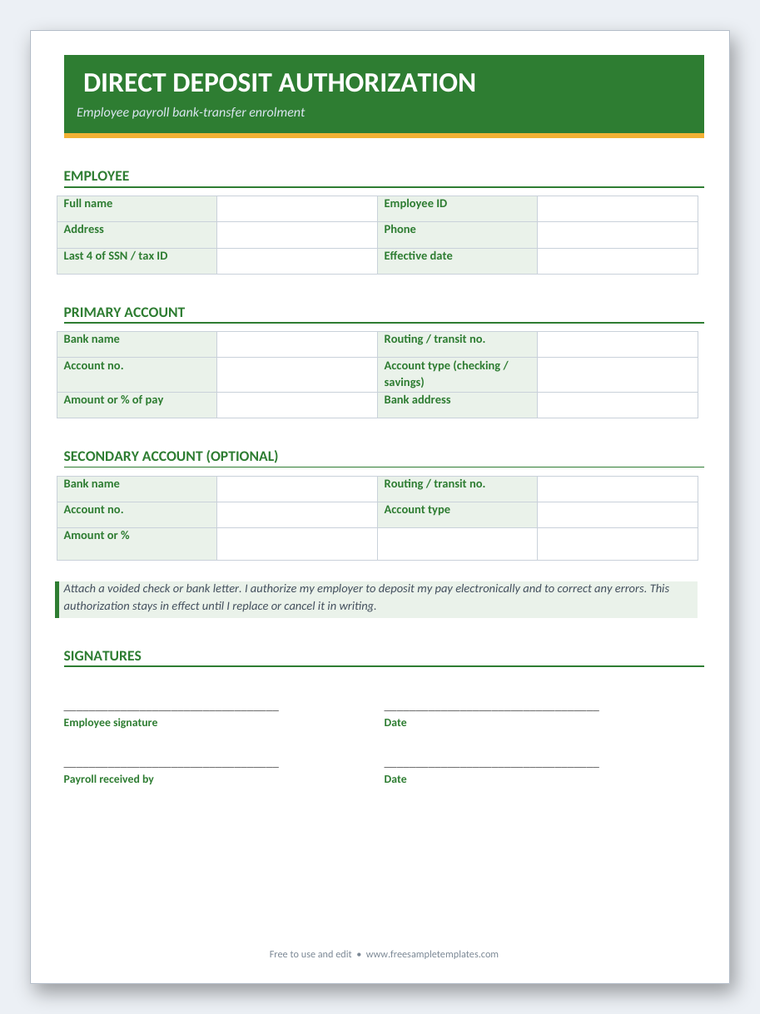
Free Direct Deposit Authorization Form (Word Template)
Download this ready-to-use, fully editable direct deposit authorization form in Microsoft Word (.docx) format. Fill in the fields, adjust the layout to your needs, then print or save it.

Confirm the payer’s actual enrollment process
Start with the employer, agency, or other payer’s current instructions. It may require its own form or an approved electronic system. A generic downloaded form is not automatically accepted merely because it contains familiar bank fields.
Identify which payment the enrollment concerns. Payroll, a government benefit, a supplier payment, and another payment arrangement can have different processes. The recipient’s name and a bank account do not explain the full context on their own.
The United States Bureau of the Fiscal Service's direct deposit FAQ identifies different routes for federal employee and benefit payments. This is a federal-payment example, not a rule that every private employer uses the same forms. Follow the actual payer’s requirements.
Distinguish enrollment from a deposit slip
A direct deposit authorization records information and permission for an electronic-payment arrangement. A deposit slip relates to a particular bank deposit transaction. Their similar titles do not make them interchangeable.
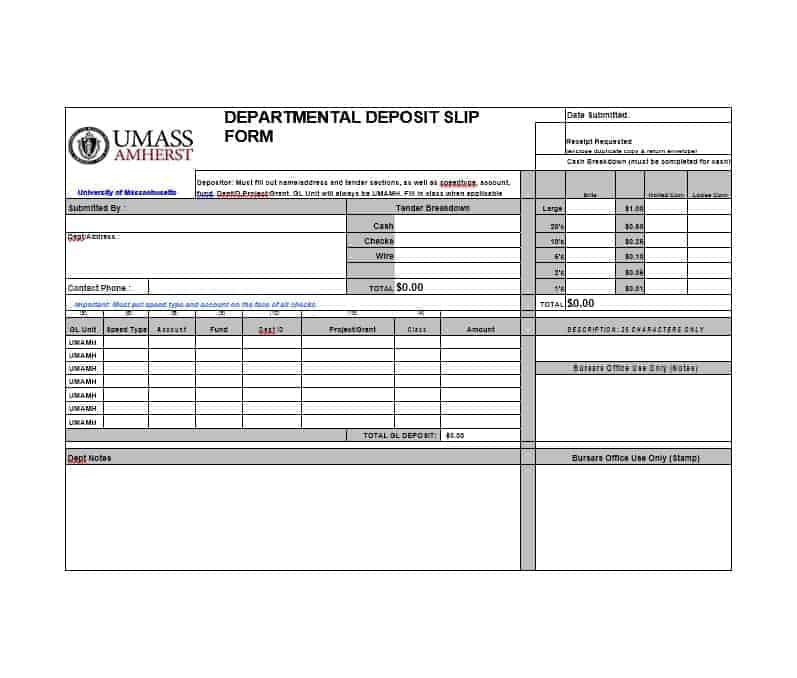
The five deposit-slip-named resources in the original gallery need inspection for their actual purpose. Do not submit a slip as payroll enrollment simply because it appears on a direct deposit page. The payer’s process determines which information and document it accepts.
Likewise, an enrollment form is not a record that cash was deposited at a bank. Keep the document’s purpose accurate. The earlier text’s conflation of payroll authorization with depositing cash into one’s own account was misleading.
Identify the recipient and payment reference
Use the actual recipient name and relevant payroll or payer reference according to the process. A personal contact name, employee identifier, and bank account holder can serve different functions. The form should make the intended relationship clear.
Check that the payment context matches the recipient record. A person with more than one employer or payment arrangement may need separate enrollment through each payer. One submitted form does not automatically update unrelated systems.
Collect only the information the actual process requires. A generic sample should not add unnecessary private details merely because space is available. Keep administrative contact information distinguishable from sensitive banking data.
Verify bank details through the appropriate source
Use the financial institution’s appropriate information for the intended payment type. In a United States context, routing and account information need to be entered in the correct fields. Do not substitute a debit-card number or guess an account identifier.
The actual process may request supporting documentation or bank confirmation. Follow its current instructions and use the relevant source. A template’s sample numbers do not become usable banking details when copied into a real form.
This article does not prescribe one universal bank-document requirement. The payer and institution’s process determines what is needed. If a field or identifier is unclear, resolve it through that process rather than entering a plausible-looking number.
Read the authorization and effective-date information
Review what the form actually authorizes and how changes are handled. A signature or submission can indicate a request, while the payer may still need to process and verify it. The form’s existence does not establish immediate activation.
Distinguish requested effective date from confirmed enrollment status. A payer’s processing cycle can affect which payment uses the new details. Use its actual confirmation and instructions rather than promising that the next payment will automatically arrive in the new account.
Do not add approval or completion marks from a sample. The recipient’s authorization and the payer’s processing decision are different records. Keep the status honest until the appropriate event occurs.
Fictional example: enrolling for payroll
Imagine an invented employee submitting the employer’s approved enrollment form through its designated route. The record identifies the employee and payment context, while actual bank details are supplied through the appropriate controlled process rather than shown in this public example.
The payroll team records the request as received and completes its actual checks. The employee’s requested date remains distinguishable from the team-confirmed activation information. A receipt of the form is not treated as proof that a deposit has already occurred.
When a later payroll payment is made, the employee can compare the relevant statement and bank information through the real process. Enrollment, the payslip’s net figure, and the actual payment are related but separate facts.
This example illustrates workflow rather than bank-entry instructions or a promise of timing. The actual employer and financial institution determine the requirements. Demonstration copies should use labels or invented non-operational data rather than real banking details.
Handle multiple destinations only when supported
Some payers may support an allocation across accounts, while others have a different arrangement. Use only the actual supported process. A second account box in a generic sample does not establish that the payer can use it.
If allocation fields apply, identify whether they describe a percentage, fixed amount, or another permitted basis. Those instructions should be unambiguous under the payer’s process. A total that does not fit the supported arrangement needs clarification before activation.
Do not confuse destination allocation with a change in earnings. The payroll calculation and the routing of its resulting payment have different functions. A bank allocation form should not silently change the pay amount itself.
Separate payment initiation from funds availability
A completed enrollment form is not a transaction record. A later payment may have its own initiated, processed, received, or returned status. Use the payer’s and institution’s actual information to understand what happened.
The United States CFPB's direct deposit availability guidance advises checking the bank or credit union’s policy. The applicable rules and actual receipt of funds matter. This template cannot guarantee immediate access or prevent every delay or error.
The earlier claims that direct deposit eliminates errors and danger were unsupported. Accurate data and the real processing controls remain necessary. If an expected payment is missing, use the appropriate payer and institution routes to investigate the actual event.
Use the approved submission and change routes
Bank details need appropriate handling. Submit them through the payer’s designated process rather than a public comment, broadly shared document, or unrelated contact form. A public template page is not the actual recipient of enrollment information.
For a change, use the required verification process and identify the intended affected payment arrangement. An unverified message requesting new bank details should not silently replace the approved record. The organization determines its actual confirmation controls.
Keep passwords, PINs, and other access credentials out of a general enrollment form. Account identification and online account access are different functions. A sample should not imply that credentials are needed merely to organize direct deposit information.
Review the actual archived files
Inspect the ZIP contents for the resource’s format, purpose, issuer, and fields. A filename naming Word or PDF in a caption does not establish that every archive contains that format. The usable file needs to match the payer’s accepted process.
Some previews can suggest layout while not being suitable for live enrollment. A deposit-slip design may be useful for understanding another banking document, but it should remain labeled according to that purpose.
Clear actual recipients, account details, authorization marks, dates, and processing notes from a blank master. Keep completed enrollment records through the appropriate storage route. Public examples should not reveal actual employee banking information.
Confirm the status and keep records connected
After submission, follow the actual payer’s confirmation process. Record relevant status and references without treating an unanswered request as activation. If clarification is needed, keep the issue visible and resolve it through the designated route.
Connect active enrollment with the actual payment process while keeping the form distinguishable from individual payments. A returned transaction or changed account can need a separate follow-up record. The generic layout cannot decide the appropriate correction automatically.
A useful direct deposit form supports accurate enrollment information and communication. It does not guarantee acceptance, immediate payment, or error-free processing. Its value comes from the correct payer route, verified details, appropriate authorization, honest status, and controlled handling of banking information.
Get Direct Deposit Form Templates Below
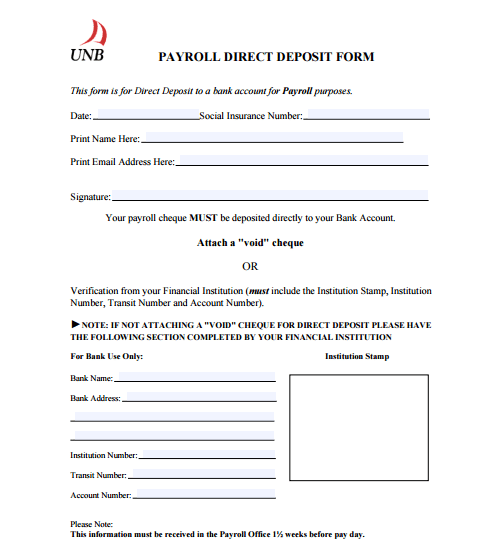
Payroll Direct Deposit Form
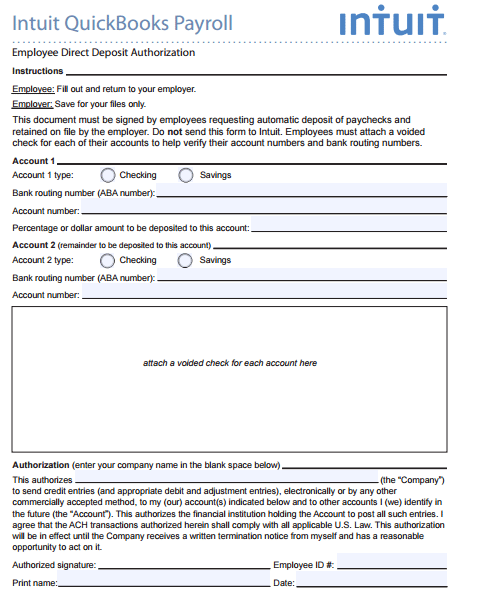

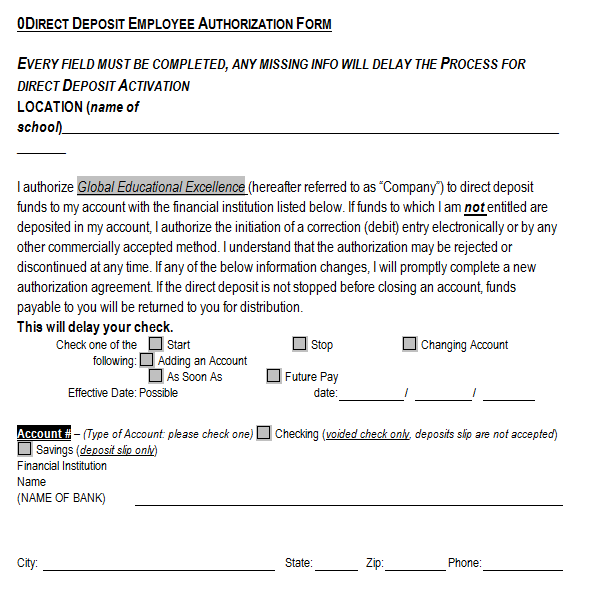
Employee Direct Deposit Form
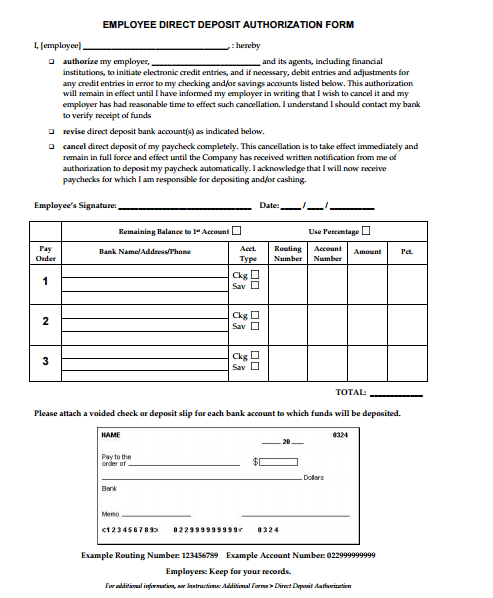
Direct Deposit Form Word Template
Direct Deposit Form PDF
Frequently Asked Questions
Does submitting a form activate direct deposit immediately?
Not necessarily. Use the payer’s actual processing and confirmation information rather than treating submission as activation.
Are there ten previews below?
The preserved gallery has nine previews and eight ZIP destinations. The title’s count does not match that actual resource count.
Is a deposit slip a payroll authorization form?
No. They have different functions. Inspect the actual resource and use the document accepted by the payer’s process.
Are all archives Word files?
Do not assume so. Inspect their contents, purpose, and fields before adopting a file.
Does enrollment prove a salary payment was received?
No. Enrollment and a particular payment are separate events with their own status.
Can I use a card number instead of an account identifier?
Use the correct information required by the actual process and financial institution. Do not substitute an unrelated identifier or guess.
Must every payer allow several accounts?
No. Use only the allocation arrangements the actual payer supports.
What should be cleared from a reusable master?
Remove real recipient and bank details, dates, authorization marks, and processing notes while retaining the appropriate blank fields.