
General journal templates organize accounting entry lines, supporting references, and debit and credit amounts for review.
This page now includes two original downloads: General Journal Entry Workbook and Adjusting Entry Review Workbook. Choose the General Journal Entry Workbook for ordinary transaction entries. Choose the Adjusting Entry Review Workbook when the reason for a period adjustment and its reviewer need to remain visible.
The new files appear first with previews and clearly labeled download buttons. The original gallery and its resource examples follow the practical guide; descriptions of the older collection refer to that original gallery. The new Excel workbooks contain formulas and clearly marked fictional examples. Replace the input examples while retaining the formula cells.
Two new templates to download
Choose the General Journal Entry Workbook for ordinary transaction entries. Choose the Adjusting Entry Review Workbook when the reason for a period adjustment and its reviewer need to remain visible.
General Journal Entry Workbook
Record debit and credit lines with entry references and a balance difference.
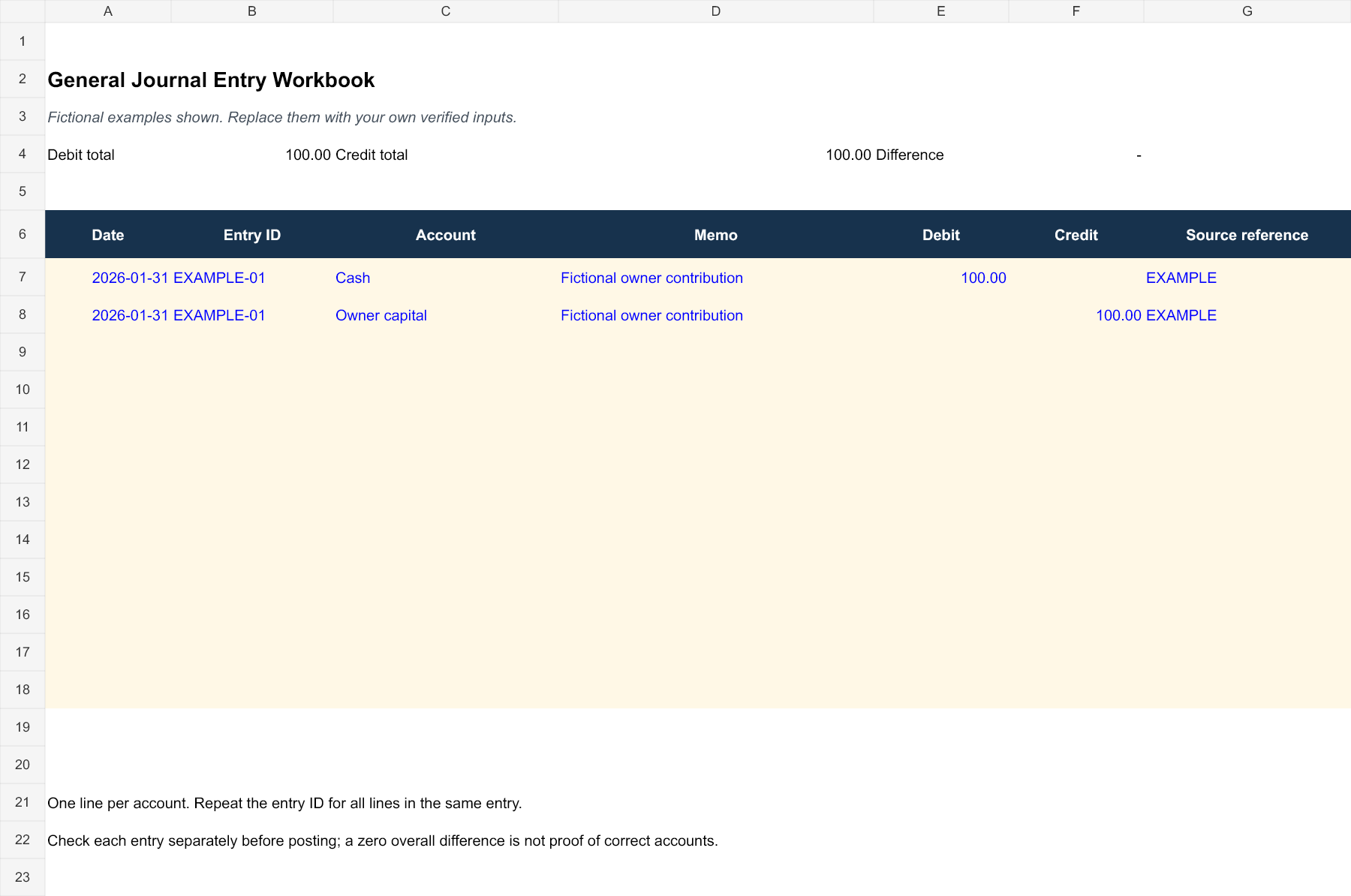
Download General Journal Entry Workbook (XLSX)
Adjusting Entry Review Workbook
Prepare adjusting entries with a reason, period and review trail.
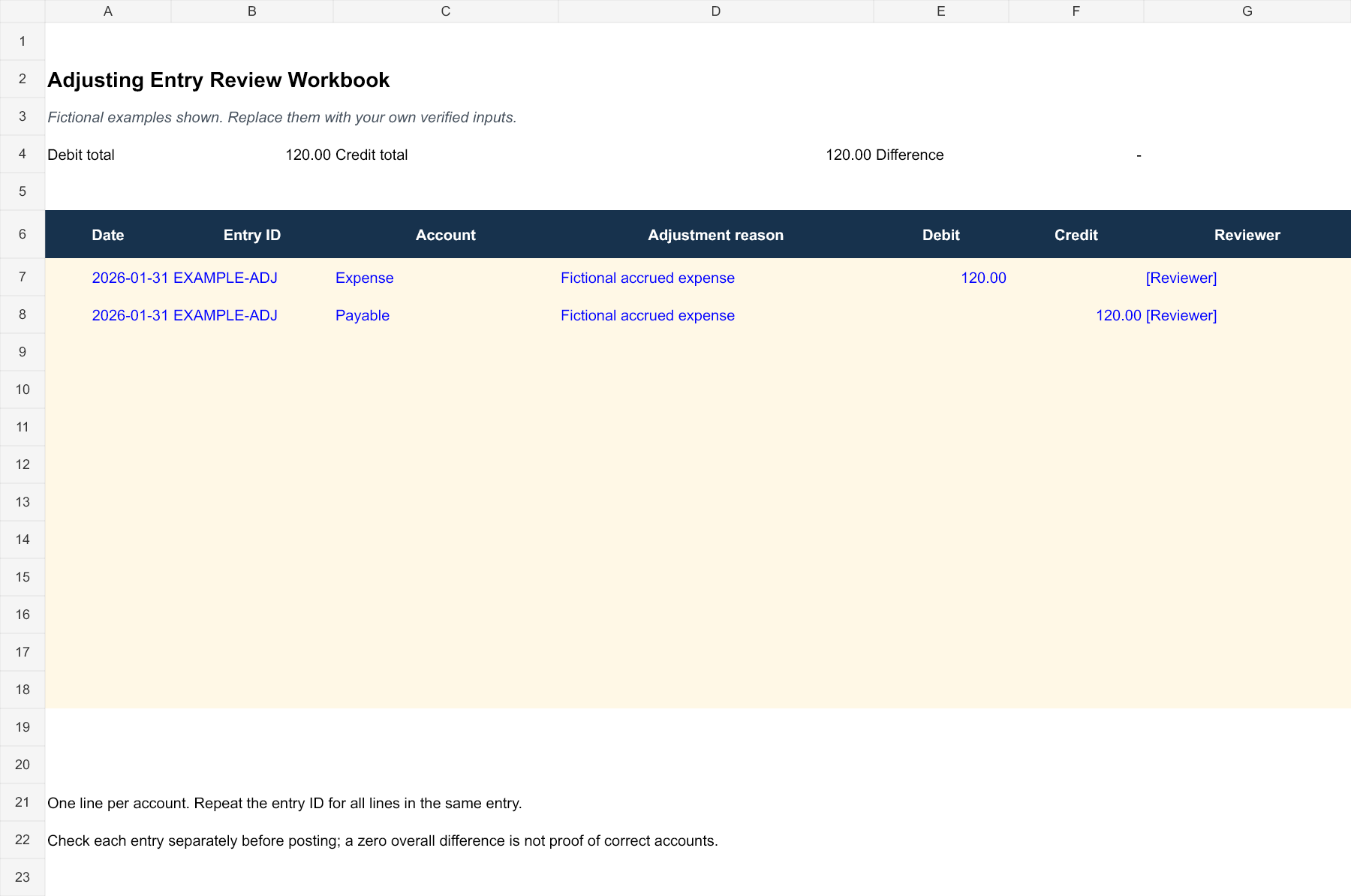
Download Adjusting Entry Review Workbook (XLSX)
How to use the new downloads
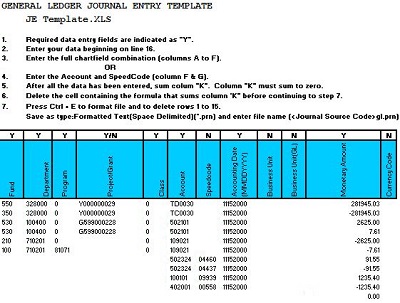
Each new XLSX workbook provides twelve entry rows and a fictional two-line example. Replace the example, repeat the same entry ID on every line belonging to one entry, and enter each amount in its appropriate debit or credit column. The summary calculates overall debit and credit totals and their difference.
An overall difference of zero is only an arithmetic check. Two separate incorrect entries can offset each other, so review each entry ID, account selection, date, and evidence before posting. The adjustment workbook adds a reason and reviewer field; it does not decide whether an adjustment is required or supply an accounting treatment.
Identify a journal layout before entering figures
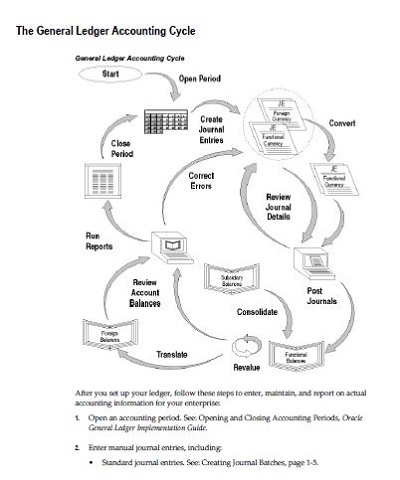
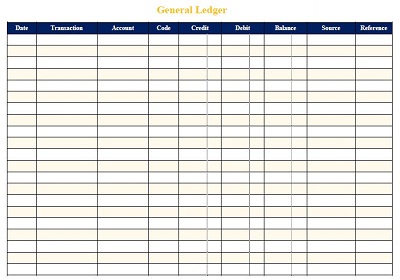
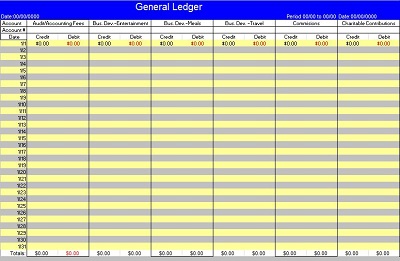
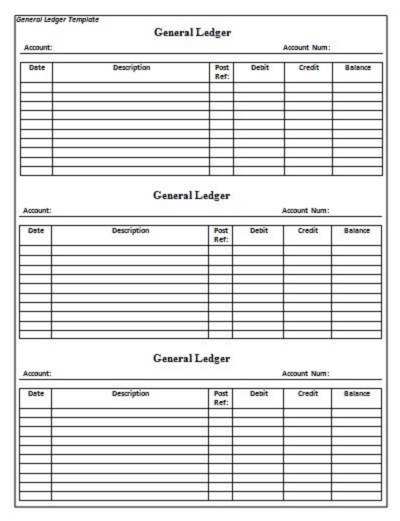
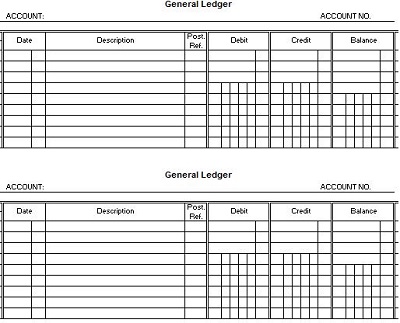
A practical journal worksheet needs enough space to keep the lines of each entry together. Look for a transaction date, account names or codes, separate debit and credit amounts, an entry reference and a short explanation. If the preview instead centers on a single account’s running balance, consider whether it belongs in the ledger stage of your process.
OpenStax journal-entry guidance explains that transactions are recorded in journals before being posted to ledger accounts. Its journal-entry guidance places debit accounts before credit accounts, requires matching debit and credit totals and includes a dated explanation. The ledger then organizes the posted activity by account. That distinction helps you decide which of the linked layouts fits the job at hand.
A template name does not establish the accounting method or calculations it contains. Inspect the chosen file’s headings and structure after opening it. A workbook may be a blank grid rather than an automated accounting system. Do not promise that it will calculate balances, post entries or prepare financial statements until those functions have actually been confirmed in that file.
Set up the document and reference system
Identify the business or entity at the top of the working sheet, along with the accounting period and currency. Use a separate file or clearly labeled section for a different entity. Combining two organizations’ activity on an unlabeled worksheet makes it harder for a reviewer to tell which records support which set of accounts.
Choose an entry-reference convention that fits the existing system. For an illustrative manual exercise, a reference such as GJ-001 distinguishes one entry from another. In a business already using accounting software, follow its established references instead of creating a competing numbering system that cannot be traced back to the official records.
Add the preparer’s name or role, preparation date and review status if those fields serve the organization’s process. A draft entry should be visibly distinct from an approved or posted entry. If a file is used for review rather than as the official journal, label that purpose so another person does not assume every row has already entered the accounts.
Organize the supporting documents
Keep a clear reference to the receipt, supplier invoice, customer invoice or other evidence behind the proposed entry. The reference should let an authorized reviewer find the record without putting unnecessary private information into the worksheet. A document number and controlled storage location are often more useful than a long, unexplained note.
For customer billing, a service invoice can supply the invoice date, customer reference and amount being reviewed. Issuing an invoice and receiving payment are separate events. Record what the supporting document actually shows; do not mark a balance paid merely because the business has prepared an invoice.
A sales receipt can provide evidence of an amount received from a customer. Check whether it describes full payment, a partial payment or a refund before selecting the accounting treatment. The receipt’s purpose is to document the payment; the journal entry explains how the organization records that event within its accounts.
Make missing information visible. If the supplier’s name is unclear or the document amount differs from the proposed entry, flag the issue for resolution rather than guessing. A useful review note identifies the specific question and the person responsible for answering it. That approach gives the reviewer a concrete next step.
A simple fictional journal-entry example
Assume a fictional repair business pays 240 currency units for an electricity bill relating to its current operating period. For a simplified educational entry, the business records a debit of 240 to Utilities Expense and a credit of 240 to Cash. The explanation reads Paid current-period electricity bill, supplier reference U-041.
The entry’s debit total and credit total are both 240. Its date comes from the actual event being recorded in the exercise, and the supplier reference connects it to the supporting bill. This example deliberately excludes tax, prepaid amounts, mixed business and personal use, and any earlier recognition of the liability.
Those assumptions matter. If a business had already recorded the bill as payable, paying it would involve clearing that payable rather than recording the same expense again. Before copying an example into real records, establish what has already been recognized. Repeating an expense because the payment is a new event would misstate the record.
Record several account lines as one entry
Some transactions need more than two lines. Allow space for all accounts belonging to one entry and use the same reference to group them. A worksheet that forces an entire explanation and several amounts into one cramped row may be unsuitable for the kind of entries you regularly prepare.
For a layout exercise, imagine an entry with debit lines of 180 and 70 and a credit line of 250. The arithmetic agrees because the two debit amounts total 250. This example demonstrates grouping and checking a compound entry; the amounts do not identify the proper accounts for any actual purchase.
Place the explanation where a reader can see that it applies to the complete entry. Avoid an ambiguous note such as adjustment without stating what was adjusted and referring to the supporting calculation. If a separate schedule supplies the detail, record the schedule reference and keep that schedule with the review materials.
Review more than whether the totals match
A journal entry review should consider the event, the period, the account references, the amount and the supporting explanation. Equal totals are a necessary arithmetic check for the entry, but they do not show that the transaction belongs in those accounts. A balanced entry can still use an incorrect date, omit a document or duplicate an earlier record.
Read the explanation against the source document rather than reviewing only the numbers. Does the proposed entry describe the same entity and event? Is the currency clear? Have discounts, partial payments or other stated conditions been considered? These questions help locate issues that a simple total comparison would miss.
Review the status and references before marking the entry ready to post. Where the organization requires approval, retain the appropriate approval evidence. A typed name or a checked box on a downloaded template is not automatically proof that the required review occurred. Make the worksheet’s status correspond to the actual process.
Keep journal work separate from payment tracking
A payment history record can help organize installment dates, amounts received and an outstanding-payment reference for operational follow-up. It does not replace the journal or establish the accounting classification of every amount. Use the document that answers the immediate question and connect the records with consistent references where appropriate.
Businesses may also use special journals for recurring kinds of activity. OpenStax special-journal guidance discusses sales, purchases, cash receipts and cash disbursements journals, with the general journal covering entries outside those routines. If your system already captures routine activity elsewhere, avoid entering the same transaction again just because the template offers a blank row.
Ask the responsible bookkeeper how the worksheet fits into the organization’s records. It might be a preparation sheet for later software entry, a review schedule or a manual journal. State that role at the top. A clear role helps prevent duplicate posting and lets a reviewer understand why the file exists.
Adapt the file while preserving its usefulness
Before modifying a layout, save an untouched blank master and create a working copy. Rename headings to match the approved chart of accounts and reference conventions. Keep debit and credit columns clearly distinguishable, and leave enough room for entry explanations and document references when the sheet is printed.
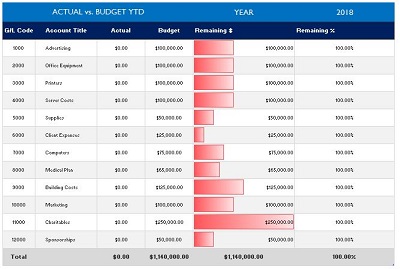
For an Excel workbook, inspect any formulas that are already present before adding rows or copying cells. A visible total may cover only part of the entry range. Check that the total represents the intended lines and that sorting or filtering does not separate accounts belonging to one entry. Do not treat hidden rows as deleted records.
For a Word or PDF layout, plan how additional lines and pages will be identified. Include the entity and period on continuation pages, and keep the reference visible with the entry. A printout that loses its heading or cuts off the credit column is difficult to review, even when the underlying figures were prepared carefully.
Handle corrections with a traceable explanation
When an entry is still a draft, resolve review comments and clearly identify the revised version. When an entry has already been posted, follow the accounting system’s correction process rather than silently changing the worksheet and assuming the ledger changed too. The official record and the preparation file must remain understandable together.
Record what the correction concerns, its reference and the supporting reason. Avoid inventing a balancing amount merely to remove a difference. If the figures do not agree, compare the document, account lines and transcription first. Escalate classification or period questions to the person responsible for the accounts.
Before closing the file, confirm that every retained entry has a clear status, that supporting references are available and that unresolved questions remain visible. Keep access and retention consistent with the organization’s recordkeeping arrangements. The template supplies a layout; accurate accounting depends on the evidence, judgment and process used with it.
Download General Journal Templates
General Journal Format
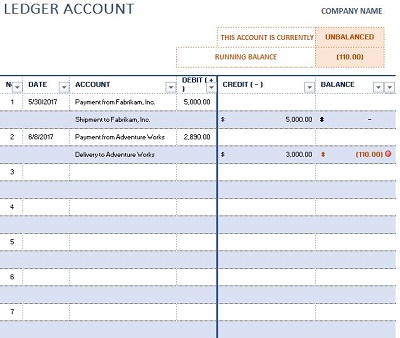

Sample Blank Journal
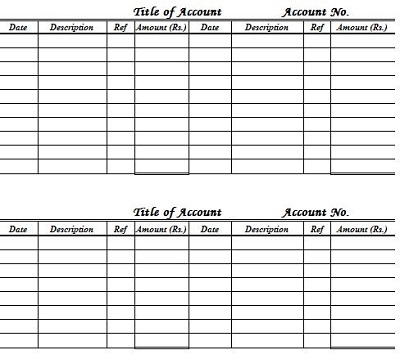
Template For General Journal
Accounting General Journal
General Journal Printable Template
General journal template FAQs
What formats are the two new downloads?
The two new downloads are Excel XLSX workbooks with formulas and fictional example inputs. Replace those examples, preserve the calculated cells and review your results. They are separate from the mixed resources in the original gallery.
What should identify an entry on a manual worksheet?
Use the transaction date, a consistent entry reference, account names or approved codes, debit and credit amounts, an explanation and a supporting-document reference. Add preparation and review status where useful. Follow the existing accounting system’s conventions if the worksheet supports that system.
Does a matching debit and credit total prove the entry is correct?
No. Matching totals provide an arithmetic check. The entry may still use the wrong account, period or entity, or repeat a transaction recorded elsewhere. Review its explanation and supporting evidence as well as the amounts before approving or posting it.
Can this sheet replace my accounting software?
A blank template does not automatically maintain ledgers, enforce approvals, prevent duplicate entries or produce financial statements. Decide its role in your process before using it. If it supports software entry, keep references and status clear so the same transaction is not posted twice.
How should I correct an entry that was already posted?
Use the correction procedure supported by the official accounting system and the organization’s policies. Document the original reference and reason for the change. Editing a preparation worksheet alone does not necessarily change the ledger or leave the required correction trail.
