
An expense report form template organizes spending for review or reimbursement. Identify the purpose, dates, amounts and supporting receipts, and distinguish personal payments from company-funded expenses. Keep approval and reimbursement status visible so submission is not mistaken for payment.
Plan expected costs with a cost analysis spreadsheet, trace account movements through a check register and retain a sales receipt for a relevant purchase. An estimate, a submitted claim and a reimbursed amount represent different stages.
The six previews below include general, travel, editable-captioned, Excel-captioned, and claim examples. Three original destinations are external PDFs and three download graphics are unlinked. The gallery captions do not establish six working downloads or confirm editable spreadsheet features.
Use this guide for itemized expenditure and review. A cost analysis compares planned options, a check register records account activity, and a profit and loss statement summarizes income and expenses for a defined accounting period. Those records answer different questions.
Define the report’s purpose and period
Identify the person or entity submitting the report, the reporting dates, and the relevant project or department. For travel, include the actual trip reference or purpose where required. A defined scope helps the reviewer understand which expenditure belongs on this report.
Distinguish an employee reimbursement claim from a record of costs already paid by an organization. A corporate-card purchase can belong in an expense review while not being money owed to the employee. The report needs a payment-source field or other clear way to show that difference.
Use the organization’s current policy and submission process. A template is a layout aid, and another institution’s sample is not your employer’s approval rule. Required documentation, eligible categories, deadlines, and approvers must come from the applicable process.
Record useful information for each line
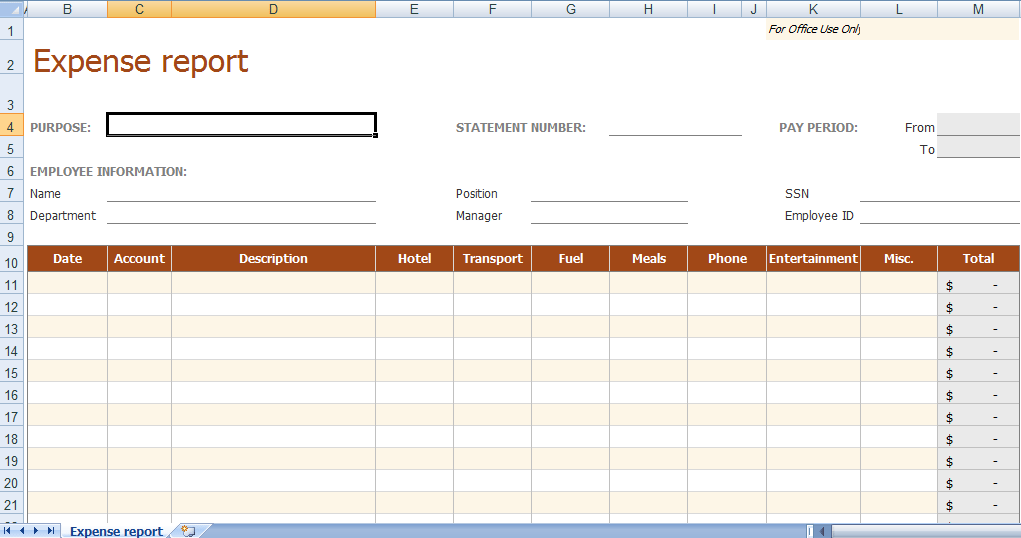
A practical row identifies the expense date, supplier, description, category, amount, currency, and evidence reference. Add a project or cost code when the organization uses one. The description should explain the expenditure well enough to connect it with the stated purpose.
Write the business purpose separately when a supplier name alone is insufficient. A restaurant name does not explain why a meal appears on a work report. Provide the relevant explanation through the actual policy’s fields while avoiding unnecessary personal information about other people.
Keep line descriptions specific without copying entire receipts into the form. The report indexes the supporting evidence, while the original document preserves the transaction detail. Clear references make it easier to find the right record during review or later correction.
Keep amounts and currencies consistent
Record the original amount and currency. If the reporting process requires conversion, show the reporting currency, converted amount, and rate or source according to the applicable policy. A bare number with no currency can lead to an incorrect total.
Do not add amounts in different currencies as if they were interchangeable. Separate subtotals or apply the approved conversion process. Retain enough information for the reviewer to understand how the reported figure relates to the original receipt.
Identify known taxes, tips, or other components in the way the process requires. Whether an amount is eligible or has a particular tax treatment depends on the actual circumstances and rules. A template label does not settle those decisions.
Connect receipts to the correct entries
Give supporting documents references that match the expense rows. One document may support several components, but the relationship should be clear enough to avoid duplicate claims. Keep the original evidence distinguishable from the report’s summary.
If evidence is missing, use the required exception process rather than inventing a receipt or changing the description. Record the limitation honestly and identify the reviewer decision needed. An explanation is not automatically a replacement for documentation.
Check that each attachment relates to the stated date, payee, amount, and purpose. A file with a similar name may belong to another transaction. Matching evidence deliberately can expose a mistaken row before it becomes part of an approved report.
Apply the actual reimbursement rules
An expense that appears on a report is not automatically reimbursable. Separate the amount incurred, amount claimed, amount approved, and amount paid when the workflow needs those distinctions. The categories support a decision rather than predetermining it.
For a United States example, IRS Publication 463 describes accountable-plan requirements involving a business connection, adequate accounting, and returning excess amounts. This is a jurisdiction-specific tax framework, not a universal rule created by a sample form. Check the applicable policy and tax requirements for the real arrangement.
Do not use the template to promise a tax deduction or a particular payroll result. The report can organize facts for the appropriate reviewer. Eligibility and reporting treatment need the relevant rules and circumstances beyond the visual appearance of a completed page.
Fictional example: a short business visit
Consider an invented visit with a train ticket costing sixty units of currency and a hotel bill of one hundred twenty. Both were paid personally. A thirty-unit supply purchase was paid on an organization card and needs recording, but is not included in the employee’s reimbursement request.
The report records total reviewed expenditure of two hundred ten and a personal-payment claim of one hundred eighty, assuming those two personally paid amounts are eligible under the fictional policy. That assumption is explicit and does not establish a rule for any real employer.
The employee had received a one-hundred-unit advance. Under this simplified example, the remaining amount due after applying the advance is eighty. The form shows the advance separately rather than hiding it as a negative hotel cost or claiming the full one hundred eighty again.
The reviewer checks the actual evidence and applicable policy before approval. The report remains submitted until that decision occurs, and approved until payment is recorded. These labels prevent the completed arithmetic from being mistaken for a completed reimbursement.
Handle advances, refunds, and corrections
An advance supplies funds before the final accounting. Record its amount and reference through the established process, then show how it relates to approved expenditure. Do not treat receiving an advance as proof that every later expense is eligible.
A refund or credit can change the amount that should remain on the report. Record the connection to the original expense and use the required correction route. Keeping the full original claim without identifying a known refund can overstate the expenditure.
If an error is discovered after submission, preserve a clear correction history. Identify the revised report and affected lines so that reviewers do not process both versions as new claims. The exact workflow depends on the organization, but the records should explain what changed.
Separate submission, review, and payment
Give the report an identifier where multiple submissions could otherwise be confused. Record the submitted date and the person responsible for review. Approval fields should remain for the actual authorized decision rather than being prefilled merely to complete a sample.
The reviewer may request clarification, approve part of a claim, or decline an item under the applicable policy. A useful layout has space for that outcome and its reference. A single signature box should not imply that every expense was accepted without an actual decision.
When payment occurs, record the payment reference through the appropriate system. A reimbursement report and an account transaction can be connected without being the same record. The distinction helps prevent a submitted claim from being shown as already settled.
Choose the format and protect the record
A PDF may support printing or manual completion without providing editable controls. A spreadsheet can assist calculations when the actual file supplies them, but formulas need checking against the defined fields. A caption naming Excel is insufficient when its download graphic is unlinked.
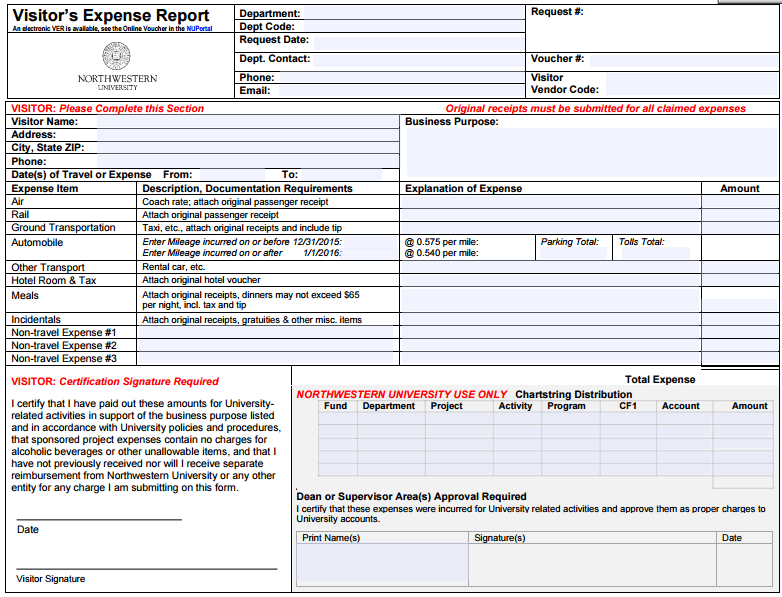
The linked institution-specific PDFs may include fields or instructions designed for those institutions. Review them for layout ideas while using your own current process. Do not adopt another institution’s approval names or policy references as if they applied to your organization.
Expense records can contain addresses, travel details, or payment information. Keep only the information the process requires and use the approved storage and sharing route. A broadly shared example should contain invented data rather than another person’s actual supporting documents.
Review totals before submitting
Check each amount against its evidence and confirm the reporting period and currency. Review subtotals, advances, corporate-card entries, and any adjustments for duplication. A correct grand total can still conceal an incorrect claim category or payment source.
For a spreadsheet, check that added rows are included and that text-formatted numbers are not excluded from calculations. For a paper form, recompute the totals. A reusable layout does not guarantee that copied formulas or handwritten arithmetic remain correct.
Remove demonstration values before issuing a blank master. Preserve the field labels and current instructions while keeping completed records distinct. A real report needs the actual transactions and supporting documents rather than plausible-looking values copied from an example.
Use the report for a traceable decision
The report should let a reviewer understand what happened, why the expenditure is presented, which evidence supports it, and what decision remains. Clear fields and references are more useful than a decorative page that hides essential distinctions.
If a report regularly returns for clarification, review the missing information and update the master where appropriate. A recurring problem may involve unclear categories or absent payment-source fields. Improving those fields can reduce repeated questions without removing legitimate review.
An expense report organizes the record and the workflow. It does not replace receipts, accounting records, employer policy, or applicable tax requirements. Its value comes from accurate itemization, traceable evidence, transparent adjustments, and an honest status for the claim.
Get Expense Report Form Templates Below
Expense Report Form Example
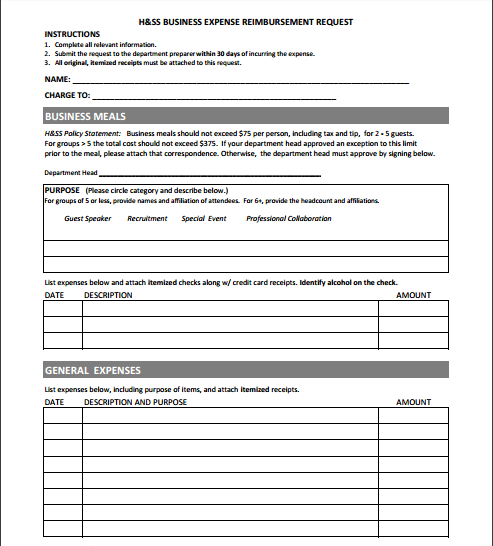

Travel Expense Report Form
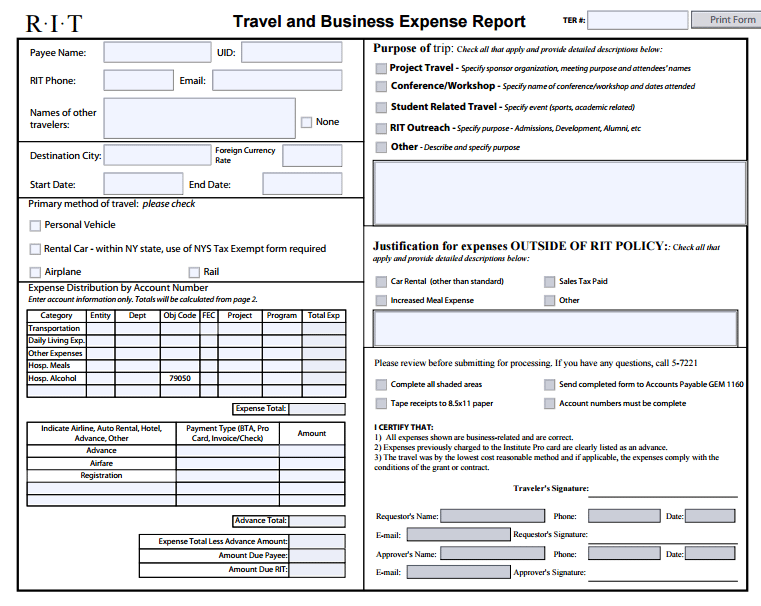
Sample Expense Report
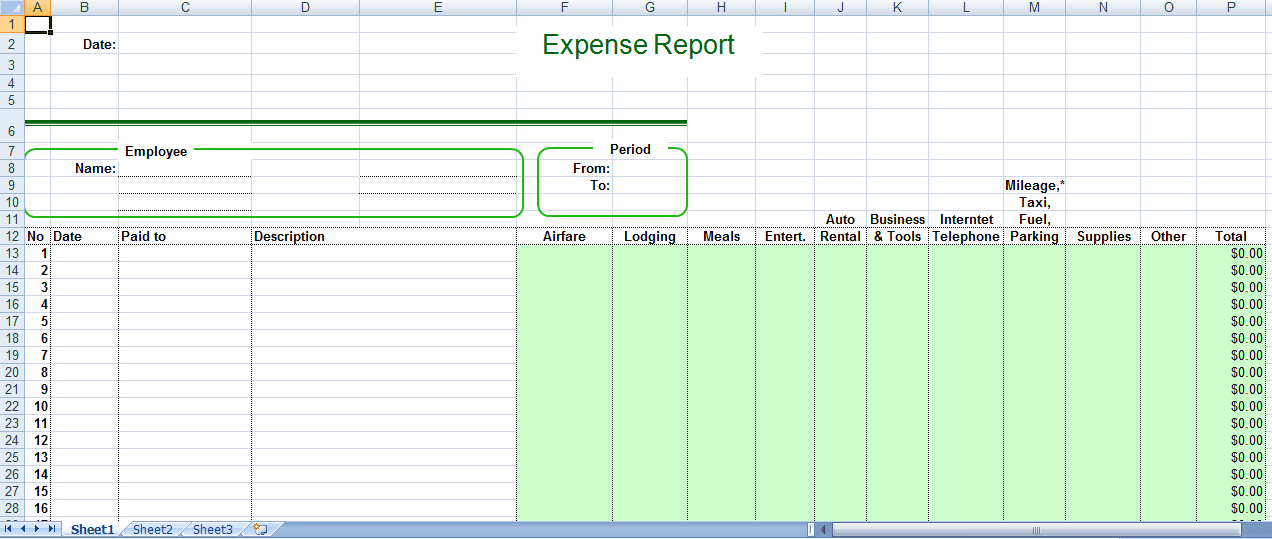
Expense Report Editable
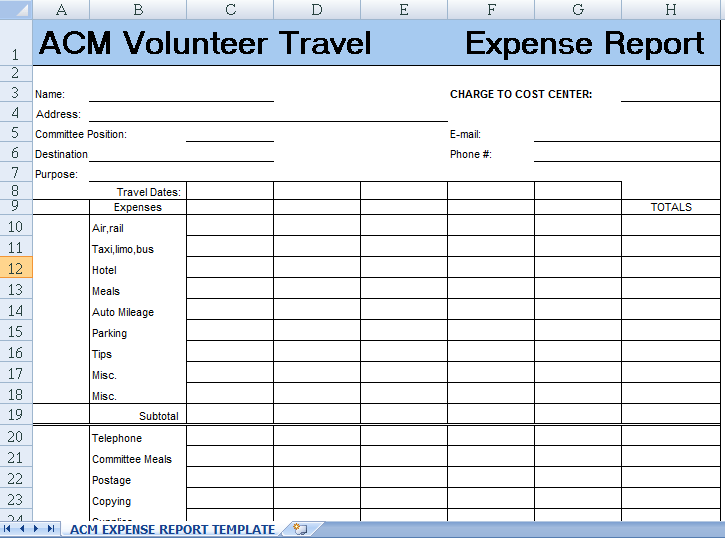
MS Excel Expense Report
Expense Report Claim Form
Frequently Asked Questions
Is an expense report proof of reimbursement?
No. It may record a submitted claim. Approval and actual payment are separate events that need their own records.
Are all six previews linked to editable files?
No. Three original destinations are external PDFs and three graphics are unlinked. Inspect the actual resource before assuming editability or spreadsheet calculations.
Should corporate-card costs appear in the employee’s amount due?
Identify the payment source and follow the applicable process. Recording an organization-paid expense does not automatically make that amount owed to the employee.
What happens when a receipt is missing?
Use the required exception process and disclose the limitation. Do not invent evidence or assume an explanation guarantees acceptance.
Can I total different currencies together?
Keep currencies distinguishable and use the approved conversion process where required. Do not simply add unlike currency amounts.
How should an advance be recorded?
Show its amount and reference separately and reconcile it through the applicable process. An advance is not proof that every expenditure qualifies.
Does completing the form make an expense tax deductible?
No. Tax treatment depends on the applicable jurisdiction, arrangement, and facts. The form organizes information for that assessment.
What should I clear before reusing a template?
Remove example transactions, personal data, approval marks, and payment references. Retain the current field labels and instructions needed for a blank master.
