A daily schedule template allocates available time around fixed commitments and realistic priorities. Place appointments first, allow transitions and leave space for changes. Use the schedule to guide the day while keeping actual completion separate from the original plan.
Compare the plan with a daily activity log, organize household errands in a shopping list and capture continuing assignments in a task list. Use those records to adjust future time blocks rather than copying unfinished items indefinitely.
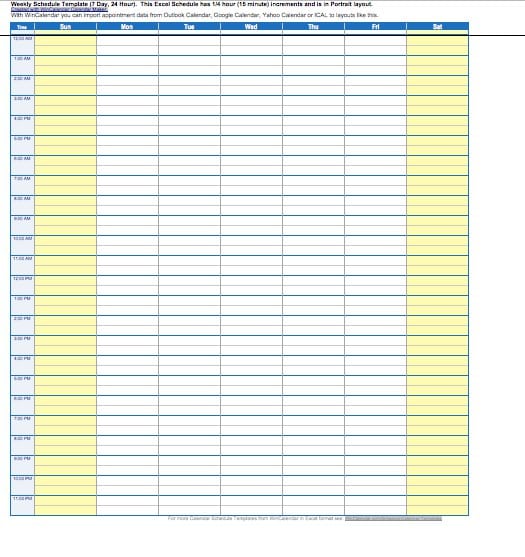
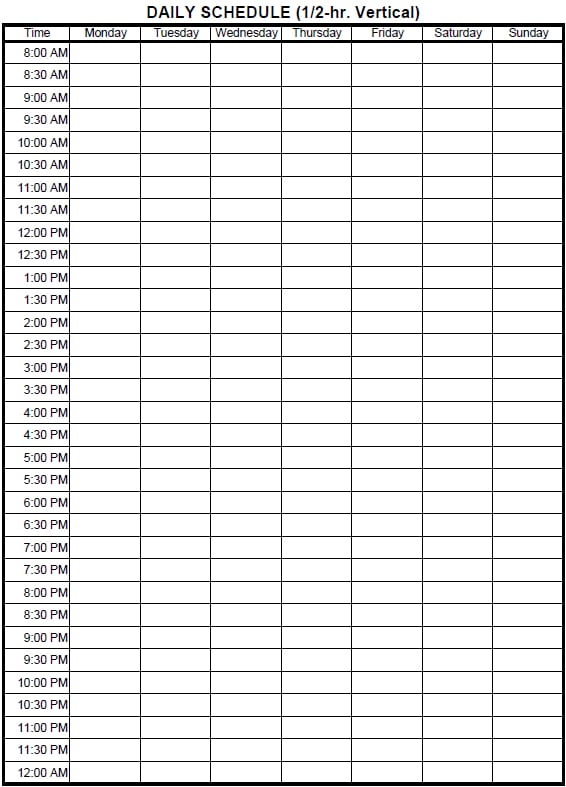
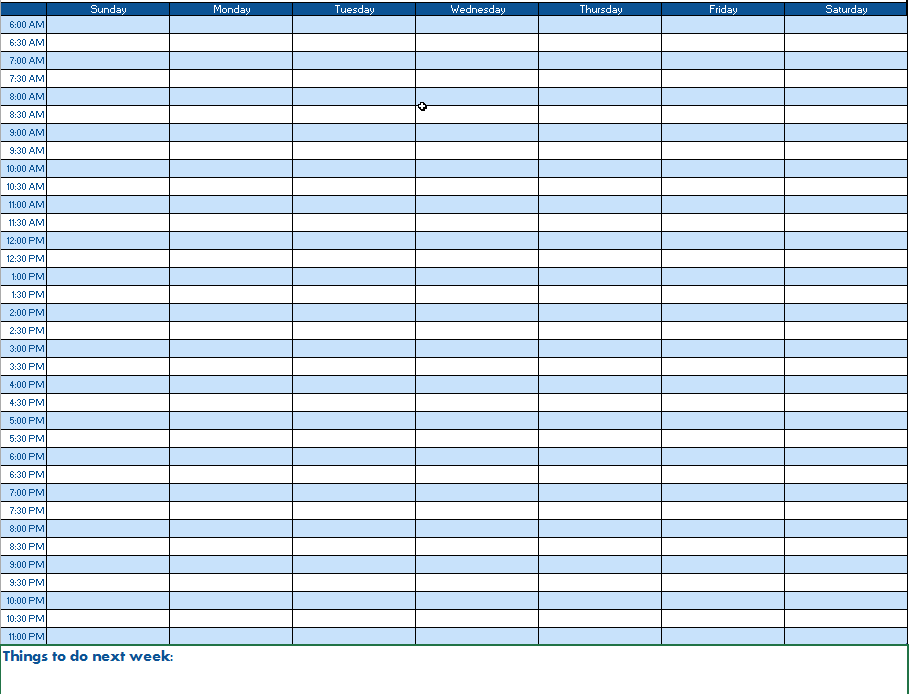
The five previews below link to external schedule-resource pages. Review the selected destination and its actual file format before deciding how to edit or print it. The images illustrate layouts; they do not establish that all resources are current, free to use under the same terms, or available as the same file type.
Keep a to-do list for the work you may need to do and use the schedule for the work you intend to fit into a particular day. A action plan can track the larger objective and its steps. The daily page then selects specific next actions rather than trying to reproduce an entire project.
What Is a Daily Schedule?
A daily schedule is a time-based plan that organizes activities and responsibilities throughout a particular day. It can include work tasks, appointments, meetings, study periods, household responsibilities, breaks, errands, and personal activities.
A daily planner template provides a structured way to create this plan. You can enter activities into appropriate time slots and adjust the schedule whenever your priorities change.
Free Daily Schedule Templates
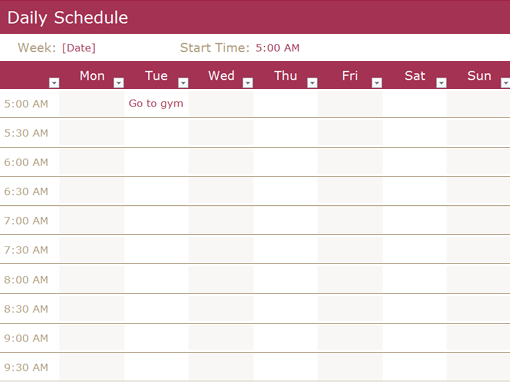
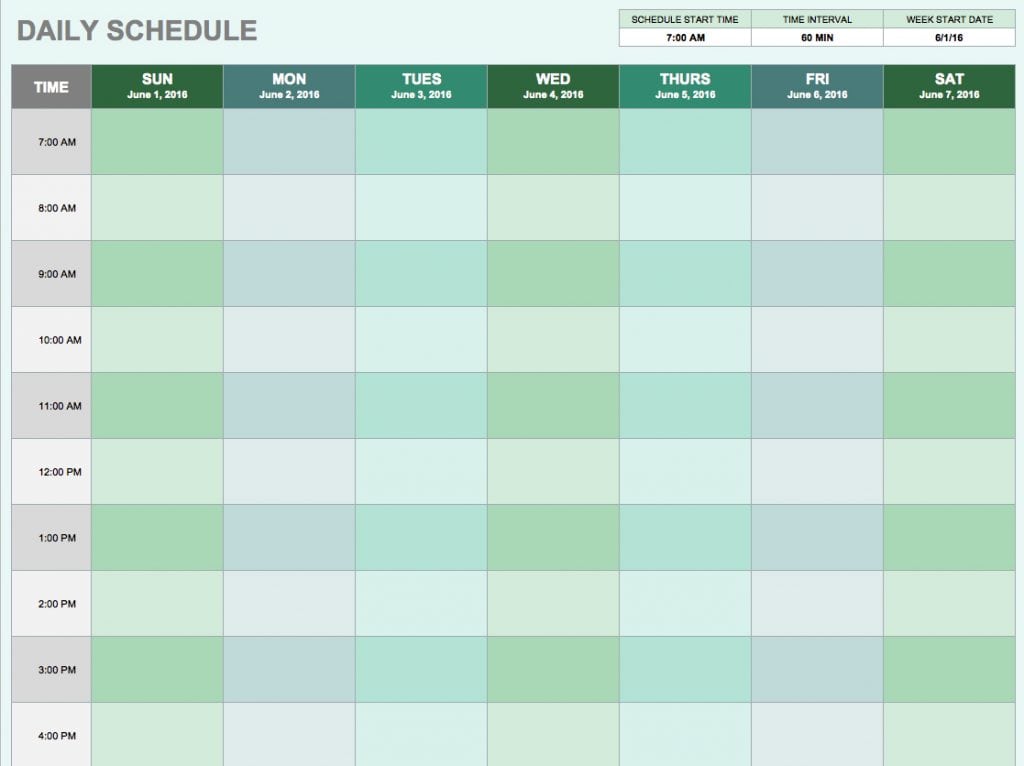
These free daily schedule templates are useful for both personal and professional planning. You can customize a template according to your routine, add your daily tasks, and print it for easy reference. The page provides five daily schedule templates designed to help users organize and complete day-to-day activities efficiently.
A printable daily schedule template can be particularly useful if you prefer writing tasks by hand and keeping your daily plan somewhere visible. A digital version can be edited whenever appointments or priorities change.
Daily Schedule for Work
A daily work schedule template can help employees, managers, freelancers, and business owners organize their working hours. You can schedule meetings, project tasks, calls, administrative work, deadlines, and breaks in a logical order.
Creating a work schedule in advance can also make it easier to identify busy periods and protect time for important tasks. A structured plan does not need to account for every minute, but it should provide enough organization to keep the workday focused.
Daily Schedule for Students
A daily study schedule template can help students divide their available time between classes, homework, revision, projects, and personal activities. Assigning specific periods to different subjects can make study sessions more organized and reduce the tendency to postpone important work.
The same approach can be adapted for exam preparation, homework planning, online learning, or a regular school routine.
Personal Daily Planner
A personal daily schedule template can be used to organize appointments, exercise, household chores, errands, shopping, family activities, and other responsibilities. It can also include personal goals and priority tasks.
A simple daily planner is often more practical than an overly complicated productivity system because it focuses attention on what needs to be accomplished today.
How to Create an Effective Daily Schedule
Start by identifying the most important tasks and appointments for the day. Assign realistic time periods to those activities and leave some flexibility for unexpected work or interruptions. Grouping similar activities together can also make the schedule easier to follow.
Review your schedule at the beginning or end of each day and move unfinished tasks to an appropriate future time rather than continually carrying them forward. The goal of a daily task schedule is to provide structure while remaining practical enough to follow.
These templates can be adapted for home, school, office, business, and personal use, making them a simple way to bring more organization to everyday activities.
Start with the time you actually control
Write the date and the period the page covers. Enter fixed commitments, travel or transition time, and any relevant location or time zone. A remote meeting at a specified time and a task that can be done anytime are different constraints. A schedule needs to show that distinction before optional work is assigned.
Estimate the time available between those commitments. A day containing eight calendar hours does not necessarily contain eight hours for focused tasks. Meetings, breaks, travel, routine communication, and the transition between activities occupy real time. Do not fill every blank slot with another demanding task simply because the page has space.
Choose a small number of priority outcomes that match the available period. “Complete the draft introduction and outline” is easier to schedule than “finish project.” If the task has a clear next action and a defined stopping point, a work block can remain useful even if the whole project takes several days.
Fictional example: a realistic office day
Consider an invented workday from 09:00 to 17:00. A meeting runs from 10:00 to 10:45, and a customer call is fixed at 14:00. The planner places a 45-minute preparation block before the meeting and a separate follow-up block afterward. That recognizes that attendance alone does not complete the work associated with the meeting.
The main task is reviewing a short proposal. The planner reserves a focused block from 11:15 to 12:15 for checking the scope and noting questions, not for promising that every issue will be resolved. A later block can use the responses. The schedule names the intended result so the person knows what progress to look for.
Routine messages receive a defined review period rather than interrupting every other block by default. A buffer remains before the fixed customer call. If the morning meeting runs late, that buffer provides room for a deliberate adjustment rather than forcing the person to pretend that the original plan still fits exactly.
The example is a planning illustration, not a prescribed working pattern. Real requirements, responsibilities, and preferences differ. Its purpose is to show how fixed commitments, preparation, task scope, and flexible time can fit on the same page without creating overlapping promises.
Distinguish appointments, deadlines, and work blocks
An appointment reserves a specific time with another person or process. A deadline states when a result is due. A work block is time allocated to making progress toward that result. Writing a deadline into a slot does not create the work time needed to meet it.
For a task due at 16:00, decide what must be done before that time and allocate the necessary steps earlier. If another person’s response is required, identify that dependency. A schedule that leaves the entire task until the deadline may look orderly while giving no room to receive or use the response.
Use labels that make the distinction visible. “Submit draft by 16:00” and “review draft 13:00–14:00” can coexist without ambiguity. Mark tentative appointments as tentative until confirmed. A requested meeting time should not be shown as an accepted commitment if the other participant has not agreed.
Make study and household plans specific
For study, place fixed classes or sessions first, then identify the next piece of work. “Practice the assigned examples and note unresolved questions” has a clearer stopping point than “study mathematics.” Keep assignment deadlines visible, but give the actual work its own blocks rather than placing all preparation on the due date.
For a household day, account for travel and the timing of activities involving other people. Shopping, appointments, and home tasks may have different constraints. A short task that can be done in several windows should not displace a fixed appointment without a reason.
Use a checklist when completion involves several small checks, such as preparing documents for an appointment. The schedule can reserve time for that preparation without carrying every checklist item in a cramped time cell. Connected tools work best when each keeps a clear purpose.
Adjust the day transparently
When an interruption occurs, identify the effect on the next commitment and priority. Move, shorten, or defer a flexible block deliberately. Do not leave several activities overlapping on the page and assume that an unchanged schedule still describes the plan.
If a task repeatedly takes longer than expected, use that information to revise future estimates. Separate the original estimate from the actual time where you are reviewing the plan. The aim is a better understanding of the work, not a false record showing that every block finished on time.
An unfinished item needs a decision. Carry it to an appropriate future period, redefine its next step, or remove it if it is no longer needed. Recopying the same broad task every day without examining why it remains open can make a planner look busy while hiding the real constraint.
Keep the printed or digital page readable
Choose a layout that suits the way you plan. Hourly rows can help with fixed appointments; broader blocks may suit a day organized around a few outcomes. Avoid adding so many notes, categories, and symbols that you cannot find the next commitment quickly.
Review the actual edited file before printing or sharing. Check the date, start and end times, readable task names, and any notes that affect location or attendance. A tiny image preview does not show whether your full task descriptions will fit in the working file.
Keep the blank master separate from completed daily pages. Remove previous appointments and actual results when preparing a new day. If a schedule is shared, make its date or version clear so another person does not mistake an old export for the current plan. A daily schedule is a proposal for using time; it should not be presented as proof that the listed work actually occurred.
Download Daily Schedule Templates Now

Frequently Asked Questions
Are the five resources all the same editable format?
The existing links lead to external resource pages. Review the selected destination and its actual format and terms rather than assuming one file type for all previews.
How is a daily schedule different from a to-do list?
A to-do list records possible or required work. A schedule places selected work and commitments into the time available on a particular day.
Should every minute be filled?
Leave realistic room for transitions, breaks, and unexpected work where your day requires them. Blank space can support a workable plan rather than indicate poor organization.
Is a deadline the same as a work block?
No. The deadline is when the result is due. A work block allocates time to produce or review that result before the deadline.
How do I record a tentative meeting?
Label it as tentative until the relevant process confirms it. A requested time should not be presented as an accepted appointment.
What should I do when a task runs over?
Review the impact on fixed commitments and priorities, then deliberately move or redefine flexible work. Avoid leaving overlapping blocks without resolving the conflict.
How can students make study blocks clearer?
Name the specific next activity and intended result, such as practicing assigned examples or outlining a section. Keep fixed classes and assignment deadlines separate from the preparation time.
Does a completed schedule prove the work occurred?
No. A schedule is a plan. Use actual completion or time records where evidence of work is needed, rather than treating planned blocks as completed events.